ホクロを自然に除去するプロンプト
顔のホクロのみ自然に除去。他のホクロやそばかすは保持したまま除去。肌加工の基本スキル。
20 閲覧0 コピー
効果サンプル(Before / After)
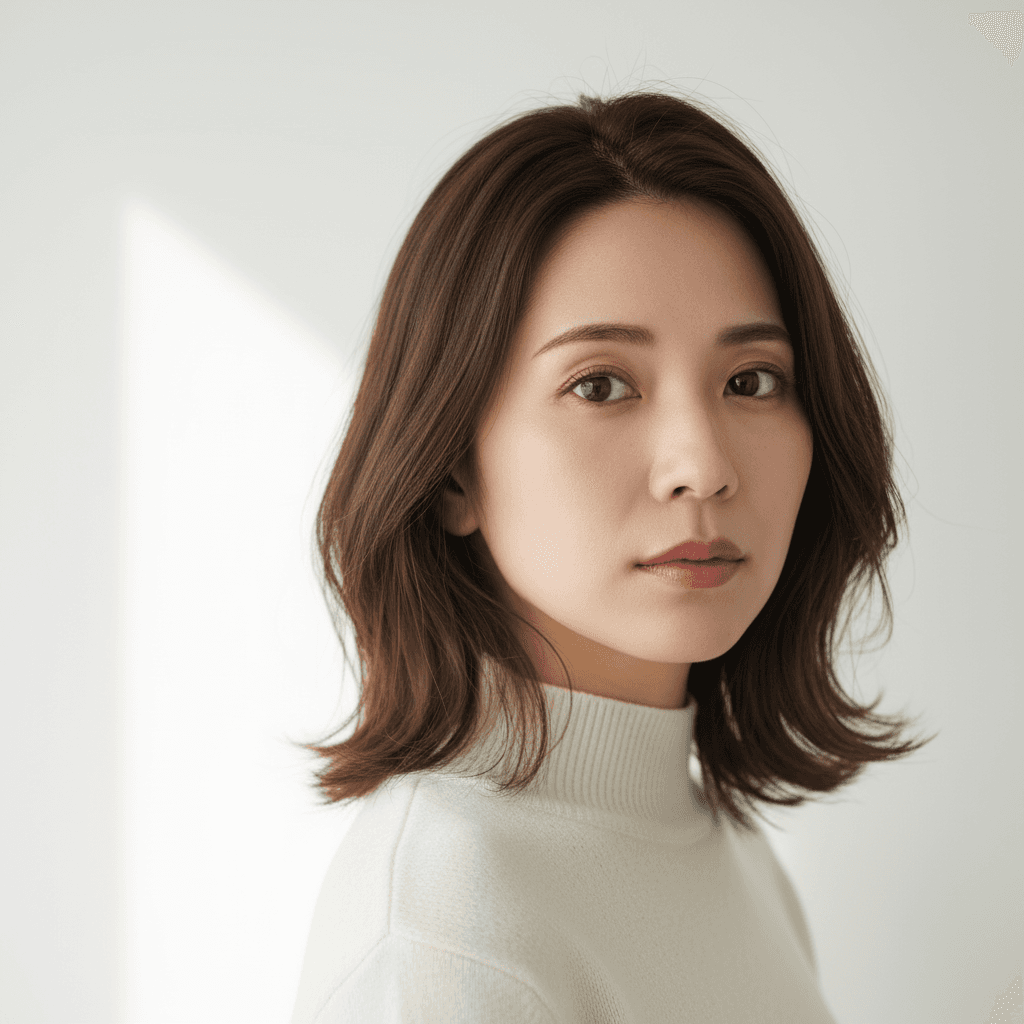
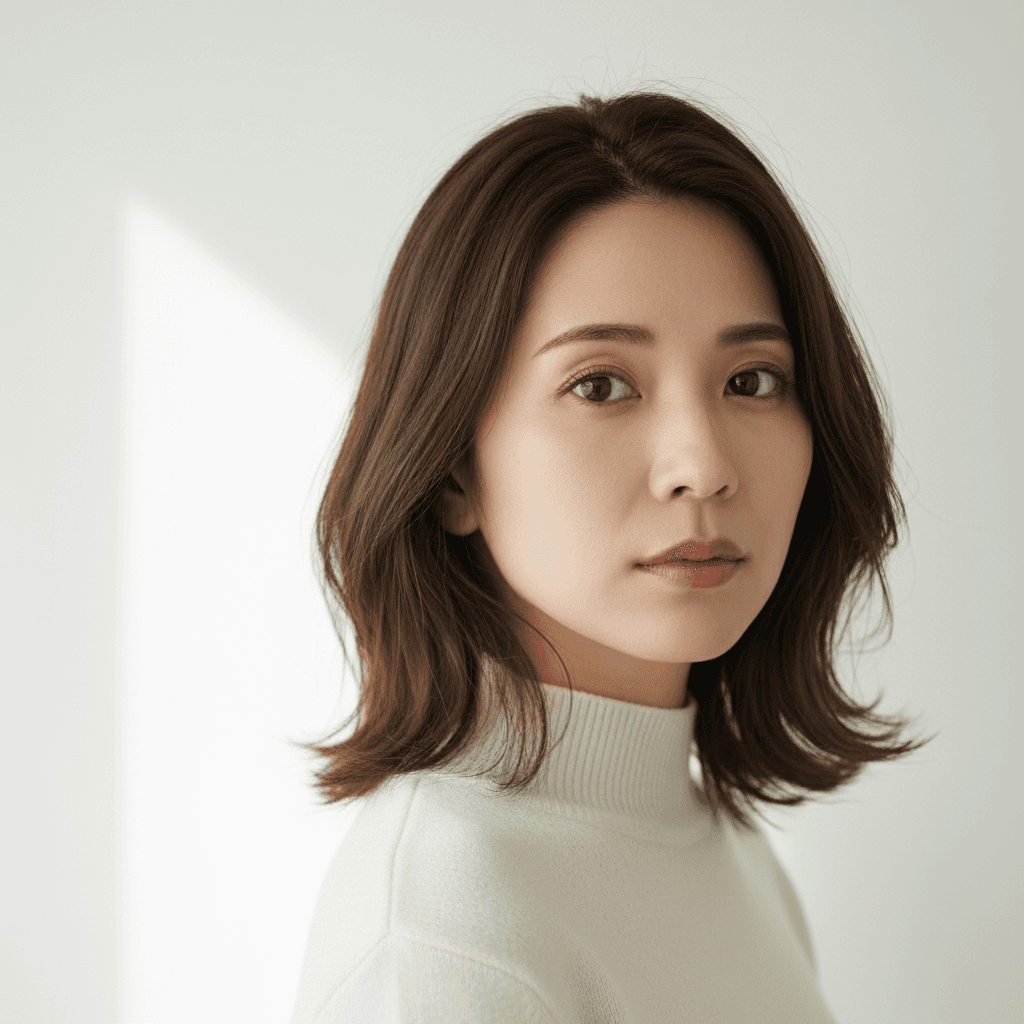
Gemini 2.5 Flash Image で生成したサンプル。実際の出力はソース写真と指示文の組み合わせで変わります。
プロンプト
Edit only the area of one specific raised mole on the cheek in the uploaded photo. Remove that single mole and replace it with surrounding natural skin tone, preserving the existing pore pattern and any nearby freckles. Do not touch any other moles, freckles, beauty marks, or skin features elsewhere on the face or body. Keep identity, facial structure, freckles below the nose, fine lines, eyebrow shape, lip color (do not add lipstick), makeup state, hair, clothing, and background. Do not over-smooth the skin and no plastic-looking face. Output at the original resolution. Natural skin texture and natural-looking.
🚀 ここで試す
このプロンプトをサイト内で実行できます。
📸 編集元の写真をアップロード
※ 実行にはサインインが必要です(Google または メールリンク、初回 15 ポイント無料プレゼント)
使い方
- 1上のプロンプトをコピーボタンでコピーします。
- 2DALL-Eを開き、プロンプト入力欄に貼り付けます。
- 3必要に応じて、{ }で囲まれた部分を自分の内容に置き換えてください。
- 4生成を実行して結果を確認します。
タグ
関連ガイド
📖📖📖
プロンプトとは?意味・書き方・コツを徹底解説【AI初心者向け完全ガイド】
プロンプトの意味から書き方の5つのコツ、よくある失敗例、業務活用事例まで網羅した完全ガイド。ChatGPT・Claude・Gemini・Stable Diffusion・Midjourney・DALL-E対応の具体例つきでAIプロンプトを基礎から実践まで学べます。
プロンプトの書き方完全ガイド|効果的なAIプロンプト作成の7つのコツとテンプレート集
ChatGPT・Claude・Gemini・Stable Diffusion対応のプロンプト書き方完全ガイド。7つのコツ、コピペで使えるテンプレート、ツール別の違い、NG例と改善方法、業務活用例まで実践的に解説。
画像から動画AIプロンプト作り方|無料で試せる動画生成AIコピペ例・料理動画テンプレ
画像から動画AIプロンプトの作り方を解説。画像から動画 ai 無料で試す手順、AI料理動画プロンプト、動画生成AIプロンプトのコピペ例を、Kling・Runway・Pika・Gemini向けに紹介。