# 顔加工
「顔加工」タグが付いたプロンプト 12件
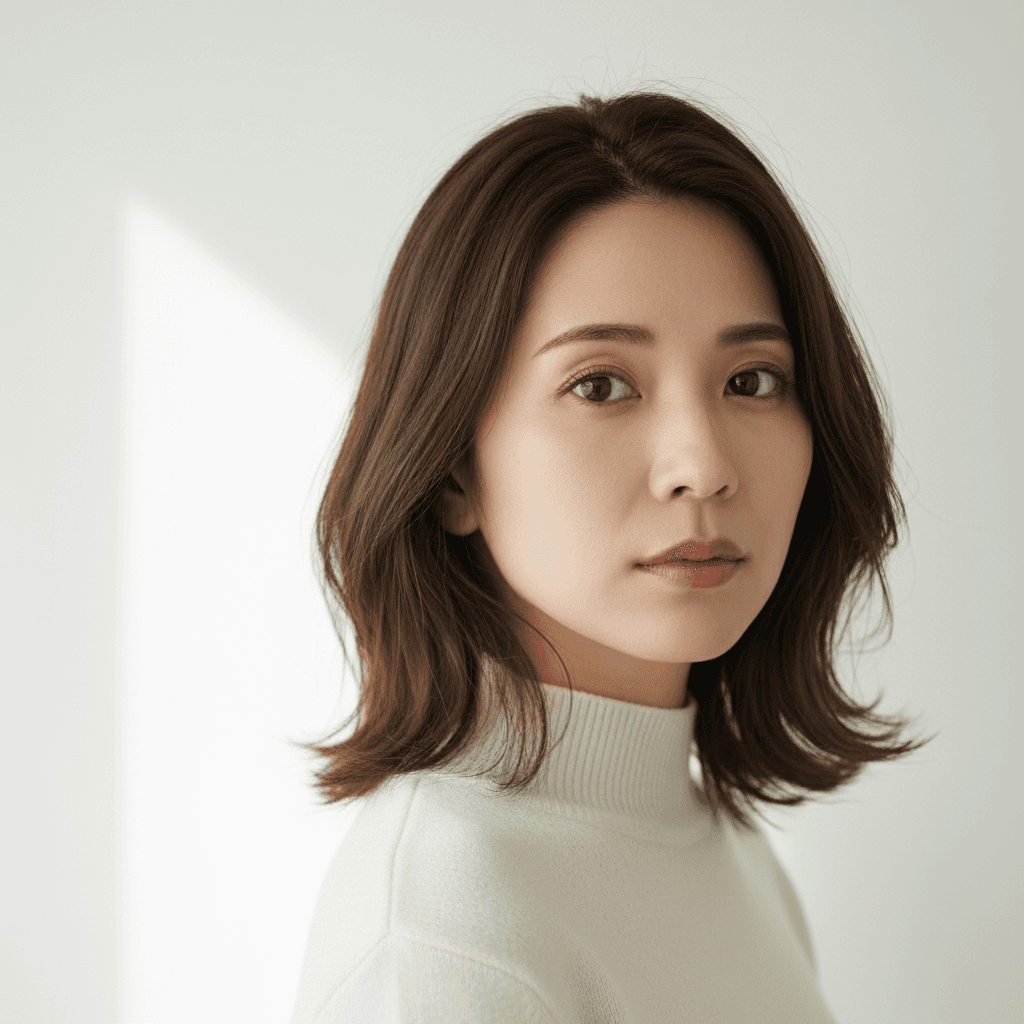 DALL-E
ホクロを自然に除去するプロンプト
顔のホクロのみ自然に除去。他のホクロやそばかすは保持したまま除去。肌加工の基本スキル。
Edit only the area of one specific raised mole on the cheek in the uploaded photo. Remove that single mole and replace it with surrounding natural skin tone, preserving the existing pore pattern and any nearby freckles. Do not touch any other moles, freckles, beauty marks, or skin features elsewhere on the face or body. Keep identity, facial structure, freckles below the nose, fine lines, eyebrow shape, lip color (do not add lipstick), makeup state, hair, clothing, and background. Do not over-smooth the skin and no plastic-looking face. Output at the original resolution. Natural skin texture and natural-looking.
Edit only the body and posture of the pet in the uploaded photo to render it as an anthropomorphic standing humanoid version of itself. Give the pet an upright bipedal stance with shoulders, arms, and
ペットを人間化する加工プロンプト
ペットを二足歩行する人間姿に変身させます。衣装を着た擬人化表現で、ユニークで楽しい作品に。
Edit only the body and posture of the pet in the uploaded photo to render it as an anthropomorphic standing humanoid version of itself. Give the pet an upright bipedal stance with shoulders, arms, and a humanlike torso, while keeping the head, fur, ears, eyes, nose, whiskers, and overall facial expression unchanged. Dress the upright body in a smart casual outfit: a soft beige cardigan over a white shirt and dark trousers, with small visible paws as hands. Render the proportions in a believable Beatrix-Potter-meets-Pixar storybook quality. Keep the pet's identity (same breed, fur color, marking patterns, eye color, and pose of the head/face) exactly as the source. Do not alter facial features or invent accessories that are not requested. Do not regenerate the photo from scratch — only operate on the existing pixels and preserve every face and texture exactly as the source. Do not invent new accessories or change the head proportions. Output at the original resolution. Photorealistic and natural-looking with a storybook-grade finish.
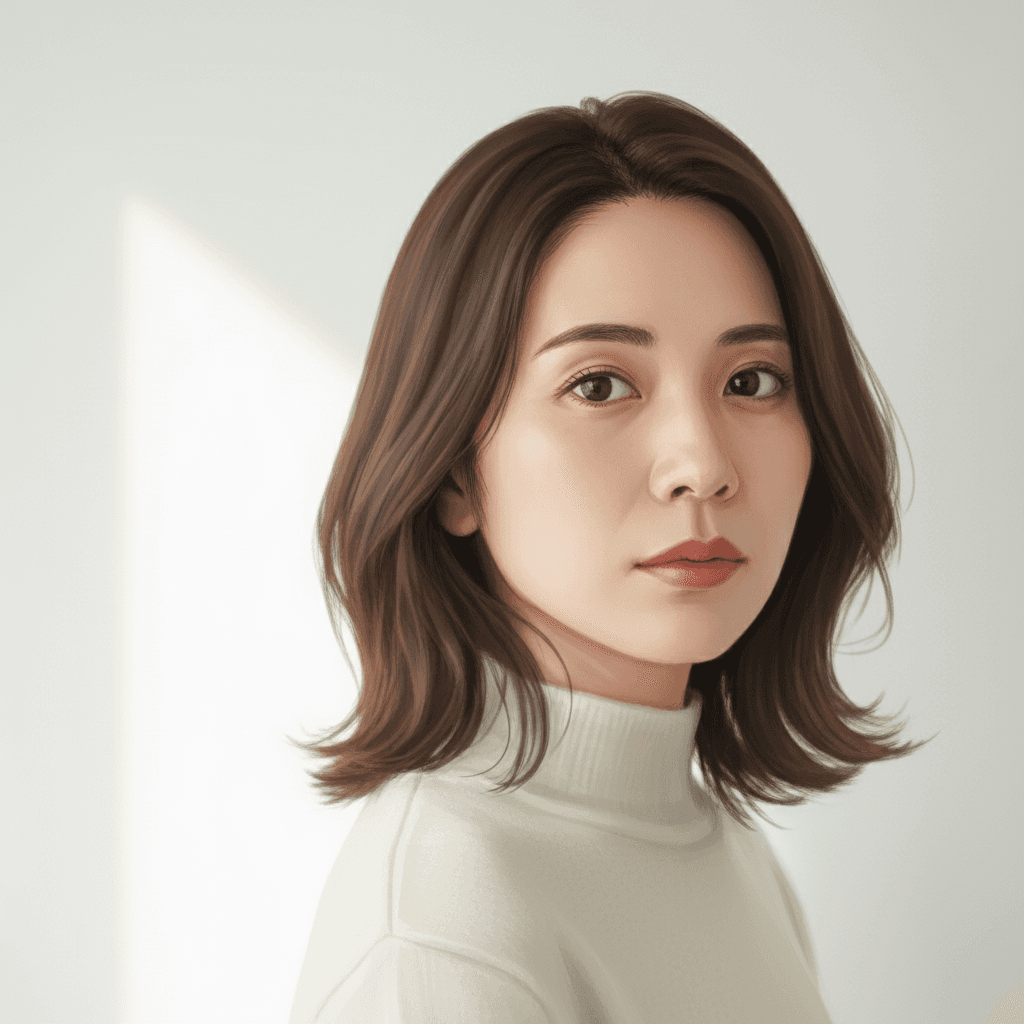 ChatGPT
ジブリ風アニメに変身するプロンプト
写真をスタジオジブリのような柔らかいアニメ画風に変換。優雅で温かみのあるイラスト表現に。
I uploaded a photo. Please re-render this image in a soft Studio Ghibli–inspired anime style: gentle hand-painted backgrounds, soft watercolor-like shading on skin, simplified but expressive eyes, slightly muted pastel palette, and a warm cinematic atmosphere. Lock identity (same recognizable face structure), hair length, clothing layout, pose, and composition exactly. Re-render in target style without changing any of these. Do not regenerate the photo from scratch — only operate on the existing pixels and preserve every face, pose, and texture exactly as the source. Do not invent new accessories or change the body proportions or pose. Output at the original resolution. Subtle and natural-looking in style transfer.
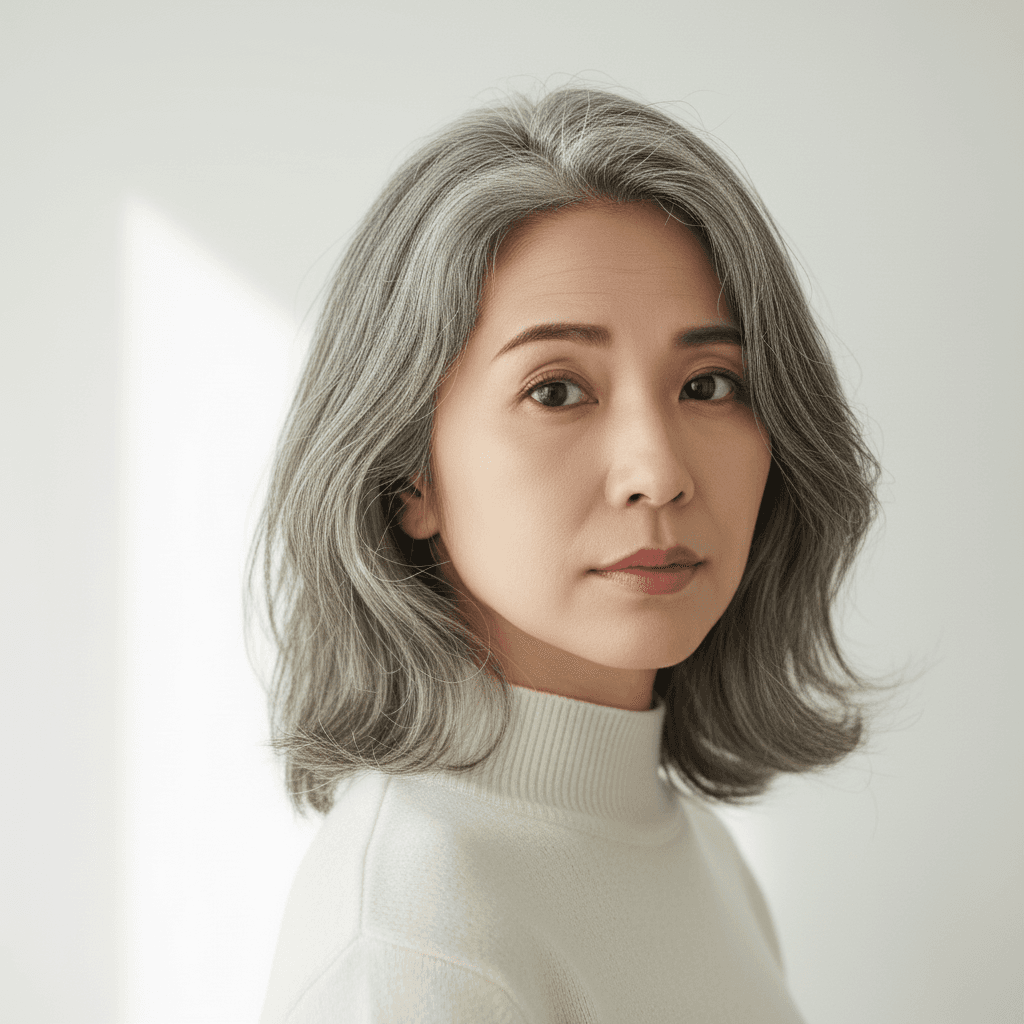 ChatGPT
50年後の自分を予測する加工プロンプト
現在の顔写真から50年後の姿を予測します。白髪やしわを加えリアルな年齢進行を表現。未来の自分を視覚的にシミュレーション。
I uploaded a photo. Please age the person in the image forward by approximately 50 years so they appear to be in their late 70s or early 80s. Add age-appropriate skin texture: fine wrinkles around the eyes (crow's feet), forehead lines, nasolabial folds, slight under-eye hollowing, and softened jawline definition. Shift the hair color to natural silver-gray with a few darker strands remaining. Slightly thin the hair density at the temples in a realistic way. Preserve identity (same person recognizable), pose, clothing, background, and hair length/cut. Only modify skin texture, hair color, and facial proportions in age-appropriate ways. Do not regenerate the photo from scratch — only operate on the existing pixels and preserve every face, pose, and texture exactly as the source. Do not invent new accessories or change the body proportions or pose. Output at the original resolution. Photorealistic and natural-looking.
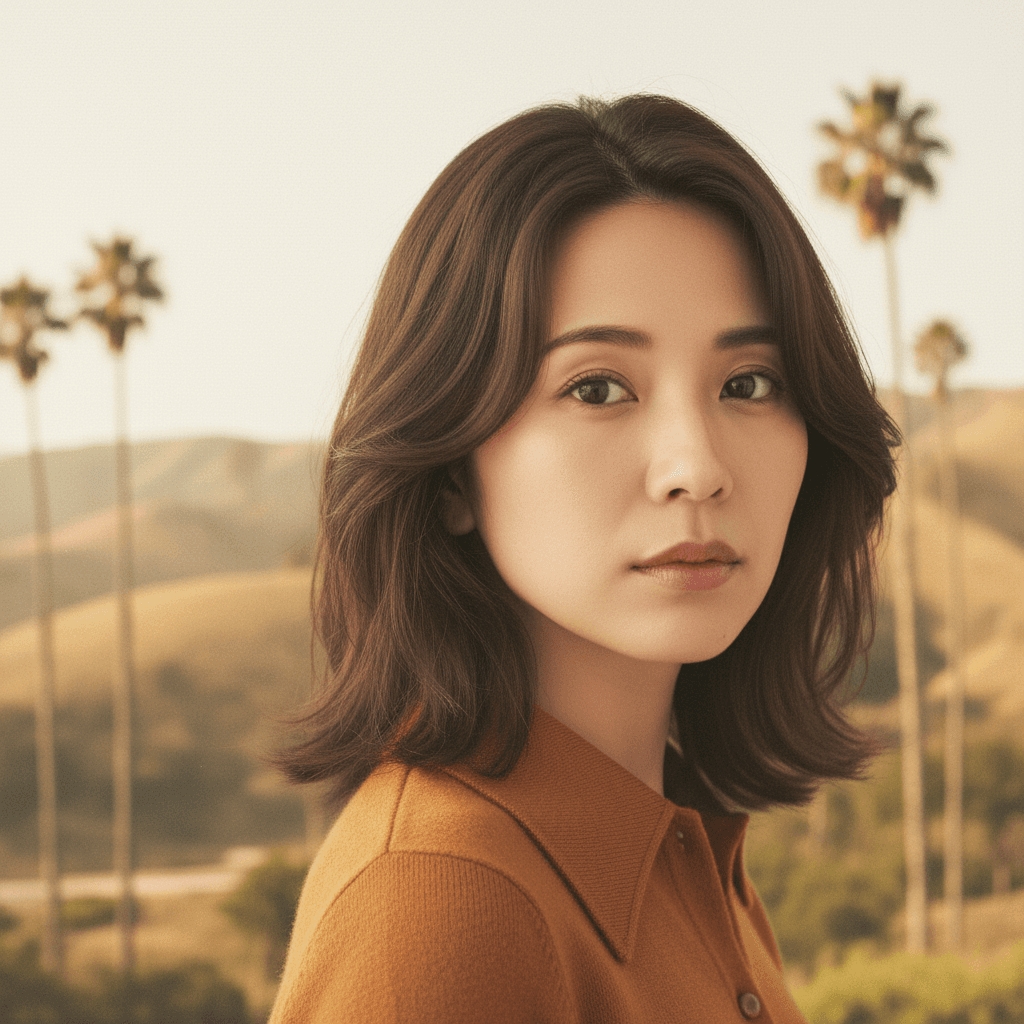 Gemini
1970年代変身 AI 写真 - レトロ風自分プロンプト
顔・性別はそのままに、髪型・服装・背景を 1970 年代カリフォルニア風に変身。バイラル系自分写真変換。⚠ Gemini は時代変身で性別を入れ替える傾向があるため、プロンプト内で性別ロックを明示。
Restyle the person in the uploaded photo to a classic 1970s-era look while keeping the original biological sex and gender presentation completely unchanged. Add period-appropriate hair styling matching the original gender (e.g., if female: long wavy hair, feathered layers; if male: long curly hair, sideburns or mustache only if originally present), period clothing (e.g., wide-collar shirt, denim jacket, earth-tone turtleneck, or boho dress), and replace the background with an iconic California summer landscape (golden coastal hills, tall palm trees, hazy sunlight). Preserve the person's identity, biological sex, gender presentation, eye shape, nose, jawline, skeletal proportions, and overall facial structure exactly as the source — do not alter the face or change the person's gender. Do not add facial hair (mustache, beard) if it is not present in the source. Output at the original resolution, photorealistic and natural-looking with subtle period film-grain and warm 1970s color grading. Do not regenerate the face from scratch — only operate on the existing pixels and preserve every facial feature exactly. Avoid cartoon, anime, or modern-day elements such as smartphones or contemporary brand logos.
 Gemini
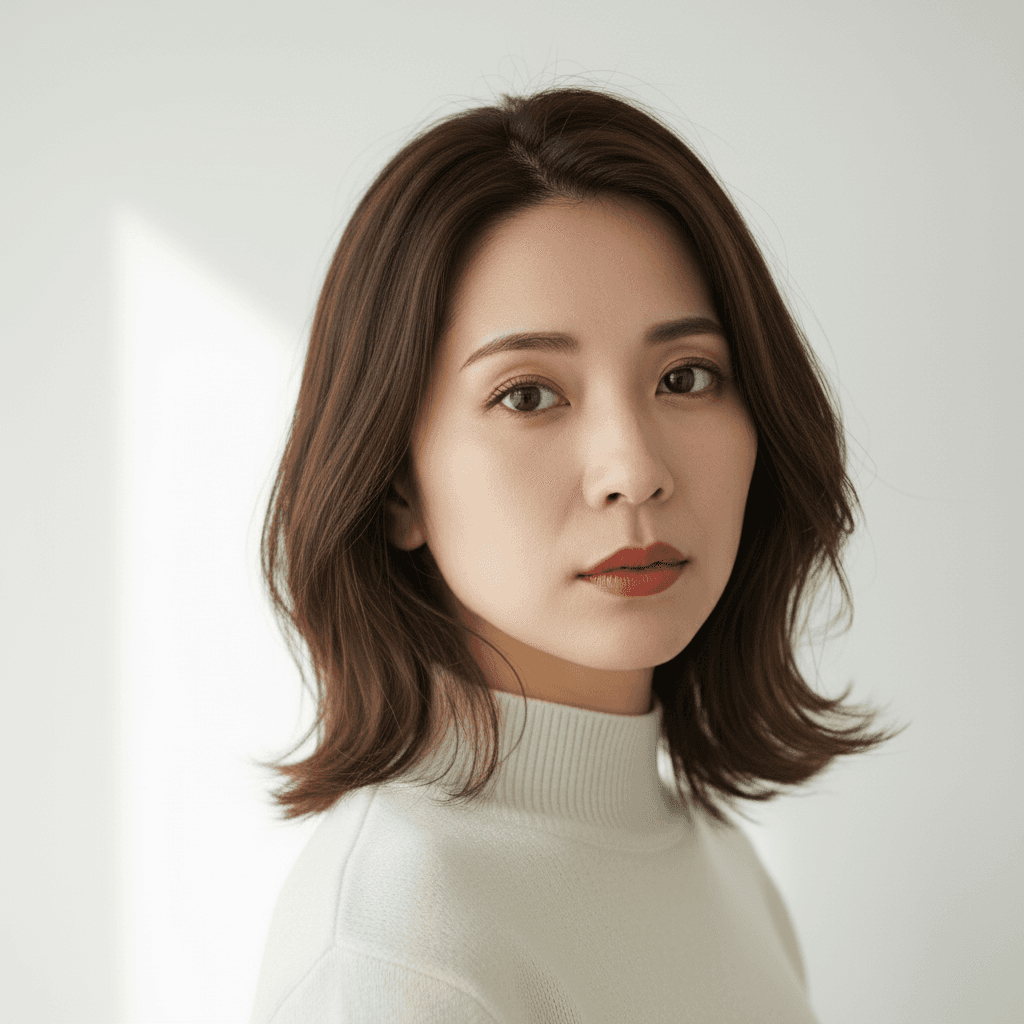
アジア 2インチ証明写真 - 青背景 AI プロンプト
日本・中国・韓国のビザ/履歴書/学生証用 2 インチ規格(35×49mm)証明写真を青背景でワンプロンプト生成。Gemini 2.5 Flash Image 用。
Transform the uploaded photo into an Asian-standard 2-inch ID photo (35×49mm) suitable for Japan, China, and Korea visa, resume, and student-ID applications: solid plain blue background (#3C66A6), head centered and facing directly forward, professional formal attire (suit, blouse, or shirt with collar), light closed-mouth smile, both ears and full forehead visible, eyes open and looking at the camera. Preserve the person's identity, eye shape, nose, jawline, skin tone, and natural skin texture without beautification. Crop tightly to a 35×49mm aspect ratio with the head measuring 28–33mm from chin to crown. Output at 600 DPI. Without beautification, no shadows on the face or background, and no glasses-glare. Do not generate bare skin or partial nudity, and avoid any plastic-looking face.
 Gemini
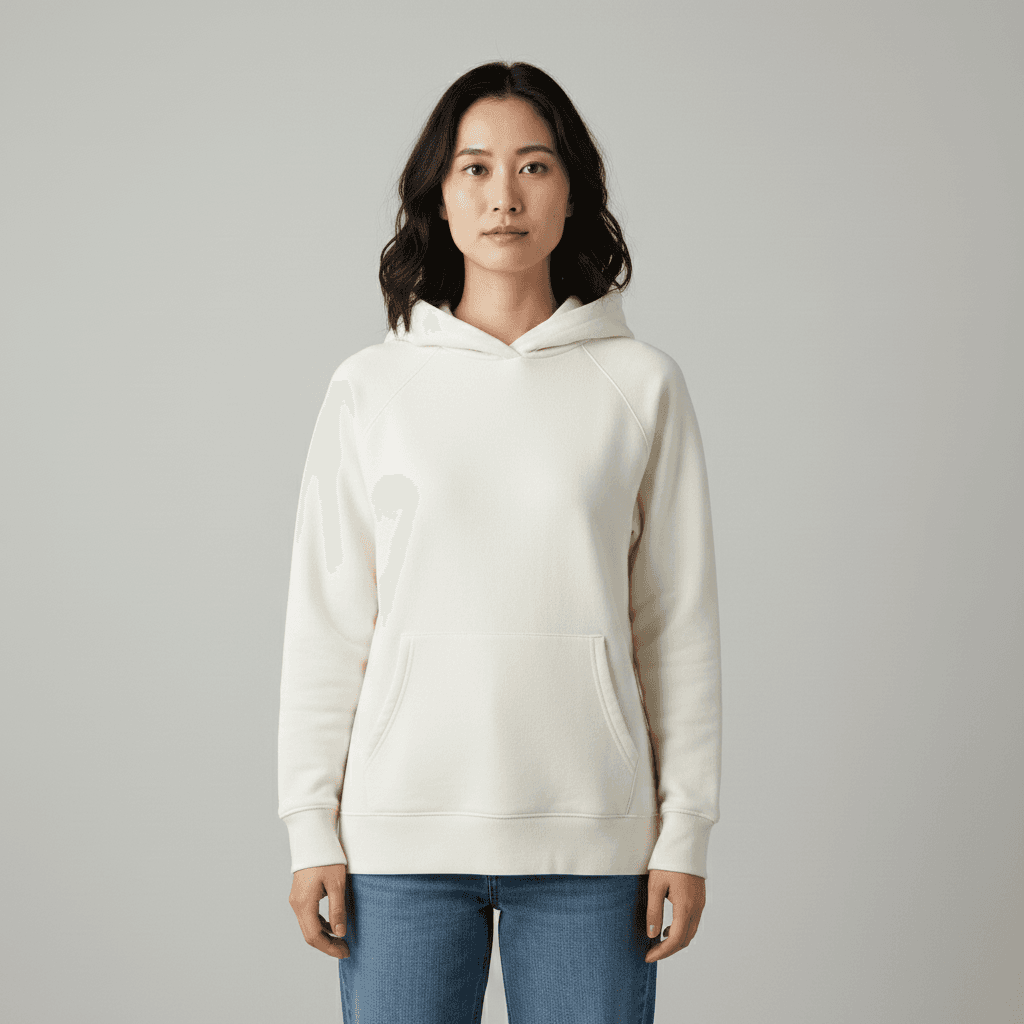
バーチャルメイク 参照画像転写 - AI 顔写真加工
メイク参照画像をアップロードするだけで自分の顔に同じメイクを再現。リップ・アイメイク・チークまで自動転写。Gemini 2.5 Flash Image 用プロンプト。
Apply the makeup look shown in the second uploaded reference image to the person in the first uploaded photo. Keep the first person's identity, eye shape, nose, jawline, hair length, hair color, hairstyle, clothing color, clothing fit, pose, and background exactly as the source. Match the lipstick color, eyeshadow palette, eyeliner shape, blush placement, and contour intensity from the reference image. Output at the original resolution, photorealistic and natural-looking. Do not modify the facial structure, do not over-smooth the skin, and avoid any cartoon makeup look or unnatural skin texture.
 Gemini
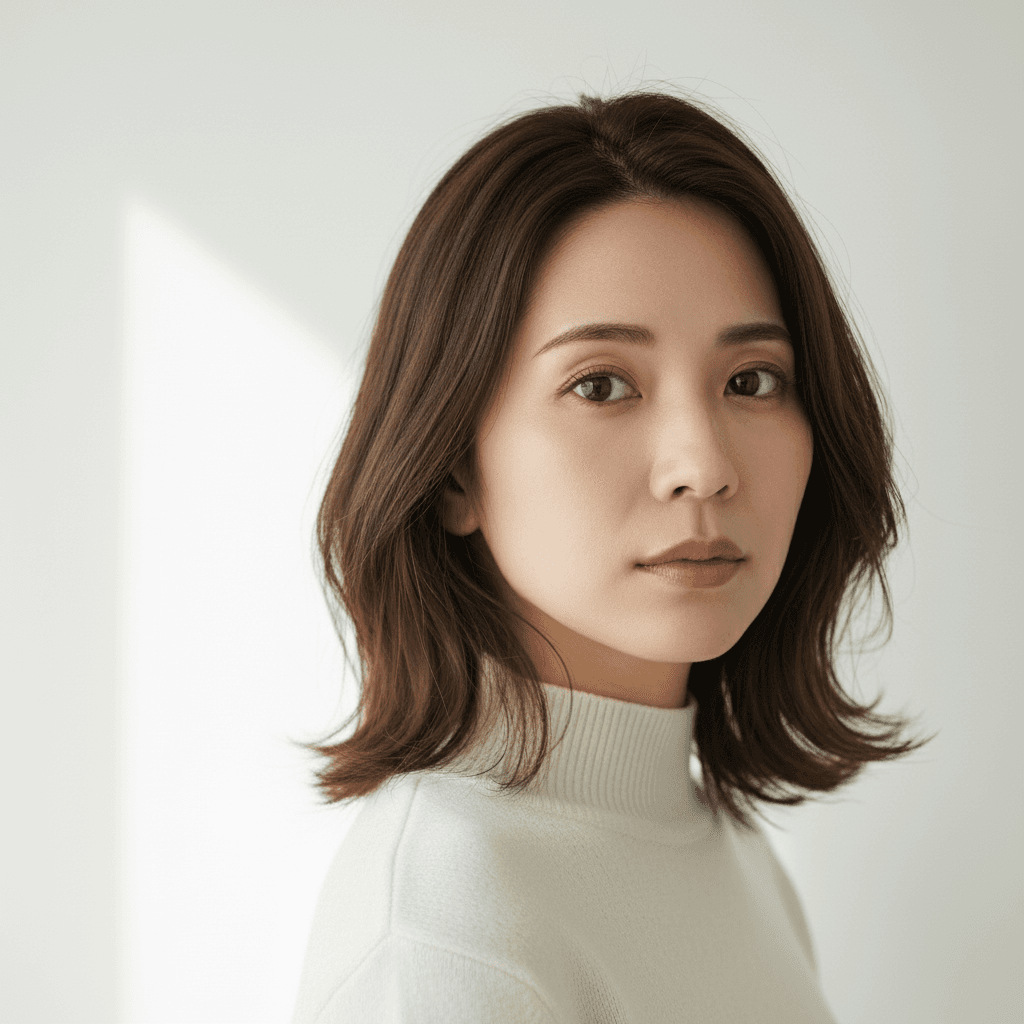
顔写真ポーズ修正 - 正面向き調整プロンプト
斜めや横向きの写真を AI で正面向きに自動修正。証明写真や LinkedIn 用前処理に最適。Gemini 2.5 Flash Image 用プロンプト。
Rotate the person in this image so they face directly forward toward the camera, with the head and shoulders square to the lens. Preserve the person's identity, eye shape, nose, jawline, hair length, hair color, hairstyle, eyebrow shape, lip color, makeup state, clothing color, clothing fit, accessories, and background exactly as the source. Adjust only the head, neck, and shoulder angle so both ears are visible, the gaze is straight at the camera, and the torso is centered. Output at the original resolution, photorealistic and natural-looking. Do not modify the facial structure or invent details around the neck, hair, or background, and avoid any unnatural neck stretching or shoulder distortion.
 Gemini
参照画像から服装移植 - AI 着せ替えプロンプト
2 枚アップロードで人物の服を参照画像の服に置き換え。顔・ポーズ・背景はそのまま、服だけ自然に合成。Gemini 2.5 Flash Image 用プロンプト。
Replace the outfit of the person in the uploaded photo with the outfit shown in the second uploaded reference image. Keep the person's identity, eye shape, nose, jawline, hair length, hair color, hairstyle, makeup state, accessories, pose, facial expression, and background exactly as the source. Make the new outfit fit the body naturally, matching the light direction, shadow tone, and color temperature of the original photo. Output at the original resolution, photorealistic and natural-looking. Do not regenerate the photo from scratch — only operate on the existing pixels and preserve every face, pose, and texture exactly as the source. Do not alter the facial features or invent accessories that are not shown in the reference.
 Gemini
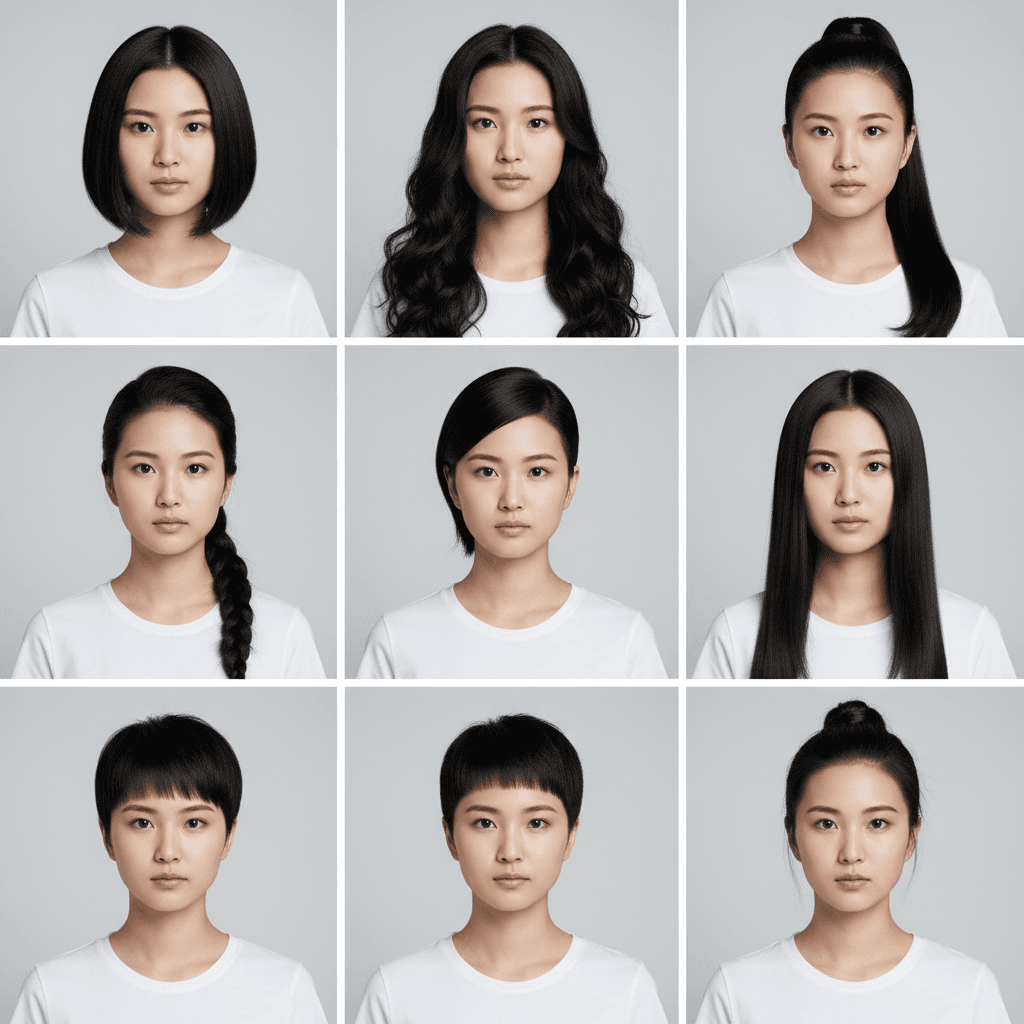
髪型バリエーション 9マスグリッド - AI 試着シミュレーター
1枚の写真から 3×3 グリッドで 9 種類の髪型を一度に提示。美容室前のシミュレーションに最適。Gemini / Nano Banana 用プロンプト。
Generate a 3×3 grid avatar showing the person in this image with nine different hairstyles. Use the same person, the same outfit, and the same background in every cell, varying only the hairstyle (e.g., short bob, long curls, ponytail, braid, undercut, shoulder-length straight, layered cut, pixie, half-up bun). Preserve the person's identity, eye shape, nose, jawline, eyebrow shape, lip color, makeup state, clothing color, clothing fit, and pose exactly across all nine cells. Output as a single 3×3 grid image at the original aspect ratio, photorealistic and natural-looking with sharp focus per cell. Do not modify the facial structure or invent details that conflict with realistic hair physics, and avoid cartoon or anime stylization.
 Gemini
AI 写真自動補正 - コントラスト+発色強化
退屈な写真を一発で生き生きと。コントラスト・彩度・光バランスを自動調整してプロ級の仕上がりに。Gemini 2.5 Flash Image / Nano Banana 用プロンプト。
Auto-enhance this image to make it more vivid and engaging. Boost the contrast, deepen the color saturation, improve the lighting balance, and gently sharpen the existing details. Preserve the person's identity, eye shape, nose, jawline, hair length, hair color, hairstyle, eyebrow shape, lip color, makeup state, clothing color, clothing fit, pose, and facial expression exactly as the source. Keep the original composition, but you may lightly crop framing edges if needed. Output at the original resolution, photorealistic and natural-looking. Do not over-saturate the colors, do not introduce film grain or HDR look, and avoid any cartoon, painterly, or anime stylization.
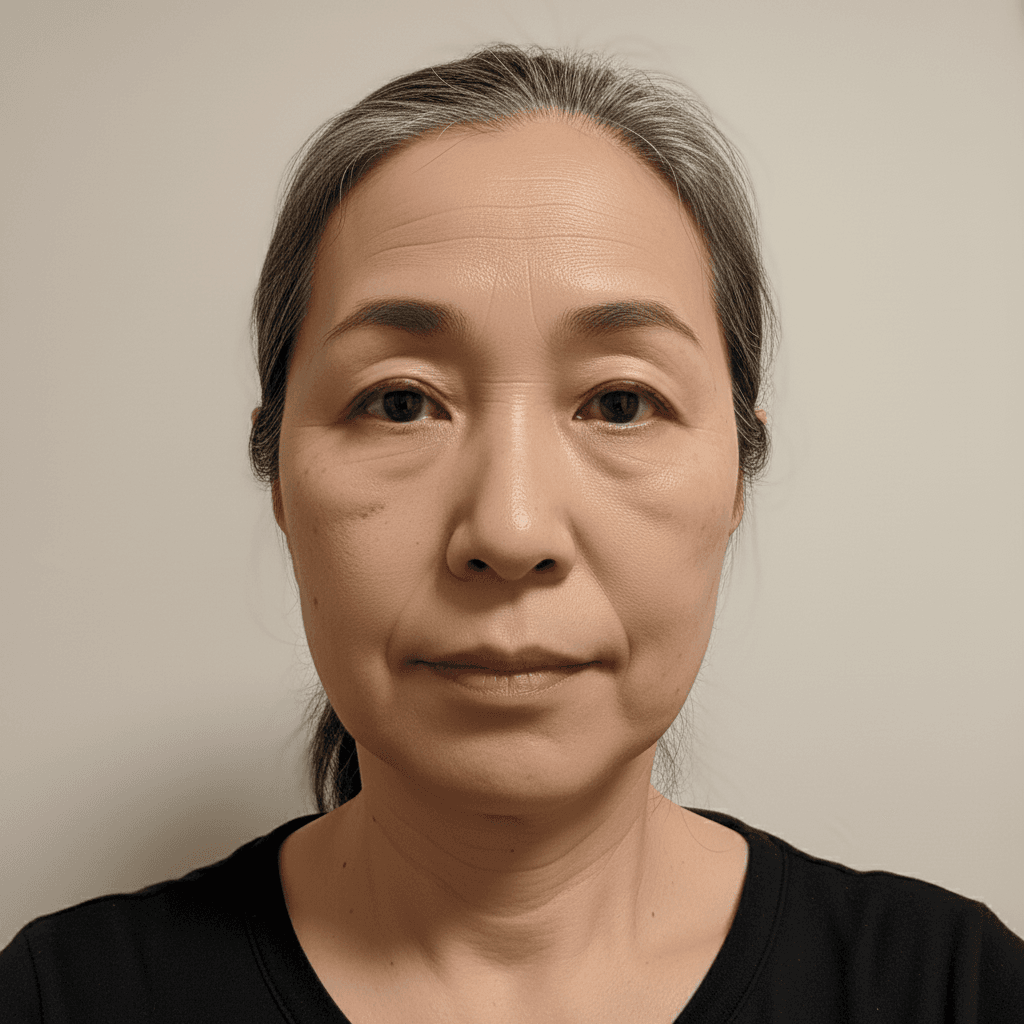 Gemini
自然な美肌レタッチ - Gemini写真加工
肌トラブルを自然に軽減。肌質感を保ちながらシミやくすみを除去。顔の構造や目の形は変えないリタッチプロンプト。
Softly retouch the face of the person in this image: reduce visible blemishes and minor redness, even out skin tone, and gently smooth pores while keeping skin texture, freckles, moles, and fine lines intact. Do not change the facial structure, eye shape, or jawline. Do not add makeup, lipstick, eyeliner, or modify the eyebrow shape — keep the bare-face look. Maintain the original pose, hair, and clothing. Output at the original resolution, photorealistic, do not over-smooth the skin and no plastic-looking face.
「顔加工」プロンプトとは?
顔加工プロンプトは、写真に写っている顔の表情・角度・細部を AI で調整する画像編集指示です。表情を「無表情から自然な笑顔へ」「目を完全に閉じている→開いた状態へ」、顔の向きを「真横から少し正面寄りへ」など、本人の同一性を保ちながら使いやすい写真に整えます。 表情変更の指示文:`Change the facial expression in the uploaded photo from a neutral expression to a natural, subtle smile. Keep the eyes shape, nose, lips outline, and overall facial structure exactly the same. Avoid an unnatural or exaggerated smile. Maintain the person's identity.` 角度補正の指示文:`Slightly rotate the face in the uploaded photo to face more toward the camera (about 10-15 degrees). Keep the original lighting direction and shadows consistent. Do not change the face shape or features.` 赤目補正:`Fix the red-eye effect in the uploaded photo while keeping the original eye color, shape, and natural reflections.` 品質を保つ 3 ルール:(1) 同一性保持:`preserve the person's identity, age, and key features`、(2) 過剰変更の禁止:`do not transform the face beyond the requested change`、(3) 自然さの強調:`keep the result photorealistic, no cartoonish or AI-generated look`。Gemini 2.5 Flash Image が第一推奨。