# 写真加工
「写真加工」タグが付いたプロンプト 24件
 Gemini
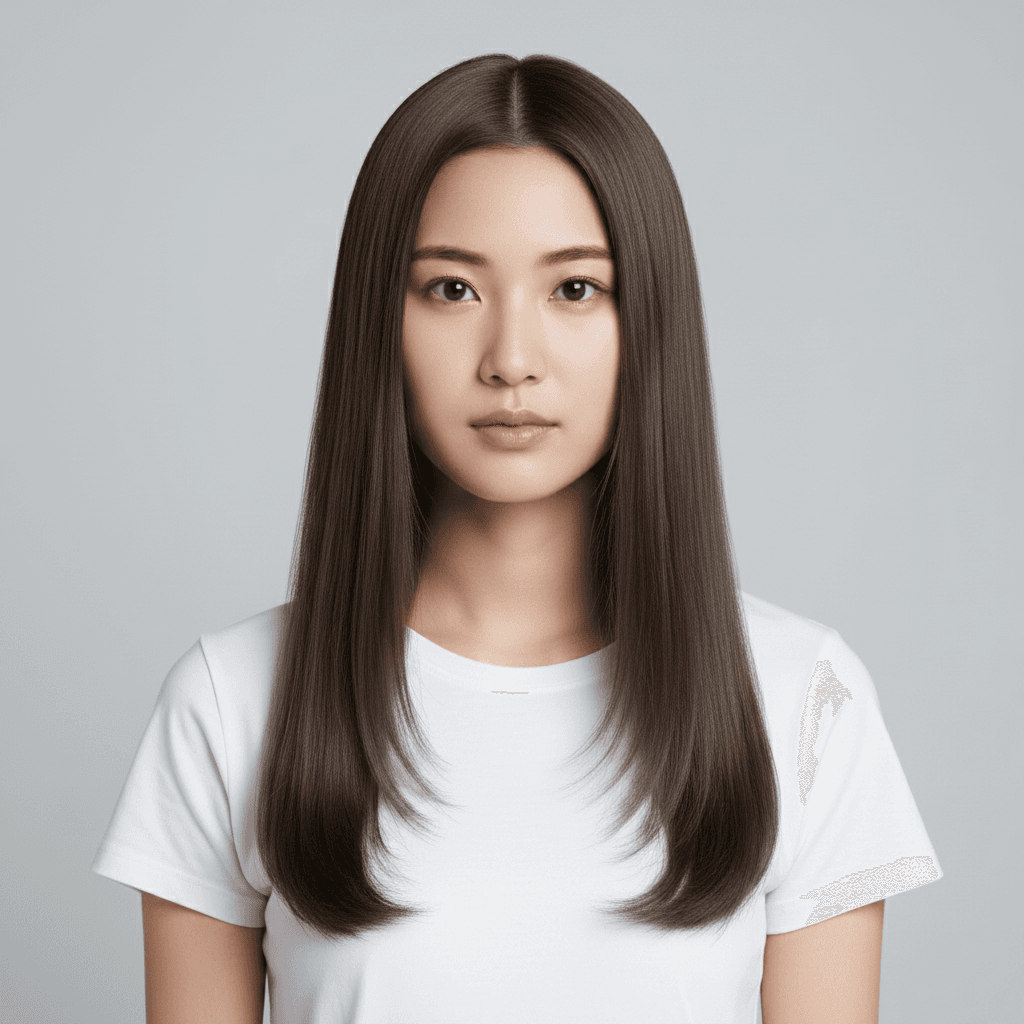
髪色シミュレーション AI - 自分に似合うナチュラル髪色プロンプト
自分の写真にナチュラルな髪色を AI で試着シミュレーション。ヘアカラー予約前に複数色を比較したい人向けの写真加工プロンプト。
Recolor only the hair of the person in the uploaded photo to a new natural shade. Target color: [SPECIFY — e.g., "cool ash brown (#5C4A3F)" or "warm honey blonde (#C9A66B)" or "deep mahogany (#3E2723)" or "soft chestnut (#7A5A48)"]. Keep the person's hairstyle, hair length, hair texture, partline, and the way hair falls exactly as in the source — only the color of each strand changes. Apply realistic salon-grade color characteristics: subtle root-to-tip variation, natural highlights where light hits, and shadow areas darker than highlight areas. Preserve eyebrow color match (subtly adjust eyebrows to harmonize with the new hair). Do not change the person's face, skin tone, eye color, makeup, expression, clothing, or background. Output at the original resolution, photorealistic with sharp strand-level detail. Do not regenerate the hair from scratch — only recolor existing hair pixels.
 Gemini
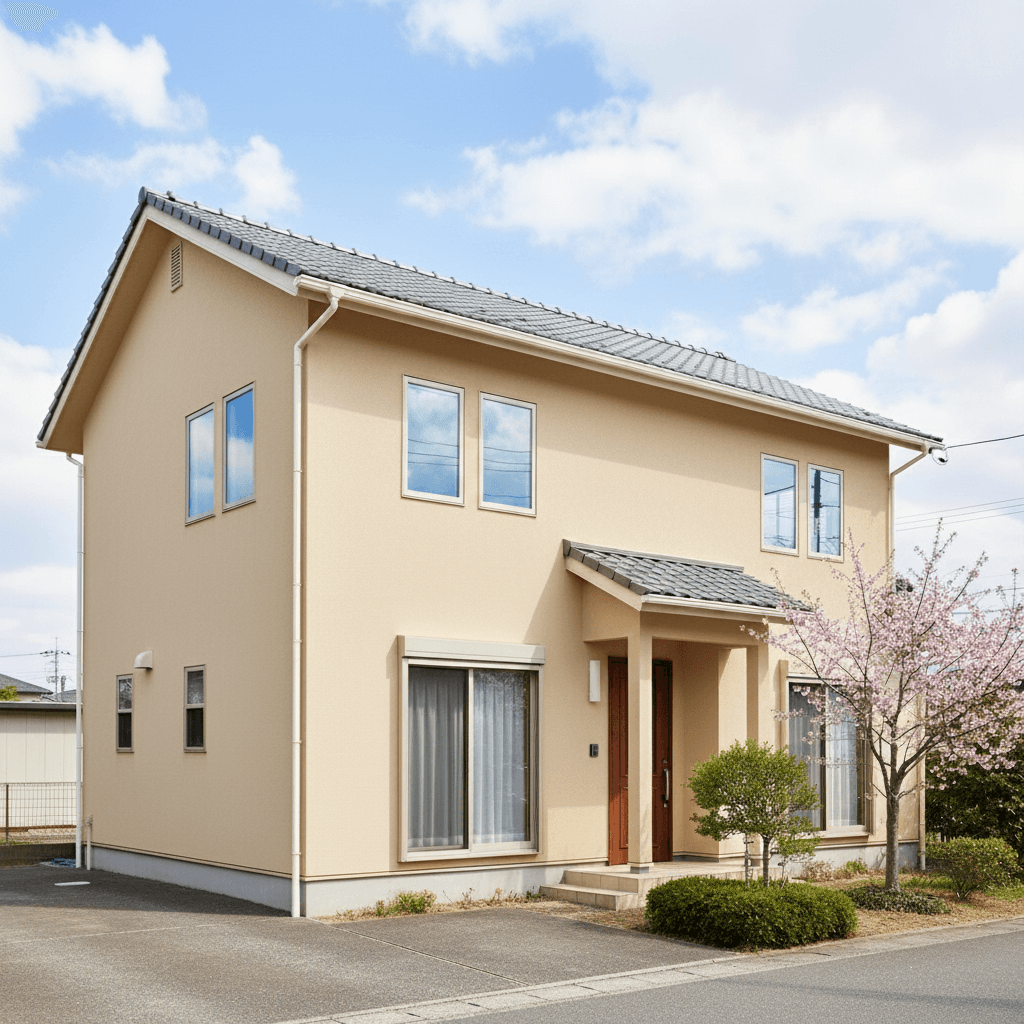
外壁塗装シミュレーション AI - 家の外壁色を写真で試着
一戸建ての外壁色と屋根色を AI で塗り替えシミュレーション。窓・植栽・空はそのまま、外観のリフォーム前検討に使える写真加工プロンプト。
Repaint only the exterior wall surfaces of the uploaded house photo with a new color. Target color: [SPECIFY — e.g., "warm beige (#C9B79C)" or "modern charcoal (#3D3D3D)" or "soft sage (#9CA88D)"]. Also optionally recolor the roof: [SPECIFY OR LEAVE AS-IS]. Keep windows, doors, garage doors, eaves, gutters, fences, landscaping (trees, lawn, planters), driveway, sky, and any people/cars exactly as in the source — only the wall siding/stucco/board surfaces change. Maintain the existing sun direction, shadow patterns, and reflected light onto the walls so the new color reads under the photographed lighting condition. Apply realistic exterior-paint or siding texture (slight matte, weathered consistency). Output at the original resolution, photorealistic. Do not regenerate the entire house — only operate on the wall pixels.
 Gemini
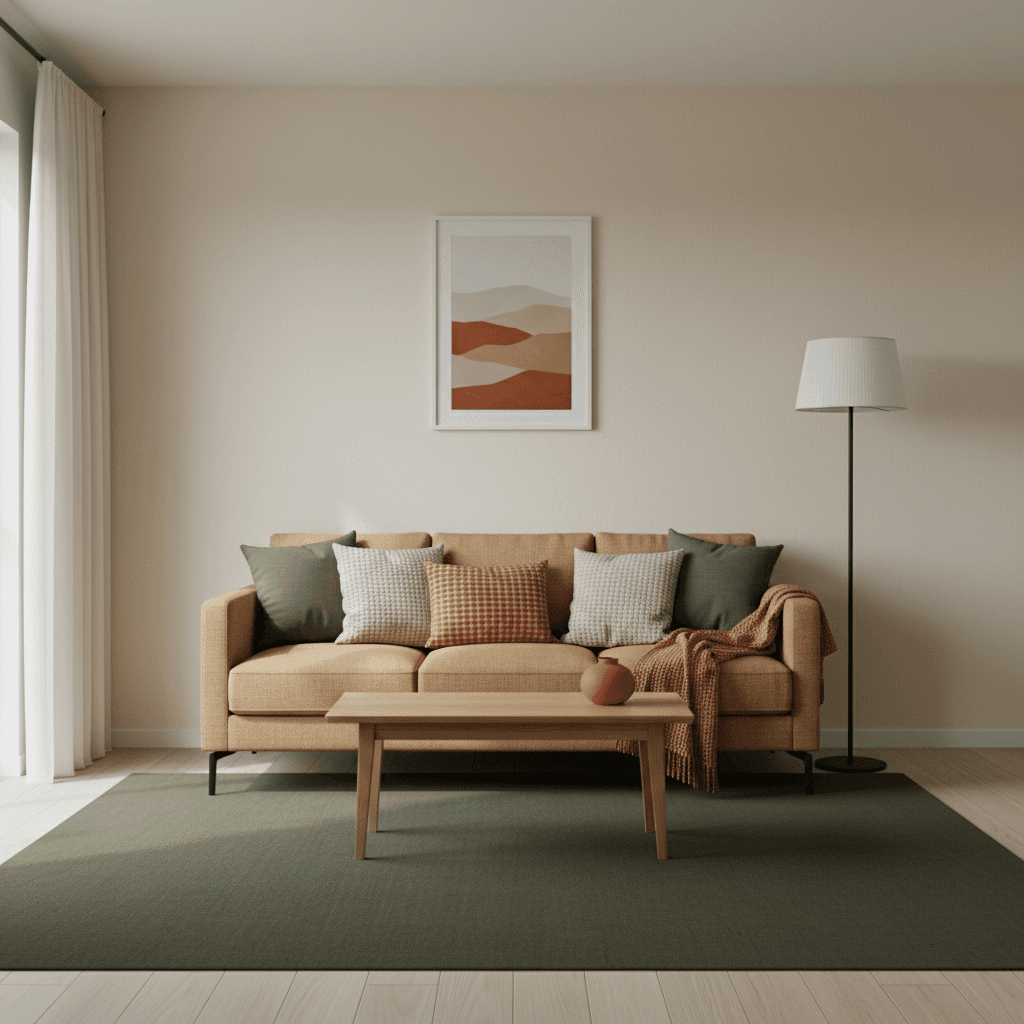
インテリア配色シミュレーション AI - 部屋の全体カラーコーディネート
リビングの壁・カーテン・ラグ・ソファのトーンを統一する AI 配色プロンプト。Spring/Summer/Autumn/Winter 風の調和パレットを瞬時に試せる。
Recolor the uploaded room photo according to a unified interior color palette. Target palette: [SPECIFY — e.g., "warm Autumn earth tones (camel #C19A6B, terracotta #C97757, deep olive #6E7C3B, cream #F1E8D0)" or "cool Winter contrast (charcoal #2C3E50, ice blue #B7D6E6, soft white #F4F4F4, silver gray #95A5A6)"]. Apply this palette consistently to the walls, soft furnishings (curtains, rugs, throw pillows, blankets), and accent decor — but preserve the structural elements (floor wood, ceiling, fixed cabinetry, doors, windows, light fixtures) exactly as in the source. Match the existing light direction and shadow softness so the new palette reads naturally. Keep all furniture in the same position; only their textile colors change. Output at the original resolution, photorealistic with appropriate matte/textile texture for each surface.
 Gemini
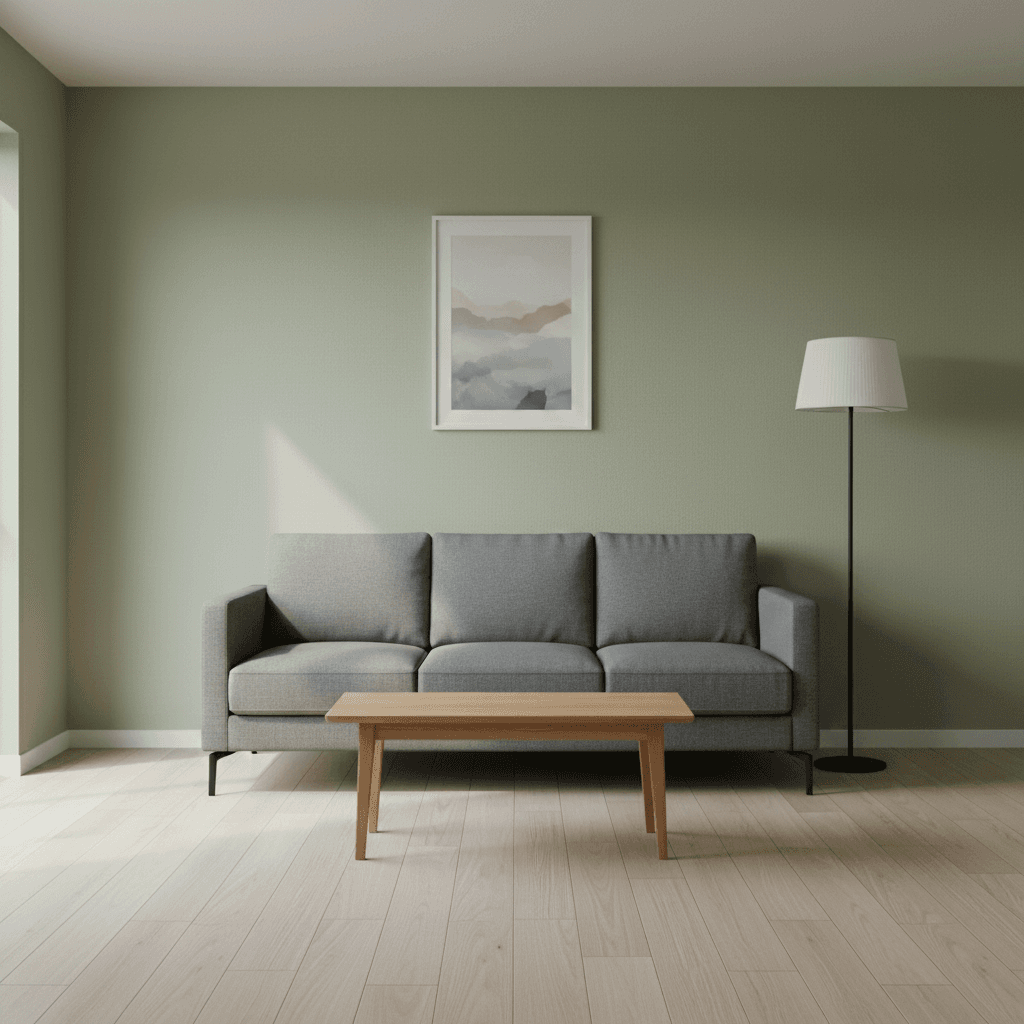
リビング壁色変更 AI - 部屋配色シミュレーションプロンプト
部屋の壁を別の色に塗り替えてシミュレーション。家具と床に馴染む配色を瞬時に判定できる AI 写真加工プロンプト。
Edit only the wall surfaces in the uploaded room photo to repaint them in a new solid color. Target color: [SPECIFY HEX OR NAME — e.g., "warm sage green (#A8B89A)" or "moody navy (#2C3E50)" or "soft terracotta (#C97757)"]. Keep furniture, flooring, ceiling, doors, windows, baseboards, light fixtures, art, and all decor exactly as in the source — only the wall planes are recolored. Maintain the existing light direction and shadow softness so the wall color reads correctly under the room's lighting. Apply the new color with realistic matte interior-paint texture, including how natural light bounces off corners and how shadow areas darken naturally. Output at the original resolution, photorealistic. Do not introduce new highlights, do not regenerate the room from scratch — only operate on existing wall pixels.
 Gemini
壁紙シミュレーション AI - 部屋の壁紙を試着プロンプト
リビング・トイレ・寝室の壁紙を AI で瞬時に試着シミュレーション。リリカラ/サンゲツ風の柄や色違いを 1 枚で比較できる写真加工プロンプト。
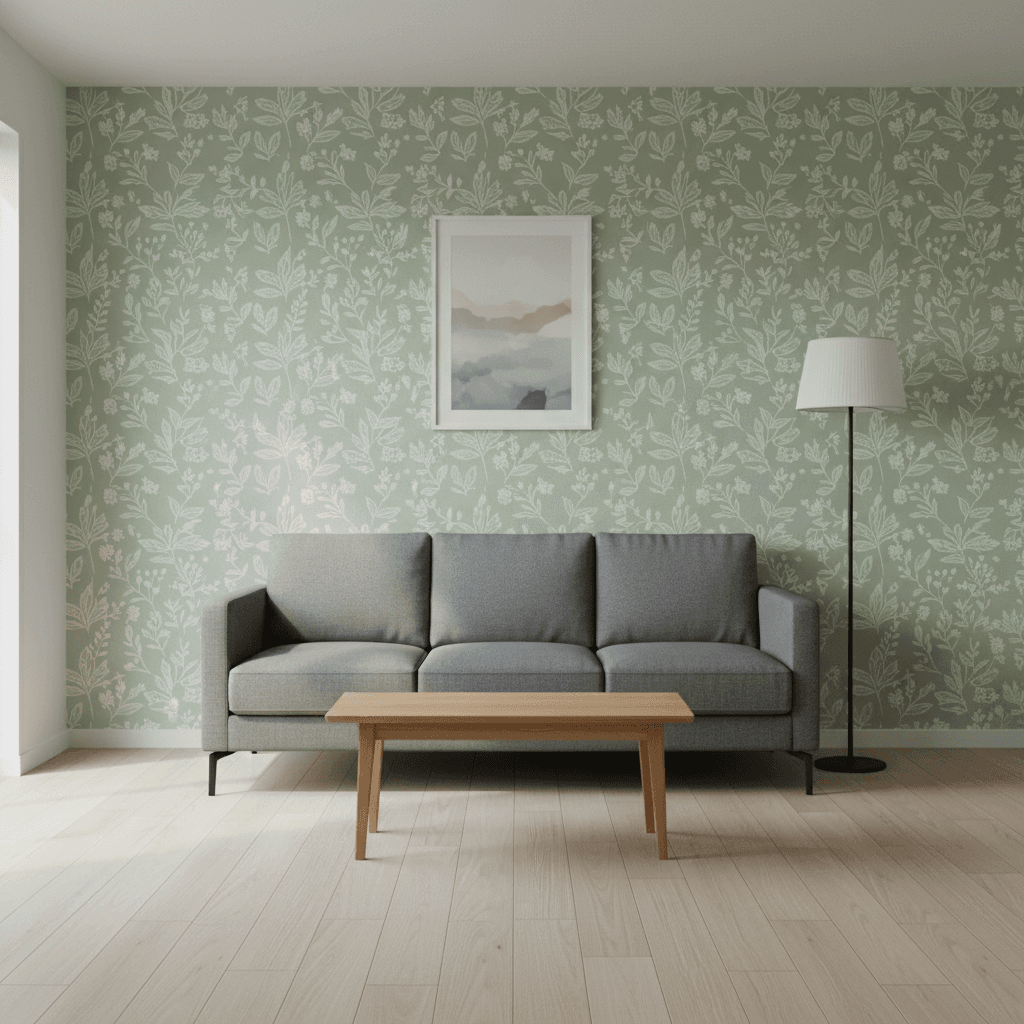
Edit only the wall surfaces in the uploaded room photo to apply a new wallpaper pattern. The desired pattern is: [DESCRIBE PATTERN HERE — e.g., "soft cream beige with subtle vertical stripes" or "Scandinavian botanical print in pale sage green"]. Keep the existing furniture, flooring, lighting fixtures, decorations, ceiling, doors, and windows exactly as in the source — only the wall planes change. Preserve the room's perspective, shadow direction, and the way light wraps onto the walls so the new pattern looks like it was physically painted/applied in the same lighting condition. Match the wallpaper scale to the room (typical residential pattern repeat). Output at the original resolution, photorealistic with subtle paper or vinyl texture as appropriate. Do not regenerate the room from scratch — only operate on the existing wall pixels and preserve every non-wall element (furniture, floor, ceiling, fixtures) exactly.
 ChatGPT
50年後の自分を予測する加工プロンプト
現在の顔写真から50年後の姿を予測します。白髪やしわを加えリアルな年齢進行を表現。未来の自分を視覚的にシミュレーション。
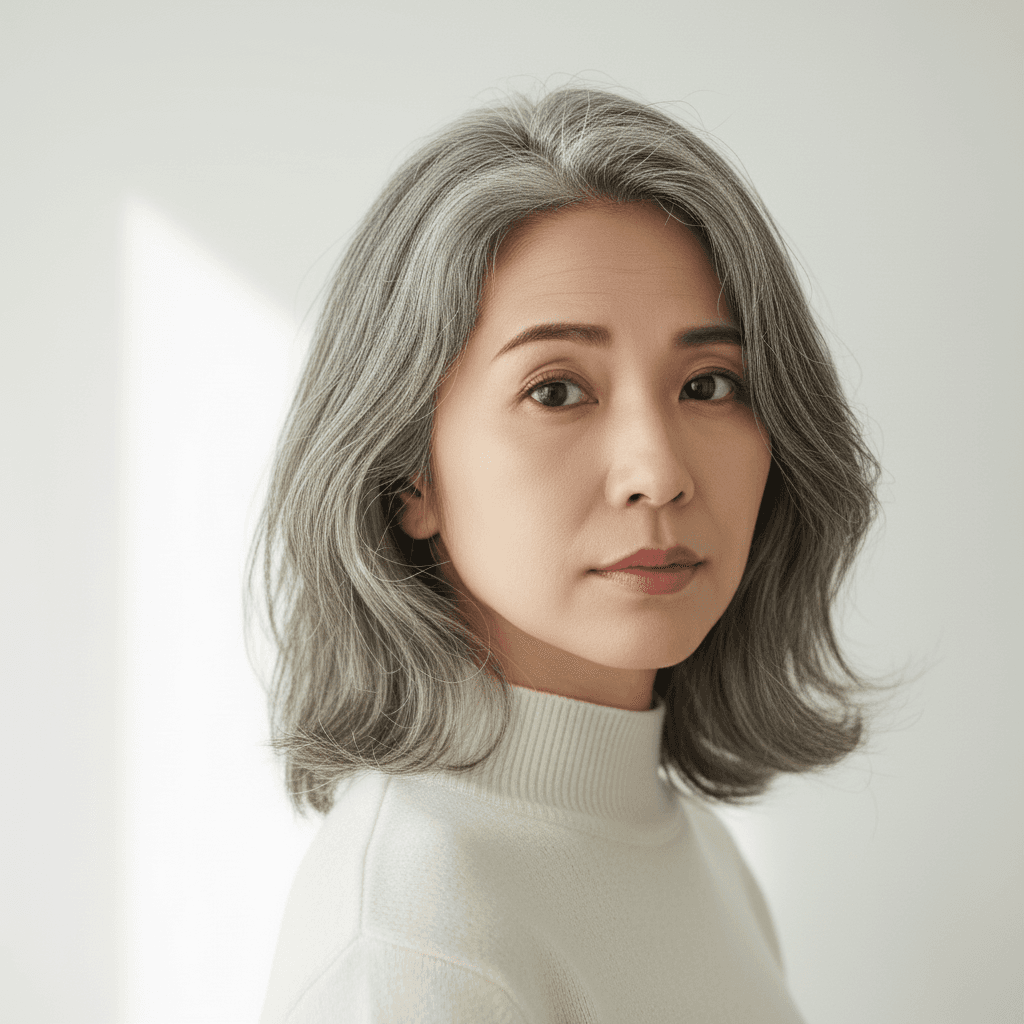
I uploaded a photo. Please age the person in the image forward by approximately 50 years so they appear to be in their late 70s or early 80s. Add age-appropriate skin texture: fine wrinkles around the eyes (crow's feet), forehead lines, nasolabial folds, slight under-eye hollowing, and softened jawline definition. Shift the hair color to natural silver-gray with a few darker strands remaining. Slightly thin the hair density at the temples in a realistic way. Preserve identity (same person recognizable), pose, clothing, background, and hair length/cut. Only modify skin texture, hair color, and facial proportions in age-appropriate ways. Do not regenerate the photo from scratch — only operate on the existing pixels and preserve every face, pose, and texture exactly as the source. Do not invent new accessories or change the body proportions or pose. Output at the original resolution. Photorealistic and natural-looking.
 Gemini
1970年代変身 AI 写真 - レトロ風自分プロンプト
顔・性別はそのままに、髪型・服装・背景を 1970 年代カリフォルニア風に変身。バイラル系自分写真変換。⚠ Gemini は時代変身で性別を入れ替える傾向があるため、プロンプト内で性別ロックを明示。
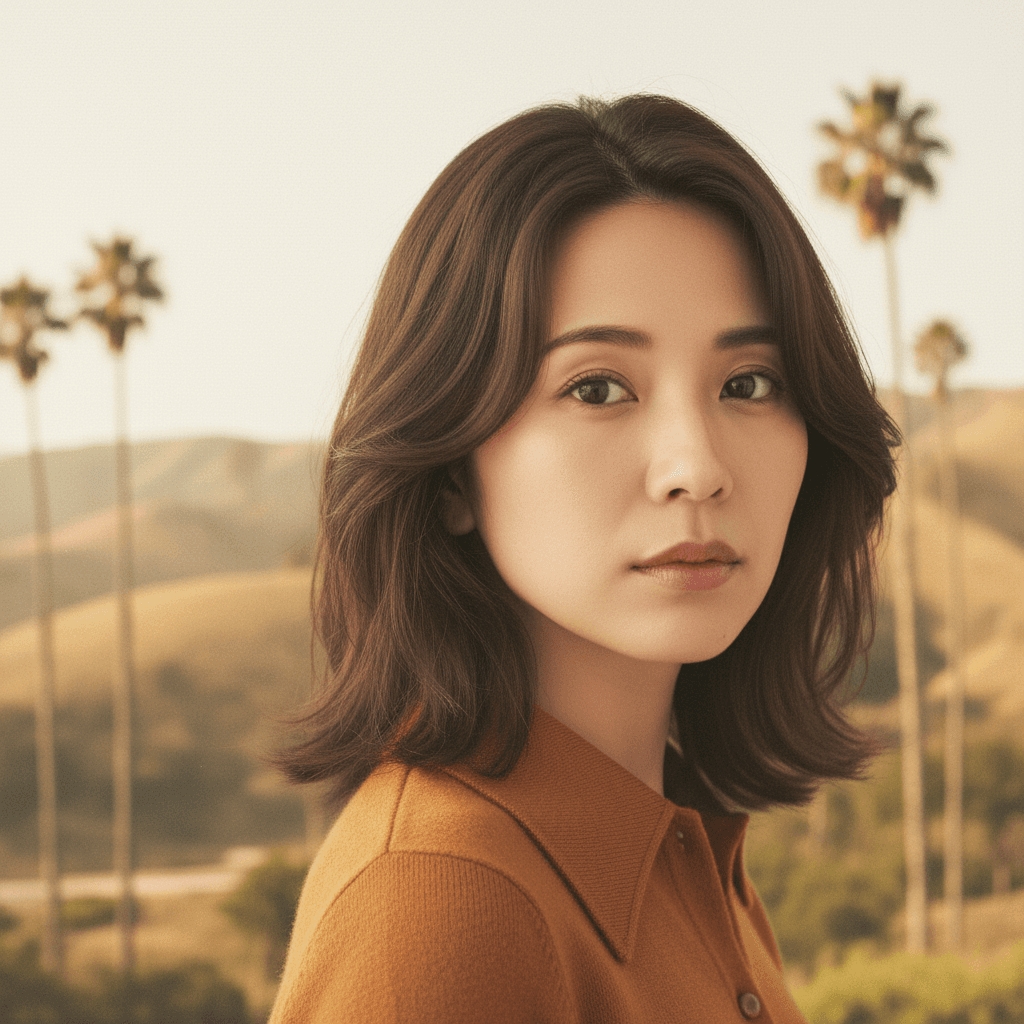
Restyle the person in the uploaded photo to a classic 1970s-era look while keeping the original biological sex and gender presentation completely unchanged. Add period-appropriate hair styling matching the original gender (e.g., if female: long wavy hair, feathered layers; if male: long curly hair, sideburns or mustache only if originally present), period clothing (e.g., wide-collar shirt, denim jacket, earth-tone turtleneck, or boho dress), and replace the background with an iconic California summer landscape (golden coastal hills, tall palm trees, hazy sunlight). Preserve the person's identity, biological sex, gender presentation, eye shape, nose, jawline, skeletal proportions, and overall facial structure exactly as the source — do not alter the face or change the person's gender. Do not add facial hair (mustache, beard) if it is not present in the source. Output at the original resolution, photorealistic and natural-looking with subtle period film-grain and warm 1970s color grading. Do not regenerate the face from scratch — only operate on the existing pixels and preserve every facial feature exactly. Avoid cartoon, anime, or modern-day elements such as smartphones or contemporary brand logos.
 Gemini
アジア 2インチ証明写真 - 青背景 AI プロンプト
日本・中国・韓国のビザ/履歴書/学生証用 2 インチ規格(35×49mm)証明写真を青背景でワンプロンプト生成。Gemini 2.5 Flash Image 用。
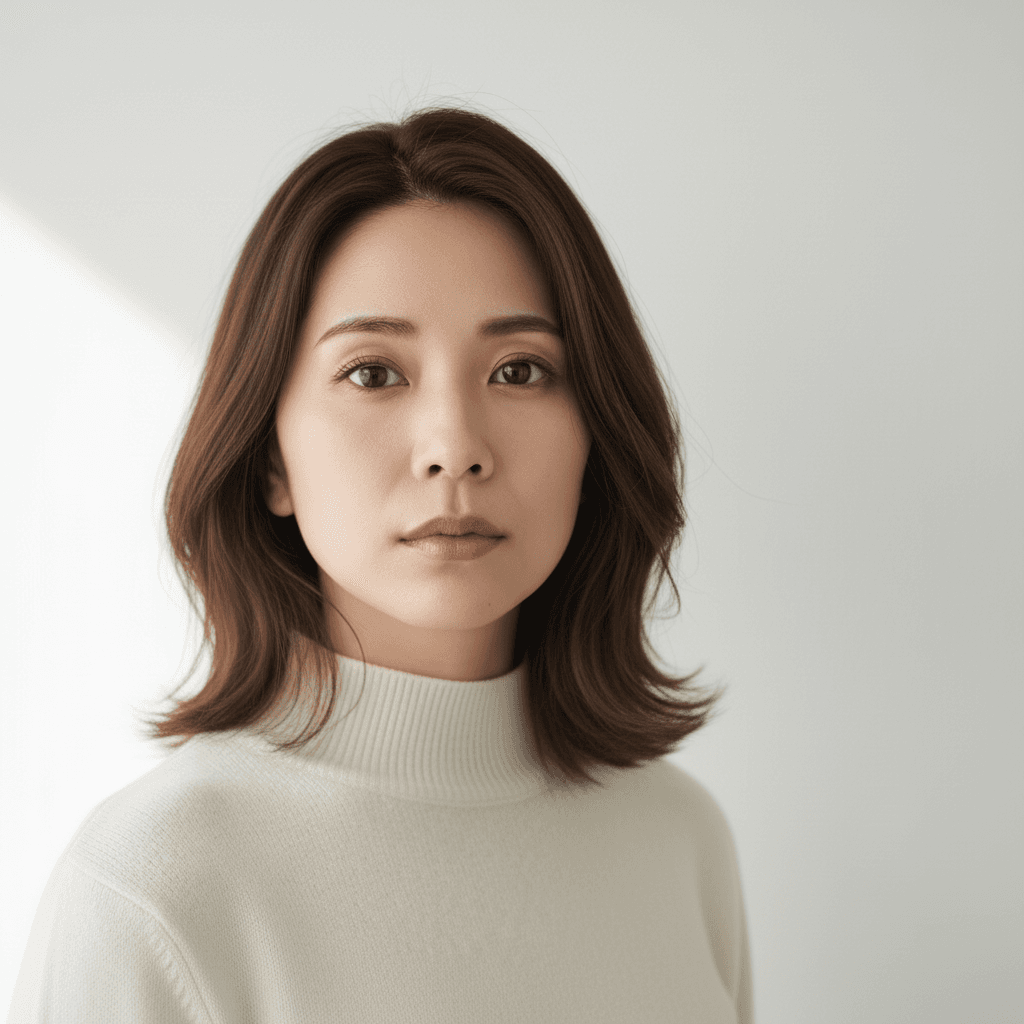
Transform the uploaded photo into an Asian-standard 2-inch ID photo (35×49mm) suitable for Japan, China, and Korea visa, resume, and student-ID applications: solid plain blue background (#3C66A6), head centered and facing directly forward, professional formal attire (suit, blouse, or shirt with collar), light closed-mouth smile, both ears and full forehead visible, eyes open and looking at the camera. Preserve the person's identity, eye shape, nose, jawline, skin tone, and natural skin texture without beautification. Crop tightly to a 35×49mm aspect ratio with the head measuring 28–33mm from chin to crown. Output at 600 DPI. Without beautification, no shadows on the face or background, and no glasses-glare. Do not generate bare skin or partial nudity, and avoid any plastic-looking face.
 Gemini
AI 画像外部拡張・修復 - アウトペイントプロンプト
透過部分や欠損エリアを AI で自然に補完。クロップしすぎた写真を元のフレームに復元。Gemini 2.5 Flash Image 用プロンプト。
Fill in the transparent (checkerboard) regions of the uploaded photo to restore it into a complete, coherent image. Continue the existing scene naturally — match the lighting direction, color palette, perspective, depth-of-field, and texture grain of the visible portion. Preserve every existing pixel of the visible subject's identity, pose, clothing, hair, and background details exactly as the source. Output at the original resolution, photorealistic and natural-looking. Do not regenerate the photo from scratch — only operate on the existing pixels in the visible area and fill the missing transparent areas. Avoid inventing details that conflict with the existing scene, and no seams or color cast at the boundary of the filled region.
 Gemini
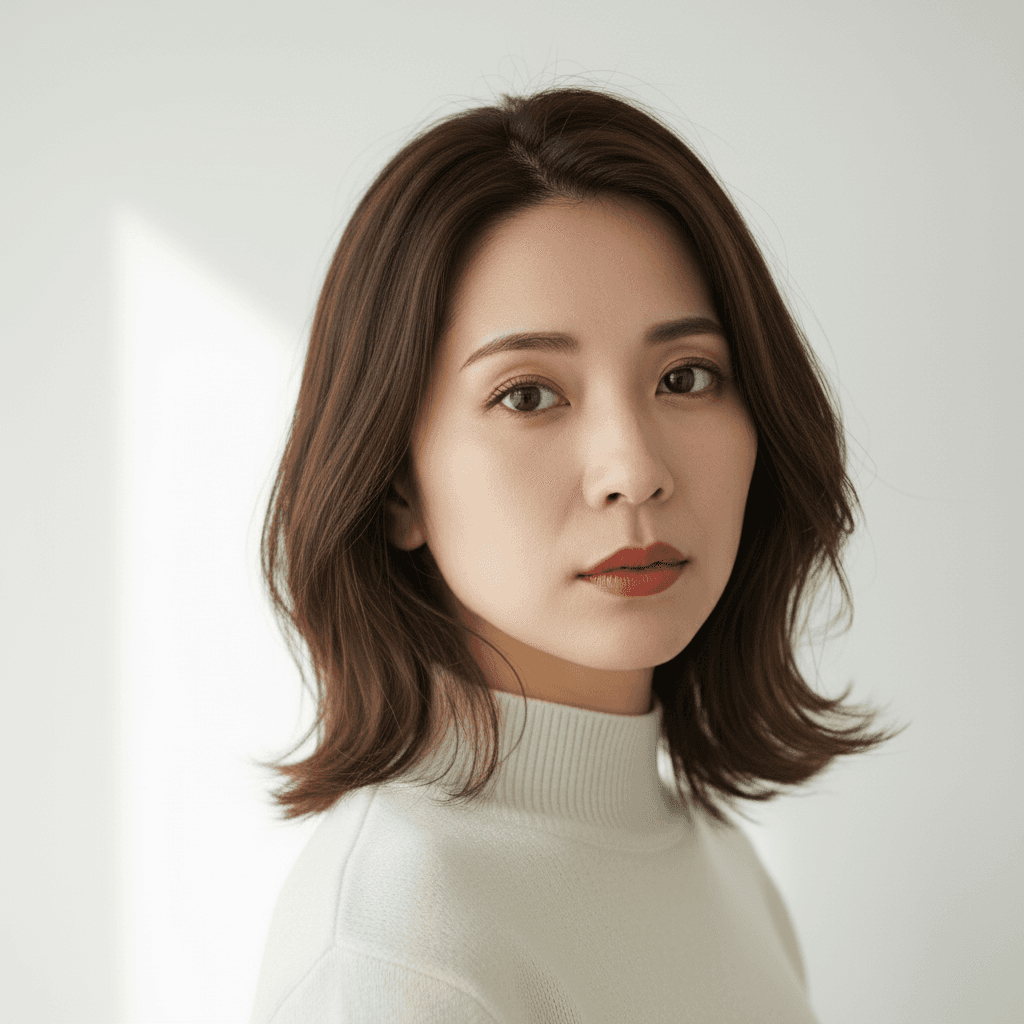
バーチャルメイク 参照画像転写 - AI 顔写真加工
メイク参照画像をアップロードするだけで自分の顔に同じメイクを再現。リップ・アイメイク・チークまで自動転写。Gemini 2.5 Flash Image 用プロンプト。
Apply the makeup look shown in the second uploaded reference image to the person in the first uploaded photo. Keep the first person's identity, eye shape, nose, jawline, hair length, hair color, hairstyle, clothing color, clothing fit, pose, and background exactly as the source. Match the lipstick color, eyeshadow palette, eyeliner shape, blush placement, and contour intensity from the reference image. Output at the original resolution, photorealistic and natural-looking. Do not modify the facial structure, do not over-smooth the skin, and avoid any cartoon makeup look or unnatural skin texture.
 Gemini
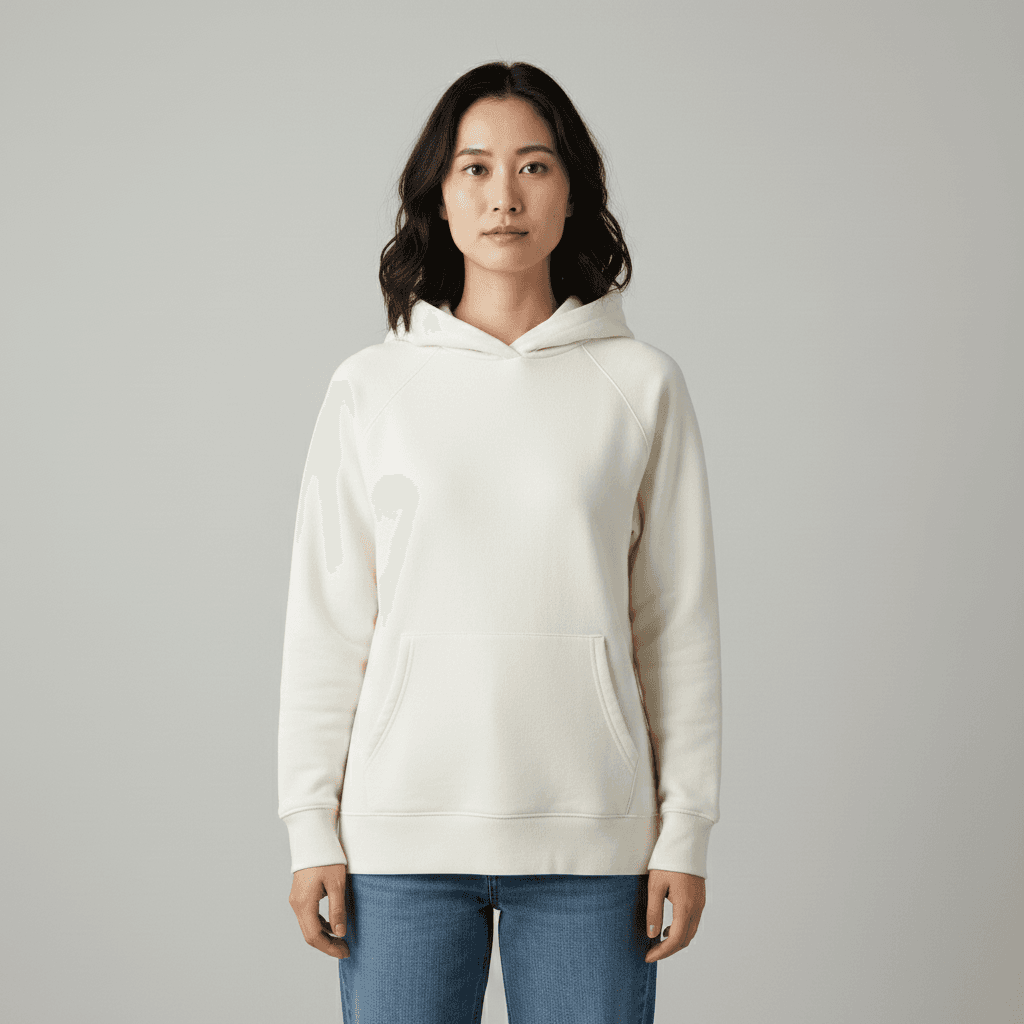
顔写真ポーズ修正 - 正面向き調整プロンプト
斜めや横向きの写真を AI で正面向きに自動修正。証明写真や LinkedIn 用前処理に最適。Gemini 2.5 Flash Image 用プロンプト。
Rotate the person in this image so they face directly forward toward the camera, with the head and shoulders square to the lens. Preserve the person's identity, eye shape, nose, jawline, hair length, hair color, hairstyle, eyebrow shape, lip color, makeup state, clothing color, clothing fit, accessories, and background exactly as the source. Adjust only the head, neck, and shoulder angle so both ears are visible, the gaze is straight at the camera, and the torso is centered. Output at the original resolution, photorealistic and natural-looking. Do not modify the facial structure or invent details around the neck, hair, or background, and avoid any unnatural neck stretching or shoulder distortion.
 Gemini
参照画像から服装移植 - AI 着せ替えプロンプト
2 枚アップロードで人物の服を参照画像の服に置き換え。顔・ポーズ・背景はそのまま、服だけ自然に合成。Gemini 2.5 Flash Image 用プロンプト。
Replace the outfit of the person in the uploaded photo with the outfit shown in the second uploaded reference image. Keep the person's identity, eye shape, nose, jawline, hair length, hair color, hairstyle, makeup state, accessories, pose, facial expression, and background exactly as the source. Make the new outfit fit the body naturally, matching the light direction, shadow tone, and color temperature of the original photo. Output at the original resolution, photorealistic and natural-looking. Do not regenerate the photo from scratch — only operate on the existing pixels and preserve every face, pose, and texture exactly as the source. Do not alter the facial features or invent accessories that are not shown in the reference.
「写真加工」プロンプトとは?
写真加工プロンプトは、ユーザーがアップロードした既存の写真を AI に編集させるための「指示文」です。Stable Diffusion のタグ袋プロンプト(`1girl, long hair, dress`)とは仕組みが異なり、Gemini 2.5 Flash Image(通称 Nano Banana)・ChatGPT の画像編集機能・DALL-E 3 inpainting といったマルチモーダル系モデルに、自然な英語または日本語の祈使文で「この写真を○○して」と伝えます。 上手な写真加工プロンプトには共通する 5 つの要素があります:(1) 対象を明示(`the uploaded photo` / `this person`)、(2) 保持する要素を宣言(`keep the face unchanged` / `preserve the original pose`)、(3) 出力フォーマットを指定(`as a transparent PNG` / `35×45mm passport size`)、(4) 質感ワードで品質を底上げ(`natural-looking` / `professional studio lighting`)、(5) ネガ指示で AI の典型ミスを予防(`do not over-smooth the skin`)。 よく使うサブテーマ:背景処理(透過 / 削除 / 置換)、証明・プロフ写真(パスポート規格 / LinkedIn 風)、美顔・顔加工(毛穴除去 / 表情変更)、髪型・服装(着せ替え / 髪型変更)、修復・カラー化、切り抜き・除去。本タグでは、これら全領域をカバーするプロンプトサンプルを収集しています。