# 不要物除去
「不要物除去」タグが付いたプロンプト 2件
 DALL-E
ホクロを自然に除去するプロンプト
顔のホクロのみ自然に除去。他のホクロやそばかすは保持したまま除去。肌加工の基本スキル。
Edit only the area of one specific raised mole on the cheek in the uploaded photo. Remove that single mole and replace it with surrounding natural skin tone, preserving the existing pore pattern and any nearby freckles. Do not touch any other moles, freckles, beauty marks, or skin features elsewhere on the face or body. Keep identity, facial structure, freckles below the nose, fine lines, eyebrow shape, lip color (do not add lipstick), makeup state, hair, clothing, and background. Do not over-smooth the skin and no plastic-looking face. Output at the original resolution. Natural skin texture and natural-looking.
 Gemini
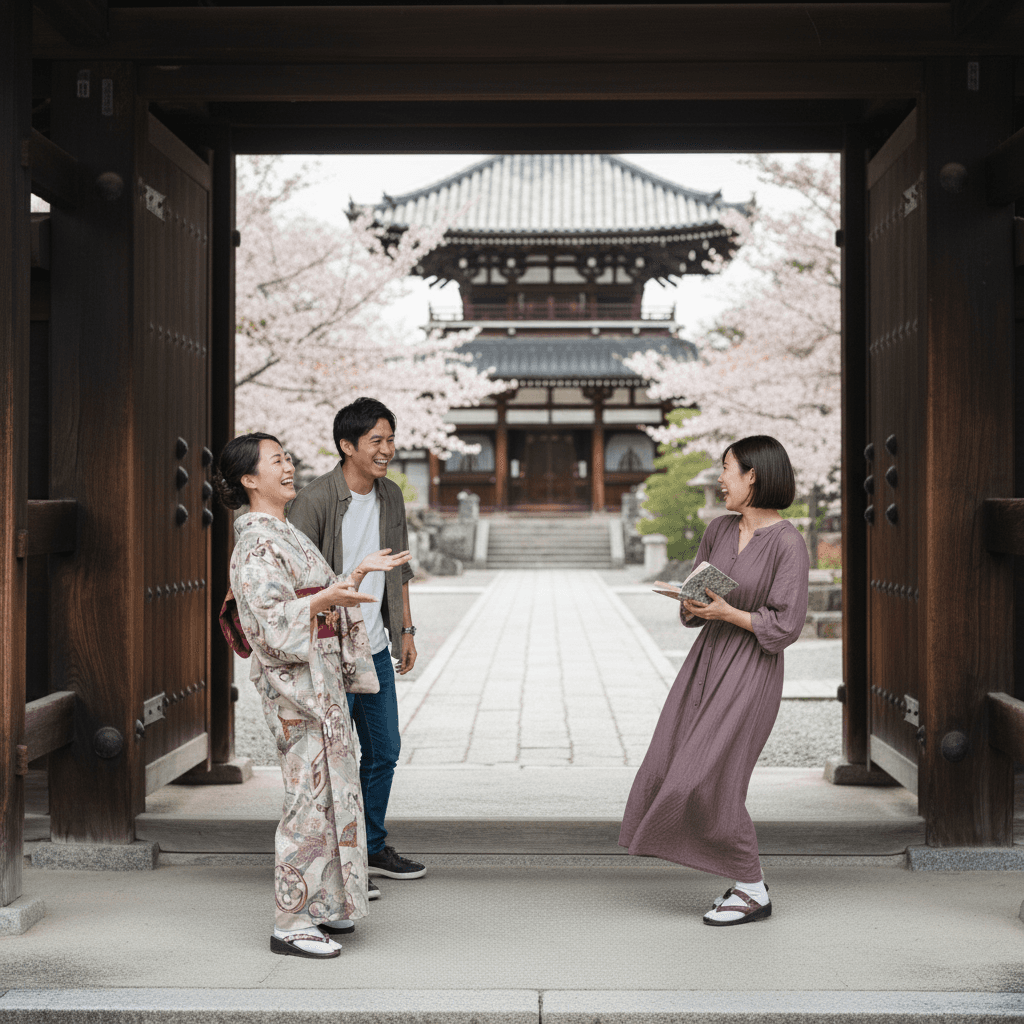
不要物除去 通行人削除 - 京都神社背景
背景の通行人を除去、京都寺院の石畳と木造建築を自然に復元。照明と影を保持した写真修復プロンプト。
Remove the unrelated bystanders walking in the background of the uploaded photo while keeping the main subject in the foreground completely untouched. Reconstruct the background — a Kyoto temple courtyard with stone paving and wooden architecture — so the cleanup looks seamless and continuous. Preserve the original lighting, shadows on the ground, and the subject's pose and expression. Output at the original resolution, photorealistic, do not invent details that conflict with the existing scene. Do not regenerate the photo from scratch — only operate on the existing pixels and preserve every face, pose, and the temple architecture exactly as the source.
「不要物除去」プロンプトとは?
不要物除去プロンプトは、写真から邪魔な要素を AI で消去する画像編集指示です。観光地で写った見知らぬ通行人、空に走る電線、目立ちすぎる看板やロゴ、ウォーターマーク、ゴミ箱や工事現場など、本来の被写体を引き立てる上で削除したい要素は意外と多く、AI 編集の最頻出ニーズのひとつです。 通行人除去:`Remove all background pedestrians and tourists from the uploaded photo, keeping only the main subject. Reconstruct the background that was hidden behind them naturally — buildings, ground, sky should look continuous and seamless. Do not change the main subject's appearance.` 電線・看板除去:`Remove the power lines, telephone poles, and visible wires from the sky in the uploaded photo. Reconstruct the sky and surrounding areas to match the original lighting and color. Keep all foreground elements untouched.` ウォーターマーク除去:写真の著作権上、自分で撮影または許諾を得た写真にのみ使用してください。`Remove the watermark text from the bottom-right corner of the uploaded photo, reconstruct the background under the watermark to match the surrounding pixels naturally.` 品質を上げる 3 つのコツ:(1) 背景再構築の指定:`reconstruct the background seamlessly, matching the surrounding texture, lighting, and perspective`、(2) 主被写体の保護:`do not modify the main subject in any way`、(3) 不自然さの予防:`avoid visible cloning patterns or repeated textures`。複雑な除去は DALL-E inpainting でマスクをかけるのが安全です。