# nano-banana
「nano-banana」タグが付いたプロンプト 13件
 Gemini
1970年代変身 AI 写真 - レトロ風自分プロンプト
顔・性別はそのままに、髪型・服装・背景を 1970 年代カリフォルニア風に変身。バイラル系自分写真変換。⚠ Gemini は時代変身で性別を入れ替える傾向があるため、プロンプト内で性別ロックを明示。
Restyle the person in the uploaded photo to a classic 1970s-era look while keeping the original biological sex and gender presentation completely unchanged. Add period-appropriate hair styling matching the original gender (e.g., if female: long wavy hair, feathered layers; if male: long curly hair, sideburns or mustache only if originally present), period clothing (e.g., wide-collar shirt, denim jacket, earth-tone turtleneck, or boho dress), and replace the background with an iconic California summer landscape (golden coastal hills, tall palm trees, hazy sunlight). Preserve the person's identity, biological sex, gender presentation, eye shape, nose, jawline, skeletal proportions, and overall facial structure exactly as the source — do not alter the face or change the person's gender. Do not add facial hair (mustache, beard) if it is not present in the source. Output at the original resolution, photorealistic and natural-looking with subtle period film-grain and warm 1970s color grading. Do not regenerate the face from scratch — only operate on the existing pixels and preserve every facial feature exactly. Avoid cartoon, anime, or modern-day elements such as smartphones or contemporary brand logos.
 Gemini
アジア 2インチ証明写真 - 青背景 AI プロンプト
日本・中国・韓国のビザ/履歴書/学生証用 2 インチ規格(35×49mm)証明写真を青背景でワンプロンプト生成。Gemini 2.5 Flash Image 用。
Transform the uploaded photo into an Asian-standard 2-inch ID photo (35×49mm) suitable for Japan, China, and Korea visa, resume, and student-ID applications: solid plain blue background (#3C66A6), head centered and facing directly forward, professional formal attire (suit, blouse, or shirt with collar), light closed-mouth smile, both ears and full forehead visible, eyes open and looking at the camera. Preserve the person's identity, eye shape, nose, jawline, skin tone, and natural skin texture without beautification. Crop tightly to a 35×49mm aspect ratio with the head measuring 28–33mm from chin to crown. Output at 600 DPI. Without beautification, no shadows on the face or background, and no glasses-glare. Do not generate bare skin or partial nudity, and avoid any plastic-looking face.
 Gemini
AI 画像外部拡張・修復 - アウトペイントプロンプト
透過部分や欠損エリアを AI で自然に補完。クロップしすぎた写真を元のフレームに復元。Gemini 2.5 Flash Image 用プロンプト。
Fill in the transparent (checkerboard) regions of the uploaded photo to restore it into a complete, coherent image. Continue the existing scene naturally — match the lighting direction, color palette, perspective, depth-of-field, and texture grain of the visible portion. Preserve every existing pixel of the visible subject's identity, pose, clothing, hair, and background details exactly as the source. Output at the original resolution, photorealistic and natural-looking. Do not regenerate the photo from scratch — only operate on the existing pixels in the visible area and fill the missing transparent areas. Avoid inventing details that conflict with the existing scene, and no seams or color cast at the boundary of the filled region.
 Gemini
バーチャルメイク 参照画像転写 - AI 顔写真加工
メイク参照画像をアップロードするだけで自分の顔に同じメイクを再現。リップ・アイメイク・チークまで自動転写。Gemini 2.5 Flash Image 用プロンプト。
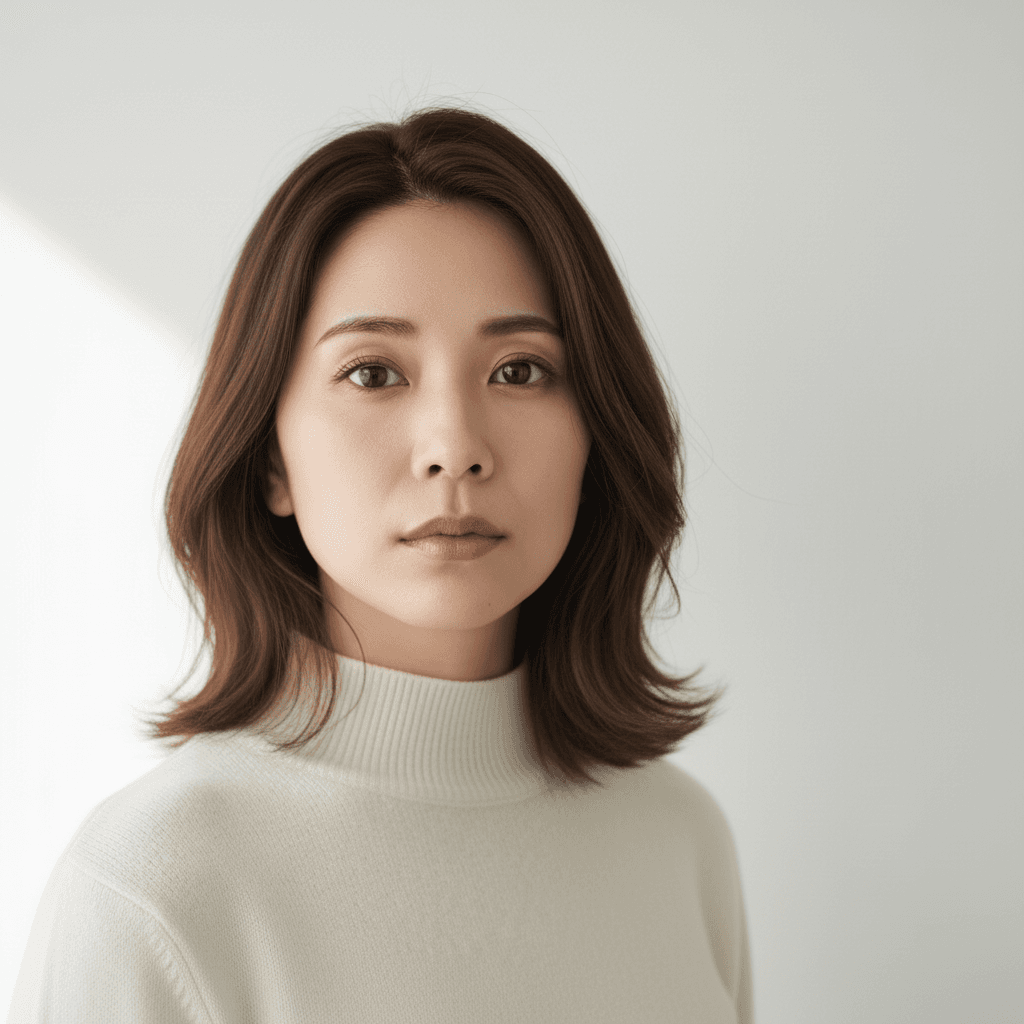
Apply the makeup look shown in the second uploaded reference image to the person in the first uploaded photo. Keep the first person's identity, eye shape, nose, jawline, hair length, hair color, hairstyle, clothing color, clothing fit, pose, and background exactly as the source. Match the lipstick color, eyeshadow palette, eyeliner shape, blush placement, and contour intensity from the reference image. Output at the original resolution, photorealistic and natural-looking. Do not modify the facial structure, do not over-smooth the skin, and avoid any cartoon makeup look or unnatural skin texture.
 Gemini
顔写真ポーズ修正 - 正面向き調整プロンプト
斜めや横向きの写真を AI で正面向きに自動修正。証明写真や LinkedIn 用前処理に最適。Gemini 2.5 Flash Image 用プロンプト。
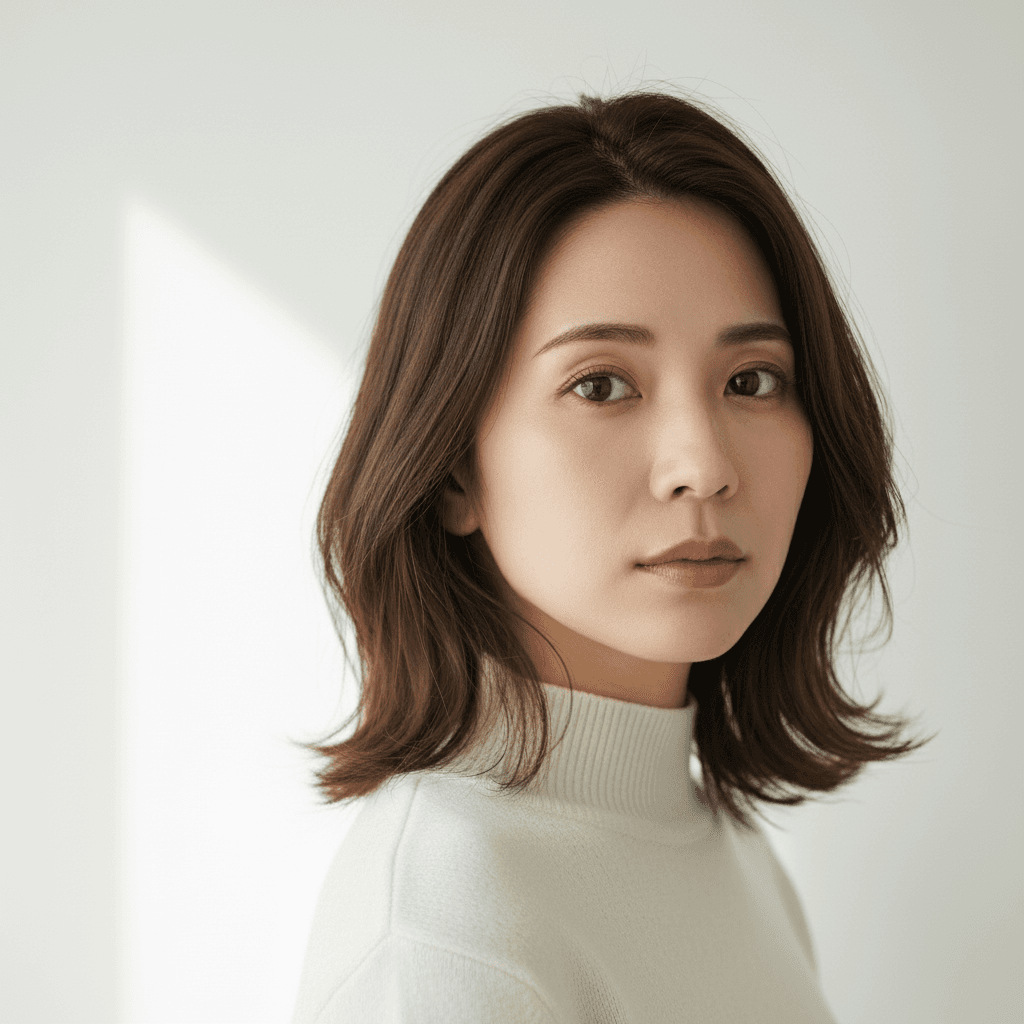
Rotate the person in this image so they face directly forward toward the camera, with the head and shoulders square to the lens. Preserve the person's identity, eye shape, nose, jawline, hair length, hair color, hairstyle, eyebrow shape, lip color, makeup state, clothing color, clothing fit, accessories, and background exactly as the source. Adjust only the head, neck, and shoulder angle so both ears are visible, the gaze is straight at the camera, and the torso is centered. Output at the original resolution, photorealistic and natural-looking. Do not modify the facial structure or invent details around the neck, hair, or background, and avoid any unnatural neck stretching or shoulder distortion.
 Gemini
参照画像から服装移植 - AI 着せ替えプロンプト
2 枚アップロードで人物の服を参照画像の服に置き換え。顔・ポーズ・背景はそのまま、服だけ自然に合成。Gemini 2.5 Flash Image 用プロンプト。
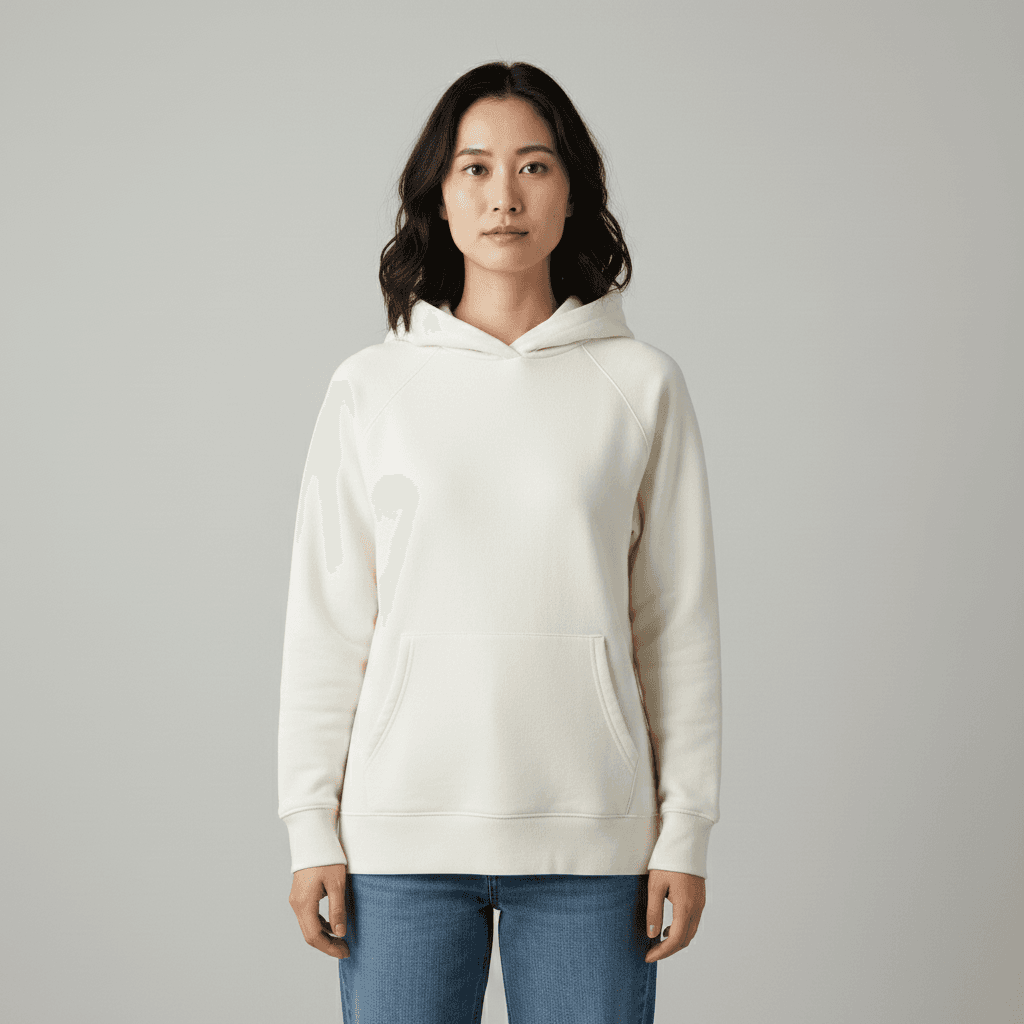
Replace the outfit of the person in the uploaded photo with the outfit shown in the second uploaded reference image. Keep the person's identity, eye shape, nose, jawline, hair length, hair color, hairstyle, makeup state, accessories, pose, facial expression, and background exactly as the source. Make the new outfit fit the body naturally, matching the light direction, shadow tone, and color temperature of the original photo. Output at the original resolution, photorealistic and natural-looking. Do not regenerate the photo from scratch — only operate on the existing pixels and preserve every face, pose, and texture exactly as the source. Do not alter the facial features or invent accessories that are not shown in the reference.
 Gemini
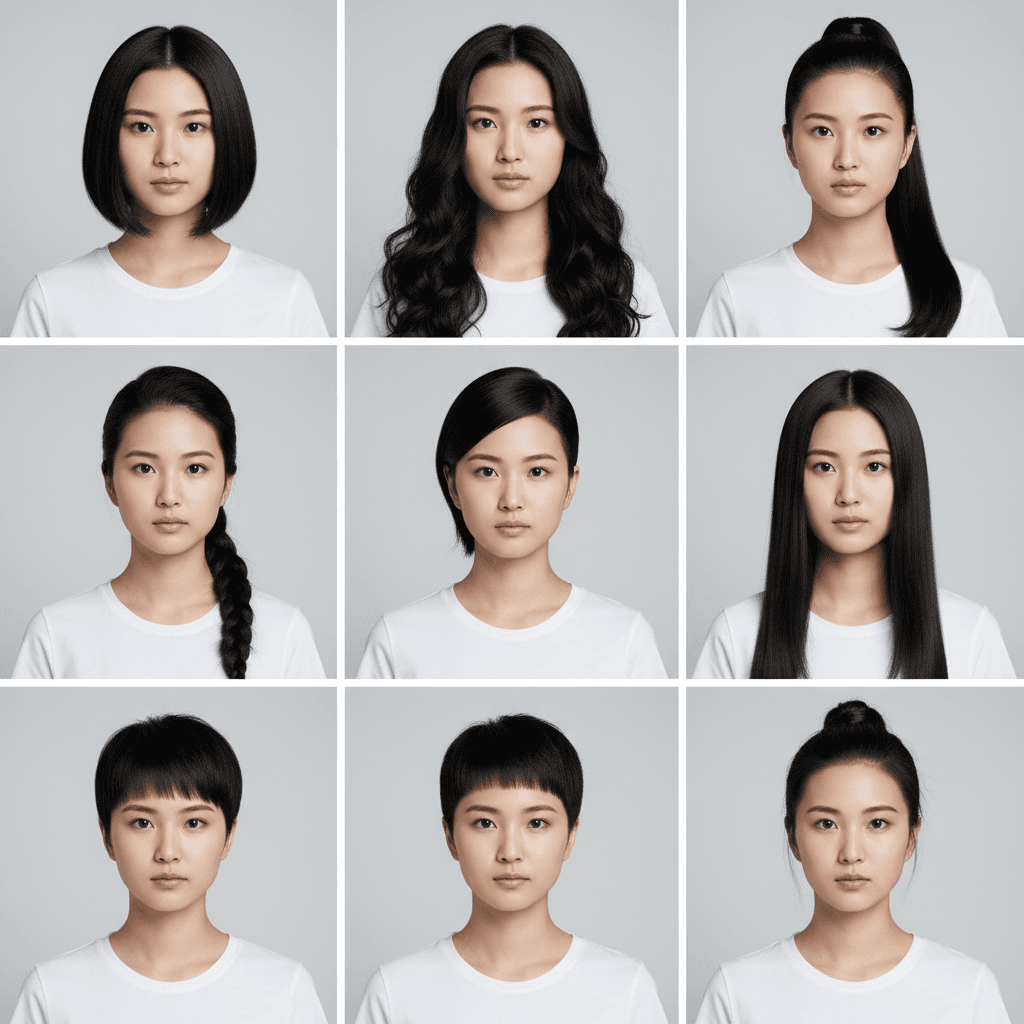
髪型バリエーション 9マスグリッド - AI 試着シミュレーター
1枚の写真から 3×3 グリッドで 9 種類の髪型を一度に提示。美容室前のシミュレーションに最適。Gemini / Nano Banana 用プロンプト。
Generate a 3×3 grid avatar showing the person in this image with nine different hairstyles. Use the same person, the same outfit, and the same background in every cell, varying only the hairstyle (e.g., short bob, long curls, ponytail, braid, undercut, shoulder-length straight, layered cut, pixie, half-up bun). Preserve the person's identity, eye shape, nose, jawline, eyebrow shape, lip color, makeup state, clothing color, clothing fit, and pose exactly across all nine cells. Output as a single 3×3 grid image at the original aspect ratio, photorealistic and natural-looking with sharp focus per cell. Do not modify the facial structure or invent details that conflict with realistic hair physics, and avoid cartoon or anime stylization.
 Gemini
AI 写真自動補正 - コントラスト+発色強化
退屈な写真を一発で生き生きと。コントラスト・彩度・光バランスを自動調整してプロ級の仕上がりに。Gemini 2.5 Flash Image / Nano Banana 用プロンプト。
Auto-enhance this image to make it more vivid and engaging. Boost the contrast, deepen the color saturation, improve the lighting balance, and gently sharpen the existing details. Preserve the person's identity, eye shape, nose, jawline, hair length, hair color, hairstyle, eyebrow shape, lip color, makeup state, clothing color, clothing fit, pose, and facial expression exactly as the source. Keep the original composition, but you may lightly crop framing edges if needed. Output at the original resolution, photorealistic and natural-looking. Do not over-saturate the colors, do not introduce film grain or HDR look, and avoid any cartoon, painterly, or anime stylization.
 Gemini
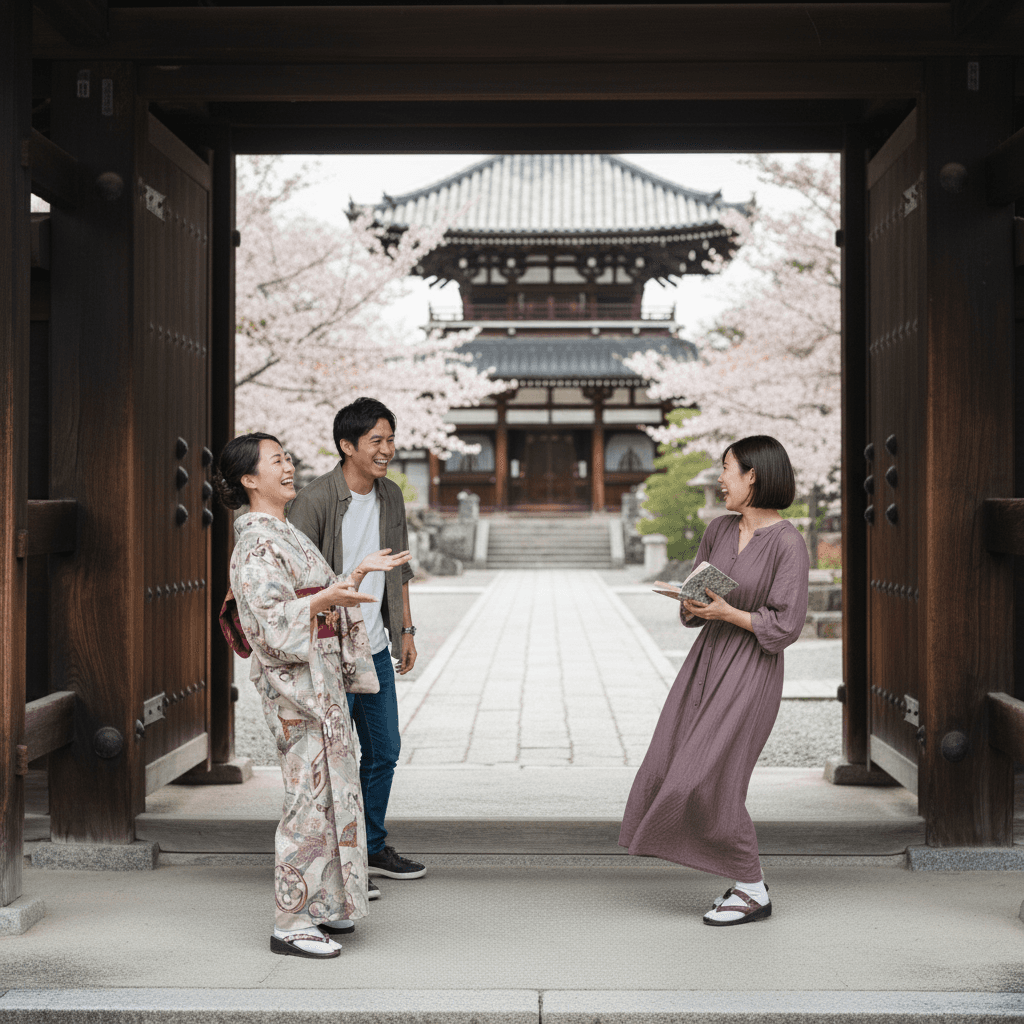
不要物除去 通行人削除 - 京都神社背景
背景の通行人を除去、京都寺院の石畳と木造建築を自然に復元。照明と影を保持した写真修復プロンプト。
Remove the unrelated bystanders walking in the background of the uploaded photo while keeping the main subject in the foreground completely untouched. Reconstruct the background — a Kyoto temple courtyard with stone paving and wooden architecture — so the cleanup looks seamless and continuous. Preserve the original lighting, shadows on the ground, and the subject's pose and expression. Output at the original resolution, photorealistic, do not invent details that conflict with the existing scene. Do not regenerate the photo from scratch — only operate on the existing pixels and preserve every face, pose, and the temple architecture exactly as the source.
 Gemini
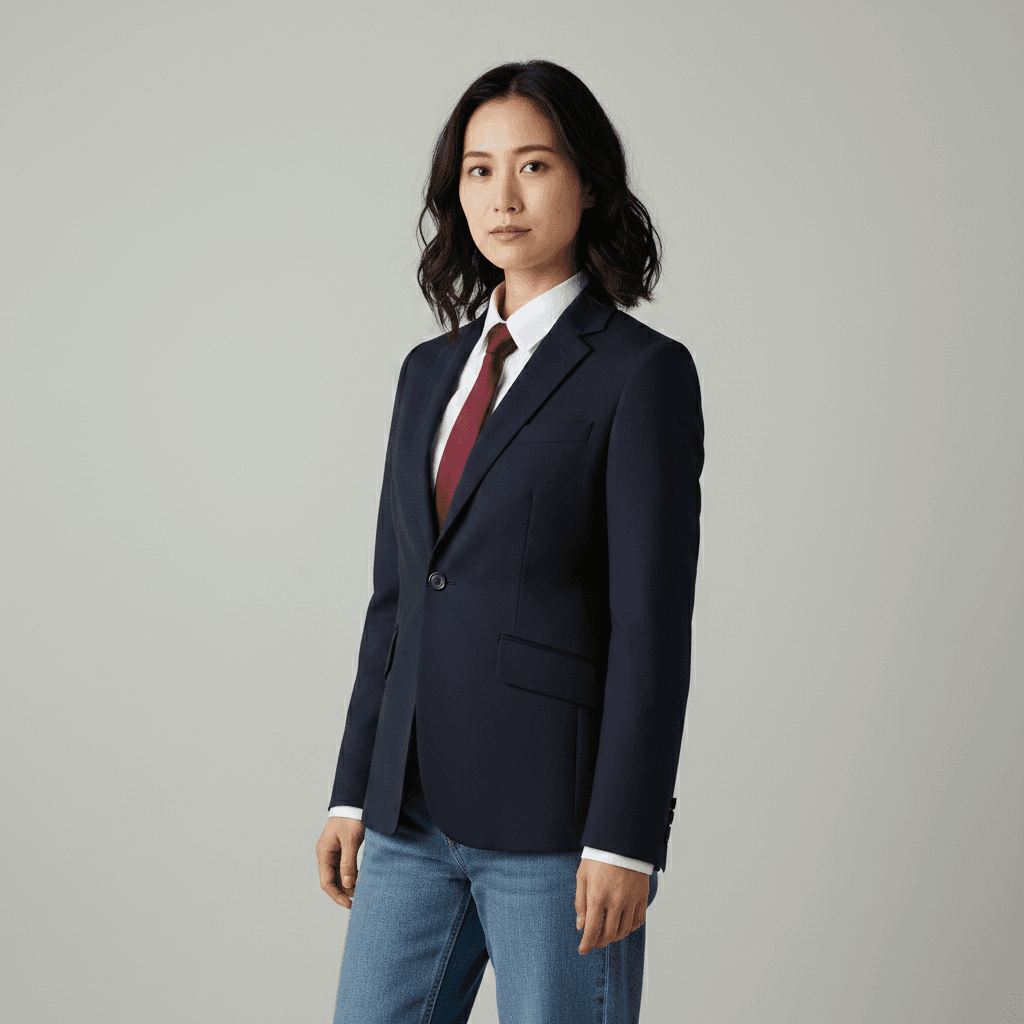
着せ替え ビジネススーツ - AI写真加工
スーツ・シャツ・ネクタイへの着替え加工。体型や背景は保持、ファブリック質感とシワを自然に表現したプロンプト。
Swap the outfit of the person in this image to a tailored navy single-breasted business suit with a crisp white dress shirt and a thin burgundy tie. Preserve the original pose, body proportions, hairstyle, facial identity, and background completely. Match the existing lighting on the new fabric with realistic wrinkles and natural shadows at the lapels and cuffs. Output as a 4:5 portrait, photorealistic. Do not alter the facial features or invent accessories that are not requested. Lock the exact facial identity and skin tone of the source person — do not regenerate the face.
 Gemini
表情変更 ニッコリ笑顔 - AI写真加工
無表情から自然な微笑みへ表情変更。目元の温かみを加えて親しみやすい印象に。顔の輪郭は変えないプロンプト。
Change the expression of the person in the uploaded photo from neutral to a noticeably warm closed-mouth smile that is clearly visible to the viewer, with a definite upward curve at the corners of the lips and gentle warmth around the eyes. Preserve the person's identity, facial proportions, hairstyle, and lighting completely. Avoid teeth showing and do not invent details around the mouth. Keep skin texture realistic and natural-looking. Output at the original resolution.
 Gemini
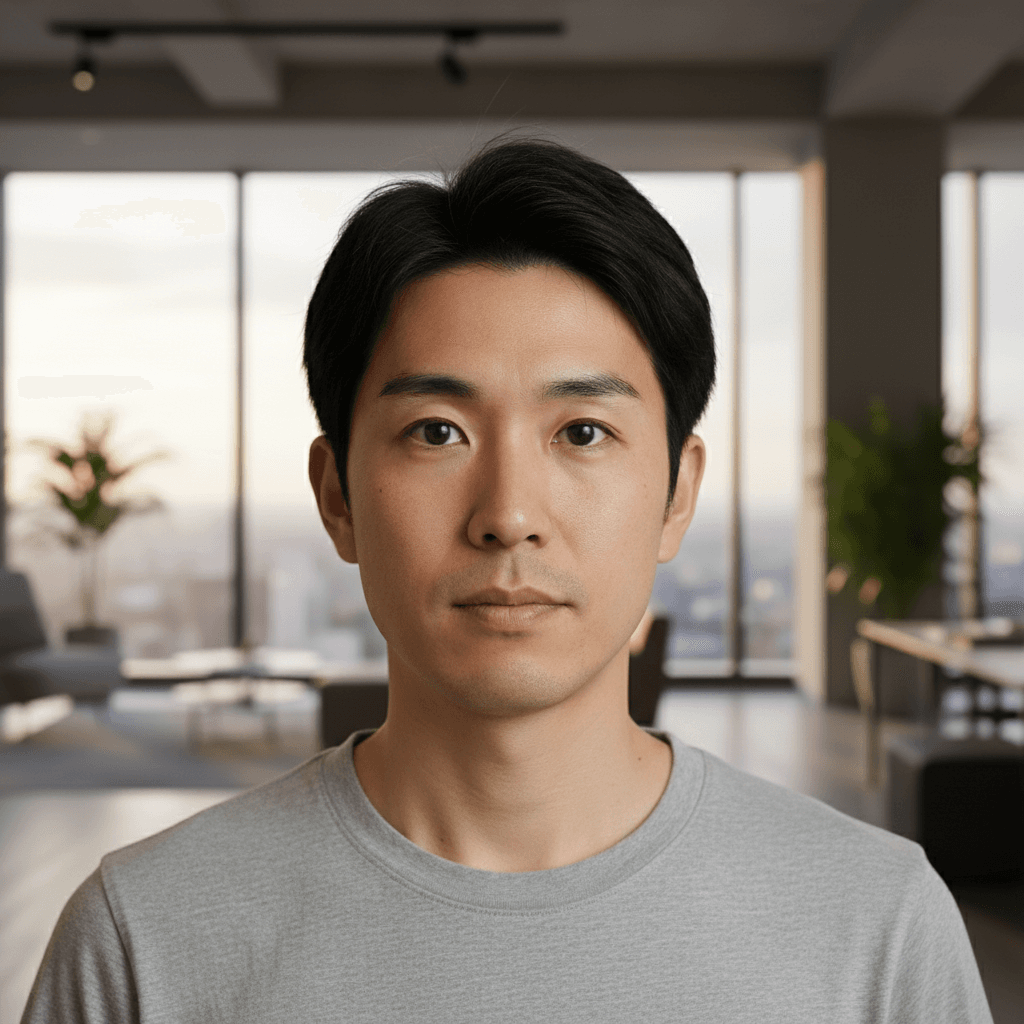
LinkedIn プロフィール写真 - ビジネス向けAI加工
LinkedIn用のプロフェッショナルなヘッドショット。窓風背景への置換、ライティング調整で洗練されたビジネス写真に。
Crop and restyle the uploaded photo into a LinkedIn-ready professional headshot. Replace the background with a softly defocused modern office featuring floor-to-ceiling windows and warm ambient lighting. Preserve the person's facial features, expression, and outfit, including the exact color, fabric, and fit of the original clothing. Add subtle catchlights in the eyes and gentle three-point studio lighting on the face. Output as a 1:1 square at 1024×1024, photorealistic, do not over-smooth the skin.
「nano-banana」プロンプトとは?
Nano Banana は Google の Gemini 2.5 Flash Image の通称で、ユーザーがアップロードした写真を自然言語の指示で編集できる最新のマルチモーダル画像生成・編集モデルです。Stable Diffusion のようなタグ袋プロンプトではなく、ChatGPT に話しかけるような自然な英語または日本語の祈使文で「この写真の○○を××して」と伝えるだけで、複雑な画像編集タスクをこなします。 Nano Banana が特に得意な領域:(1) 背景透過・置換 — 髪のキワなど境界処理が極めて精密、(2) 被写体の同一性保持 — 顔や体型を保ちつつ服装や髪型だけを変える、(3) 一文完結指示 — マルチターン対話なしで初回指示で結果が出やすい、(4) 写実的な仕上がり — AI 加工特有の「ベタ塗り肌」「人形顔」が出にくい。 最も効果的なプロンプト構造:[1] 対象明示 `the uploaded photo` → [2] 動詞 `Replace / Remove / Change / Restore / Colorize` → [3] 詳細指定 → [4] 保持要素 `keep the face / pose / lighting unchanged` → [5] 出力フォーマット `output as a transparent PNG / 1:1 square / passport size`。例:「Replace the background with a softly blurred professional studio backdrop while keeping the person's pose, lighting direction, and skin tone exactly as in the original. Output as a 1024×1024 PNG.」 本タグでは、Nano Banana / Gemini 2.5 Flash Image 向けに最適化された写真加工指示文を、用途別(背景・人物・修復・着せ替え)に整理して提供しています。