# 髪型変更
「髪型変更」タグが付いたプロンプト 2件
 Gemini
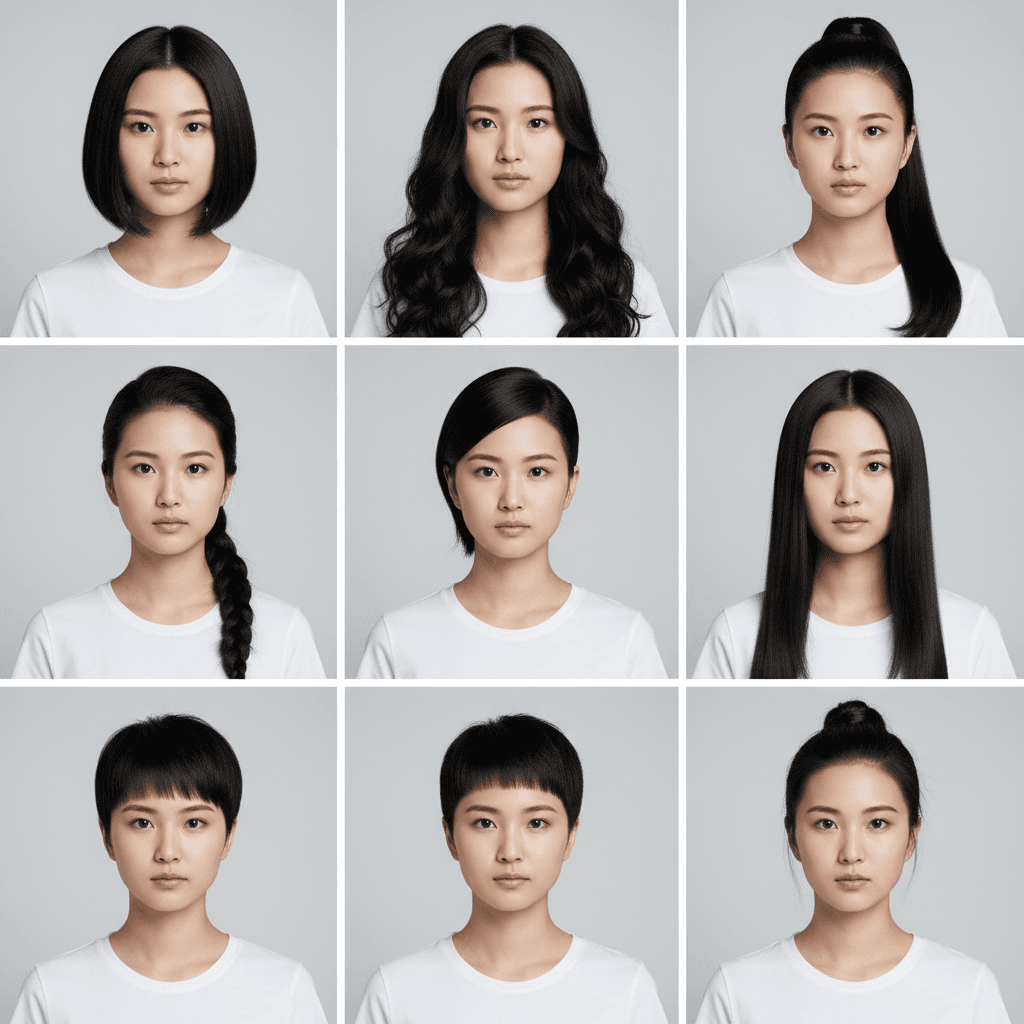
髪型バリエーション 9マスグリッド - AI 試着シミュレーター
1枚の写真から 3×3 グリッドで 9 種類の髪型を一度に提示。美容室前のシミュレーションに最適。Gemini / Nano Banana 用プロンプト。
Generate a 3×3 grid avatar showing the person in this image with nine different hairstyles. Use the same person, the same outfit, and the same background in every cell, varying only the hairstyle (e.g., short bob, long curls, ponytail, braid, undercut, shoulder-length straight, layered cut, pixie, half-up bun). Preserve the person's identity, eye shape, nose, jawline, eyebrow shape, lip color, makeup state, clothing color, clothing fit, and pose exactly across all nine cells. Output as a single 3×3 grid image at the original aspect ratio, photorealistic and natural-looking with sharp focus per cell. Do not modify the facial structure or invent details that conflict with realistic hair physics, and avoid cartoon or anime stylization.
 Gemini
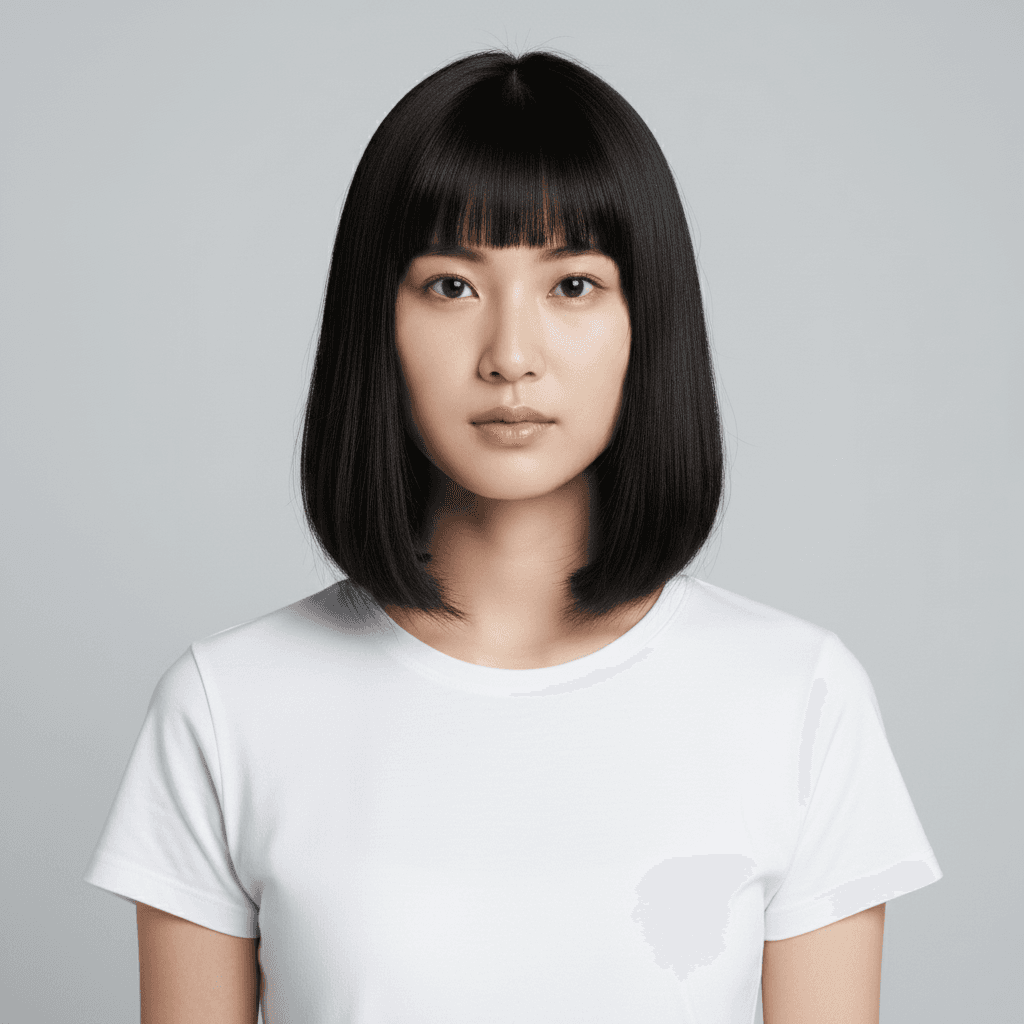
髪型変更 ボブカット - AI写真加工プロンプト
フレンチボブへの髪型シミュレーション。元の髪色と顔立ちを保持、照明方向をマッチさせた自然な仕上がり。
Change the hairstyle of the person in the uploaded photo to a chin-length French bob with blunt-cut bangs that just touch the eyebrows. Keep the original hair color, facial identity, expression, clothing, and background unchanged. Lock the exact facial identity — same eye shape, same nose, same face proportions as the source person. Match the lighting and shadow direction of the existing photo so the new hair blends naturally around the ears and neckline. Photorealistic, do not modify the facial structure. Output at the original resolution.
「髪型変更」プロンプトとは?
髪型変更プロンプトは、写真の人物の髪型や髪色を AI で別のスタイルに変える画像編集指示です。美容室での施術前カウンセリング、イメチェンの事前確認、就活時の髪色チェック、コスプレ・撮影前の検証など、髪型を実際にカットせずに結果を確認したい場面で活躍します。 長さ変更:`Change the hairstyle in the uploaded photo from long hair to a chin-length bob with subtle inner curls. Keep the face, hairline shape, and natural hair color exactly the same. Match the lighting and hair texture to the original.` 髪色変更:`Change the hair color in the uploaded photo from black to a soft ash brown with subtle highlights. Keep the hairstyle, hair length, and skin tone exactly as in the original. Avoid making the hair color look artificial or like a wig.` 組み合わせ(長さ+色):`Transform the hair: short pixie cut in platinum blonde. Maintain the face shape, eyebrows, and skin color. Show realistic hair texture with natural strands and slight movement.` 自然な仕上がりのコツ:(1) 髪のキワを丁寧に:`clean transition between hairline and forehead`、(2) 質感の指定:`realistic hair texture with individual strands visible`、(3) ウィッグっぽさを排除:`avoid a wig-like or doll-like appearance`、(4) 顔の保持:`do not change the face shape or skin color`。Gemini 2.5 Flash Image が第一推奨ツールです。