# 写真加工
「写真加工」タグが付いたプロンプト 24件
 Gemini
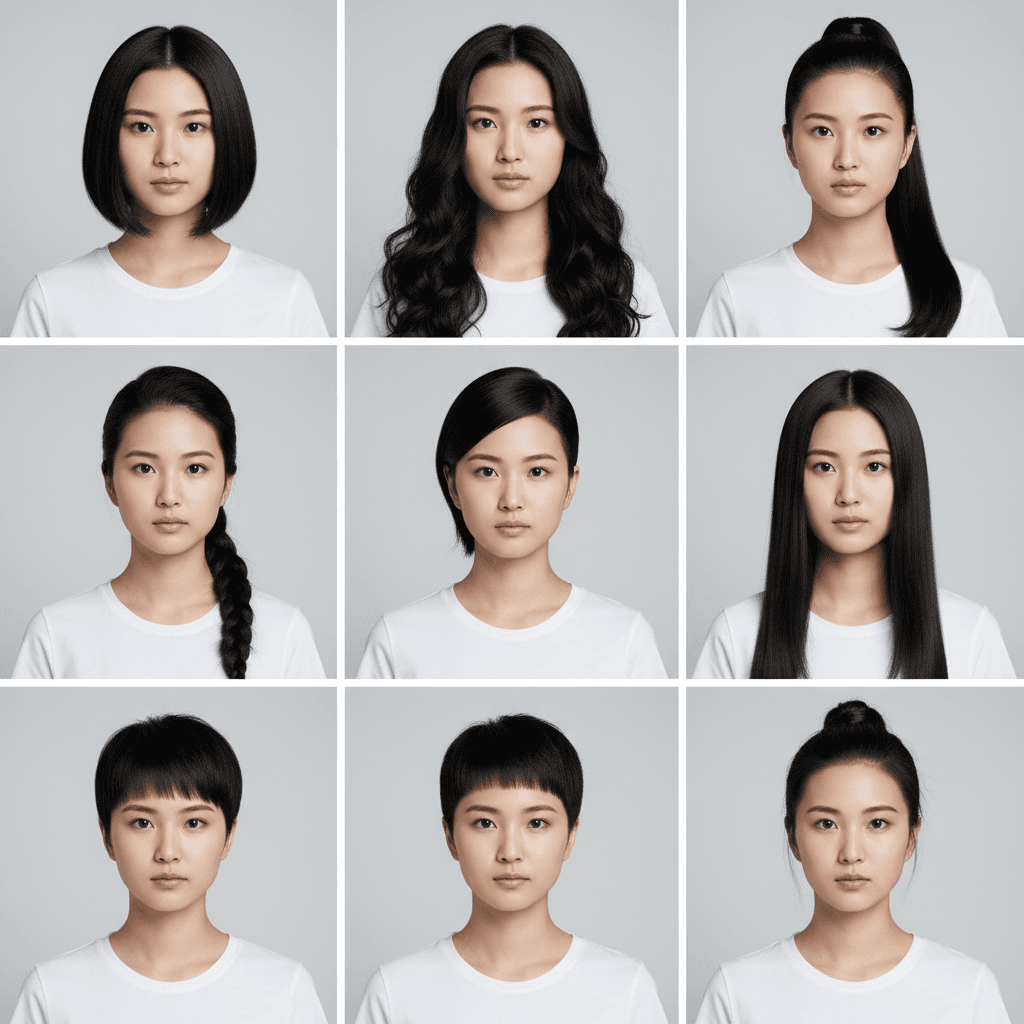
髪型バリエーション 9マスグリッド - AI 試着シミュレーター
1枚の写真から 3×3 グリッドで 9 種類の髪型を一度に提示。美容室前のシミュレーションに最適。Gemini / Nano Banana 用プロンプト。
Generate a 3×3 grid avatar showing the person in this image with nine different hairstyles. Use the same person, the same outfit, and the same background in every cell, varying only the hairstyle (e.g., short bob, long curls, ponytail, braid, undercut, shoulder-length straight, layered cut, pixie, half-up bun). Preserve the person's identity, eye shape, nose, jawline, eyebrow shape, lip color, makeup state, clothing color, clothing fit, and pose exactly across all nine cells. Output as a single 3×3 grid image at the original aspect ratio, photorealistic and natural-looking with sharp focus per cell. Do not modify the facial structure or invent details that conflict with realistic hair physics, and avoid cartoon or anime stylization.
 Gemini
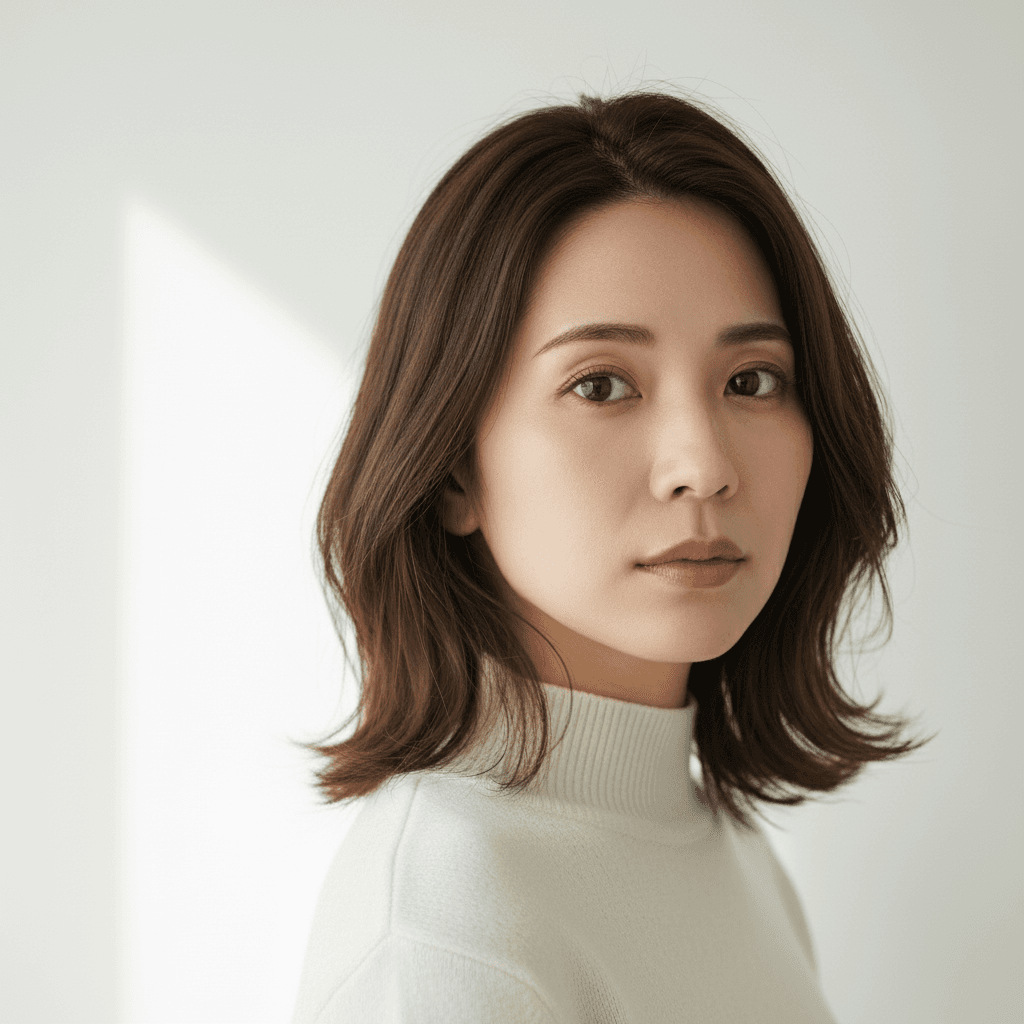
AI 写真自動補正 - コントラスト+発色強化
退屈な写真を一発で生き生きと。コントラスト・彩度・光バランスを自動調整してプロ級の仕上がりに。Gemini 2.5 Flash Image / Nano Banana 用プロンプト。
Auto-enhance this image to make it more vivid and engaging. Boost the contrast, deepen the color saturation, improve the lighting balance, and gently sharpen the existing details. Preserve the person's identity, eye shape, nose, jawline, hair length, hair color, hairstyle, eyebrow shape, lip color, makeup state, clothing color, clothing fit, pose, and facial expression exactly as the source. Keep the original composition, but you may lightly crop framing edges if needed. Output at the original resolution, photorealistic and natural-looking. Do not over-saturate the colors, do not introduce film grain or HDR look, and avoid any cartoon, painterly, or anime stylization.
 Gemini
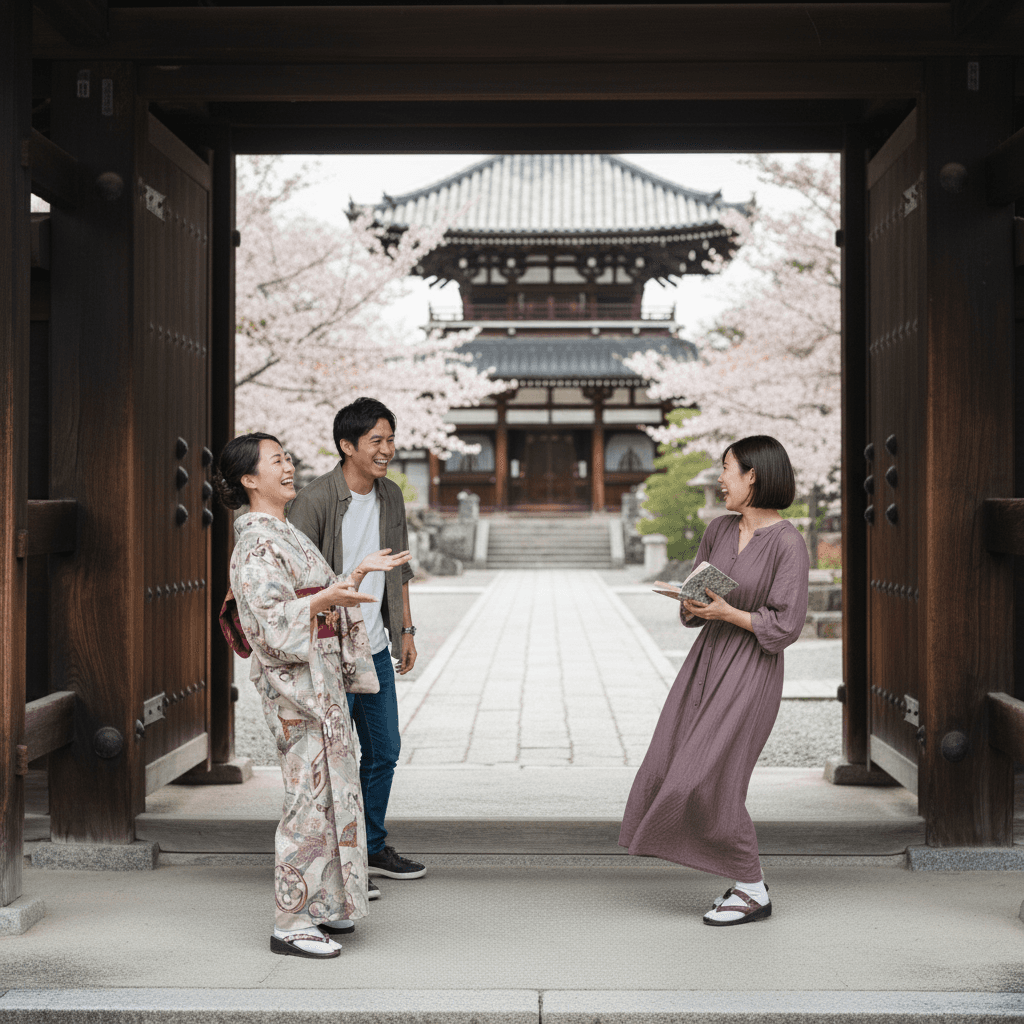
不要物除去 通行人削除 - 京都神社背景
背景の通行人を除去、京都寺院の石畳と木造建築を自然に復元。照明と影を保持した写真修復プロンプト。
Remove the unrelated bystanders walking in the background of the uploaded photo while keeping the main subject in the foreground completely untouched. Reconstruct the background — a Kyoto temple courtyard with stone paving and wooden architecture — so the cleanup looks seamless and continuous. Preserve the original lighting, shadows on the ground, and the subject's pose and expression. Output at the original resolution, photorealistic, do not invent details that conflict with the existing scene. Do not regenerate the photo from scratch — only operate on the existing pixels and preserve every face, pose, and the temple architecture exactly as the source.
 Gemini
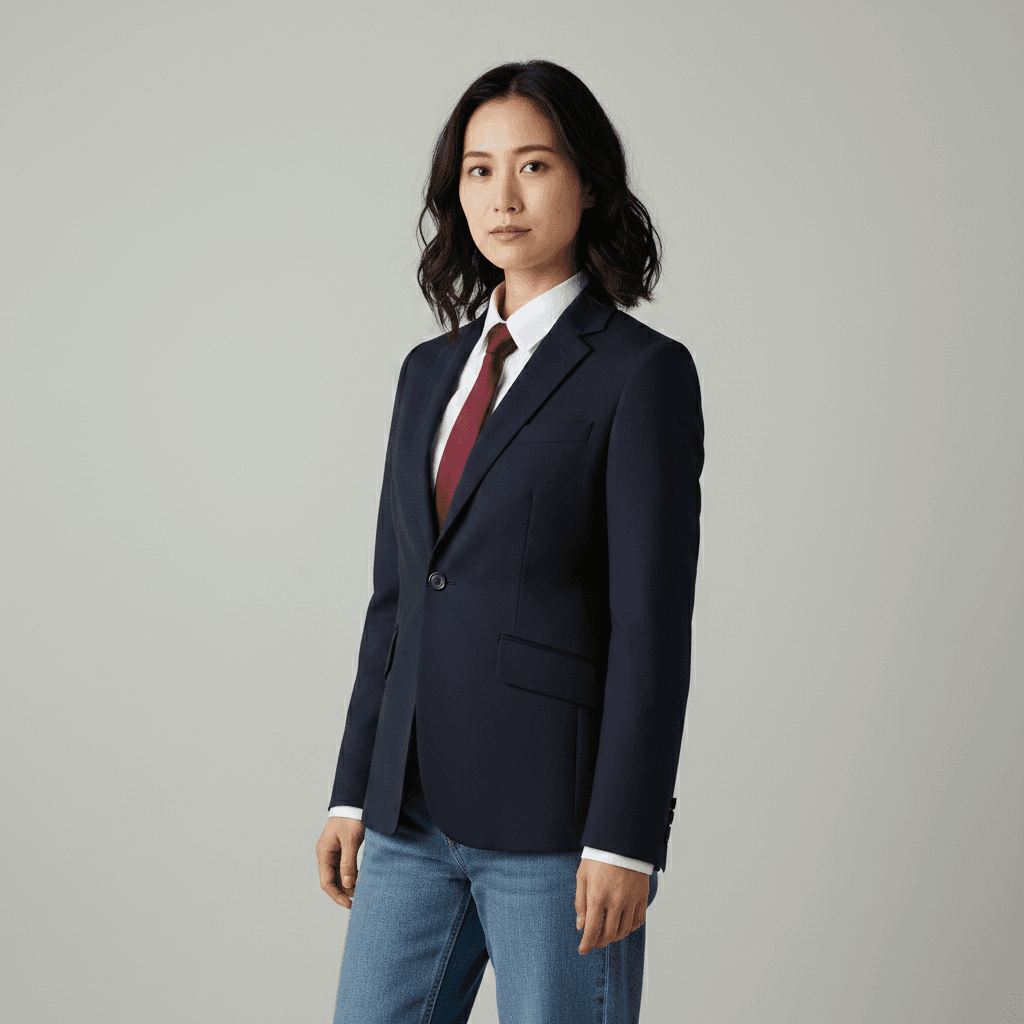
着せ替え ビジネススーツ - AI写真加工
スーツ・シャツ・ネクタイへの着替え加工。体型や背景は保持、ファブリック質感とシワを自然に表現したプロンプト。
Swap the outfit of the person in this image to a tailored navy single-breasted business suit with a crisp white dress shirt and a thin burgundy tie. Preserve the original pose, body proportions, hairstyle, facial identity, and background completely. Match the existing lighting on the new fabric with realistic wrinkles and natural shadows at the lapels and cuffs. Output as a 4:5 portrait, photorealistic. Do not alter the facial features or invent accessories that are not requested. Lock the exact facial identity and skin tone of the source person — do not regenerate the face.
 Gemini
表情変更 ニッコリ笑顔 - AI写真加工
無表情から自然な微笑みへ表情変更。目元の温かみを加えて親しみやすい印象に。顔の輪郭は変えないプロンプト。
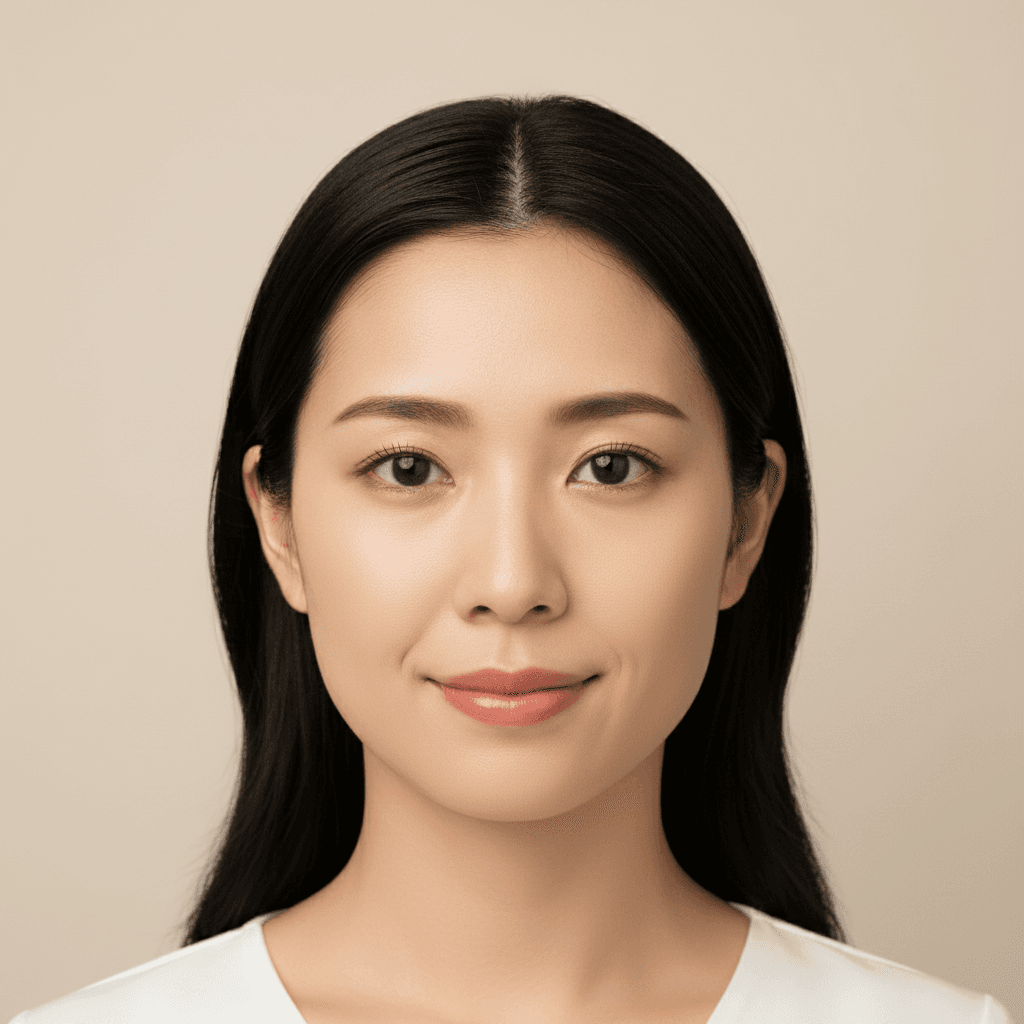
Change the expression of the person in the uploaded photo from neutral to a noticeably warm closed-mouth smile that is clearly visible to the viewer, with a definite upward curve at the corners of the lips and gentle warmth around the eyes. Preserve the person's identity, facial proportions, hairstyle, and lighting completely. Avoid teeth showing and do not invent details around the mouth. Keep skin texture realistic and natural-looking. Output at the original resolution.
 Gemini
LinkedIn プロフィール写真 - ビジネス向けAI加工
LinkedIn用のプロフェッショナルなヘッドショット。窓風背景への置換、ライティング調整で洗練されたビジネス写真に。
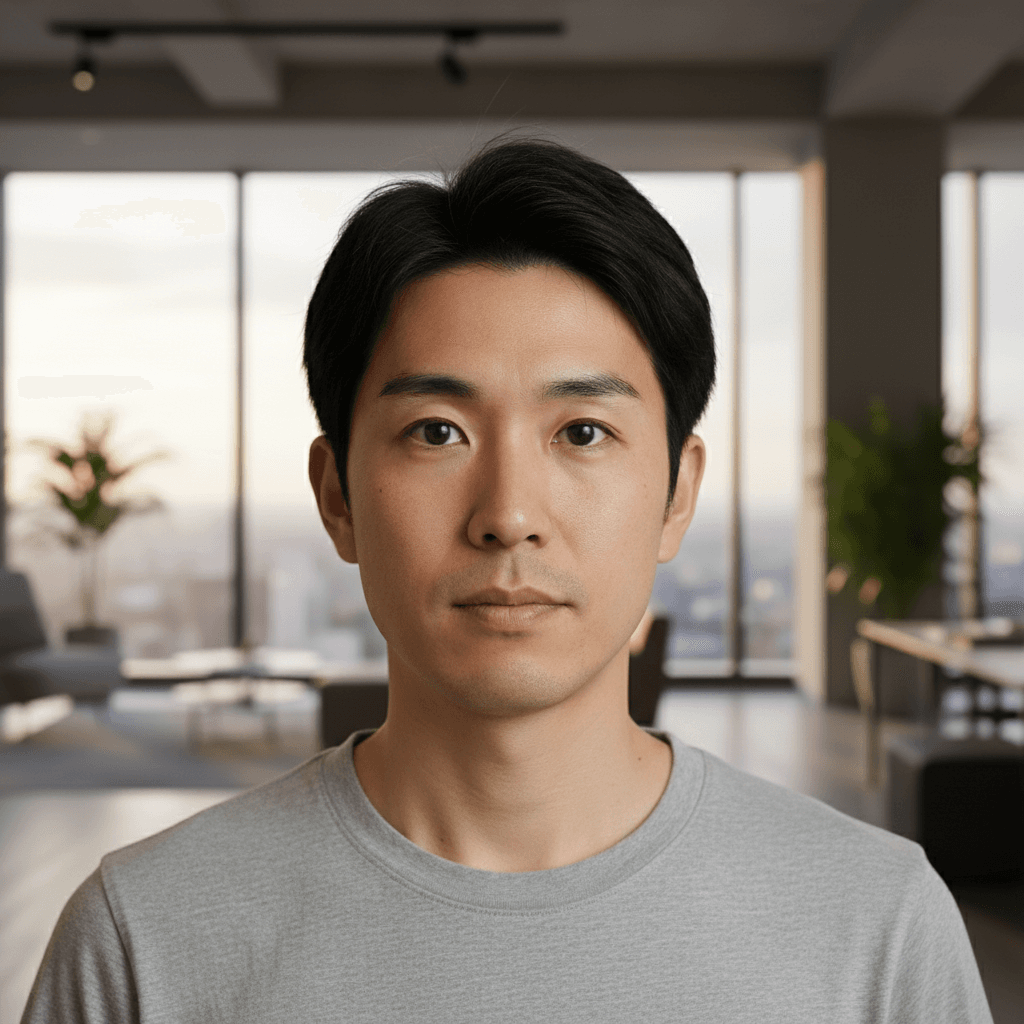
Crop and restyle the uploaded photo into a LinkedIn-ready professional headshot. Replace the background with a softly defocused modern office featuring floor-to-ceiling windows and warm ambient lighting. Preserve the person's facial features, expression, and outfit, including the exact color, fabric, and fit of the original clothing. Add subtle catchlights in the eyes and gentle three-point studio lighting on the face. Output as a 1:1 square at 1024×1024, photorealistic, do not over-smooth the skin.
 Gemini
背景置換 スタジオ風 - AI写真加工プロンプト
アップロード写真の背景をプロフェッショナルなグレースタジオ背景に置換。ライト方向と色温度をマッチさせた自然な合成プロンプト。
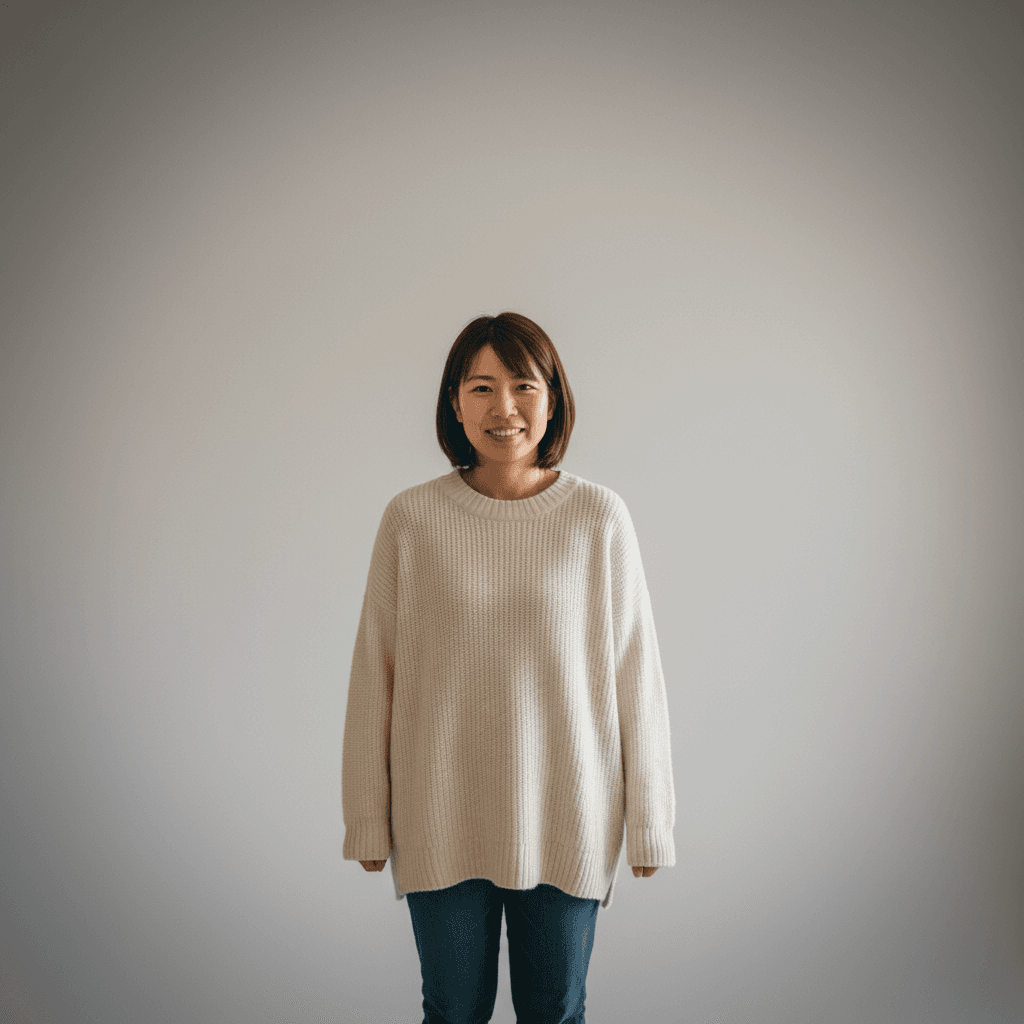
Replace the background of the uploaded photo with a softly blurred professional photography studio backdrop in neutral light gray (#D8D8D8), with subtle vignetting toward the corners. Keep the person's pose, facial expression, hair flyaways, and clothing exactly as in the original. Do not change the hairstyle, hair length, or hair color. Match the existing key-light direction and 5500K color temperature on the subject so the composite looks natural. Output as a 1:1 square at 1024×1024 pixels. Photorealistic and natural-looking, with no white halo around the subject and no color cast on the skin from the new background.
 Gemini
白黒写真カラー化 1950年代風 - 写真修復
白黒の古い写真をカラー化。時代に合った肌色と衣服色、背景を復元。粒子感と細部を保持した修復プロンプト。
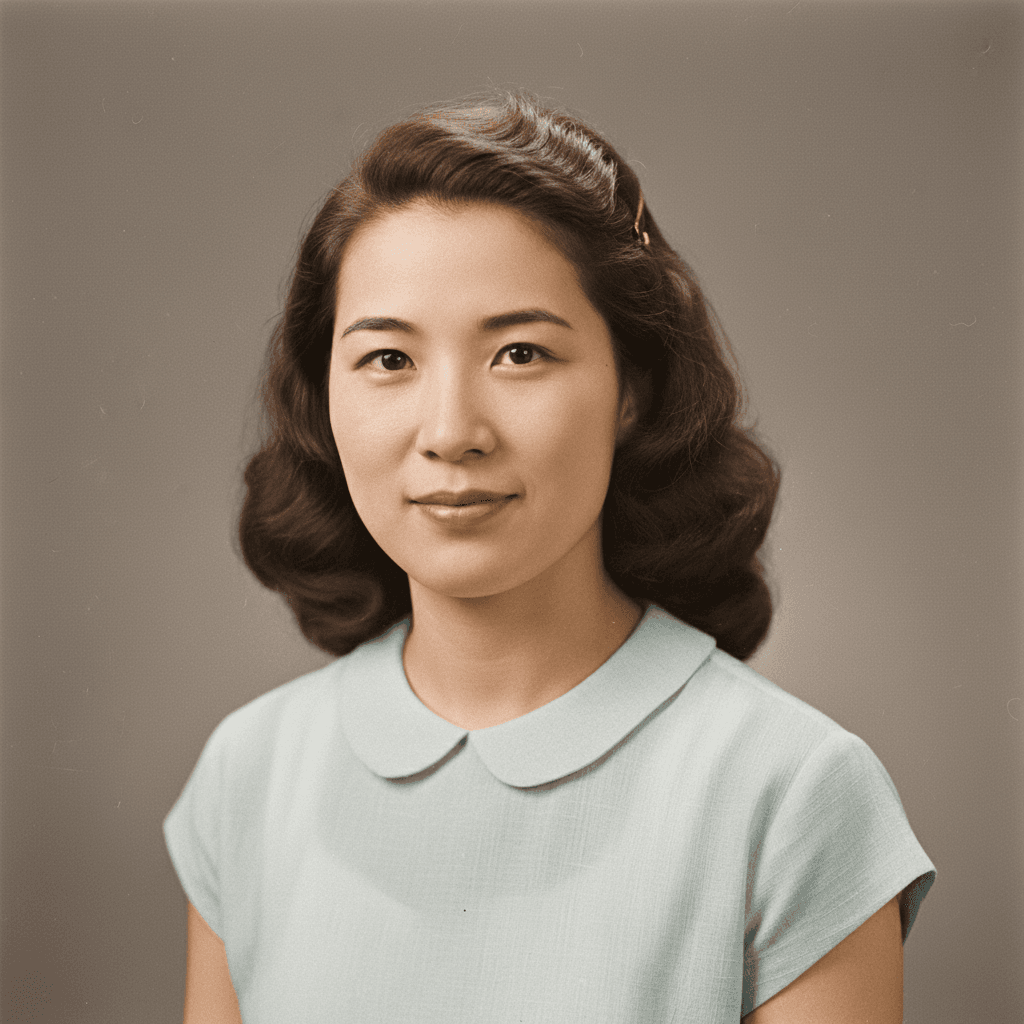
Colorize the uploaded vintage black-and-white photo with historically plausible tones for the 1950s era: warm sepia-leaning skin tones, muted clothing colors appropriate to the period, and a softly desaturated background. Preserve the original composition, grain, and facial details exactly. Do not sharpen aggressively or invent details that are not visible in the source. Output at the original resolution, natural-looking and photorealistic. Do not regenerate the photo from scratch — only operate on the existing pixels and preserve every face, pose, and grain exactly as the source.
 Gemini
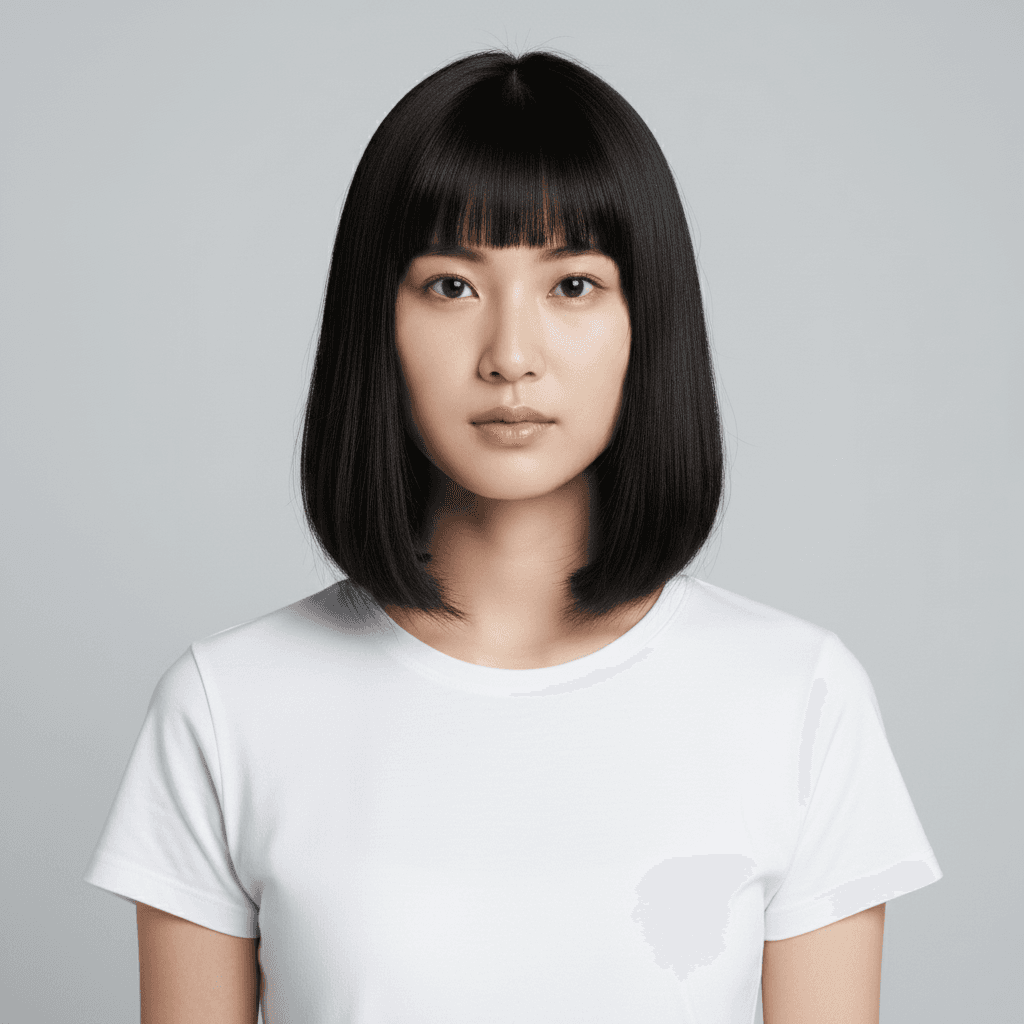
髪型変更 ボブカット - AI写真加工プロンプト
フレンチボブへの髪型シミュレーション。元の髪色と顔立ちを保持、照明方向をマッチさせた自然な仕上がり。
Change the hairstyle of the person in the uploaded photo to a chin-length French bob with blunt-cut bangs that just touch the eyebrows. Keep the original hair color, facial identity, expression, clothing, and background unchanged. Lock the exact facial identity — same eye shape, same nose, same face proportions as the source person. Match the lighting and shadow direction of the existing photo so the new hair blends naturally around the ears and neckline. Photorealistic, do not modify the facial structure. Output at the original resolution.
 Gemini
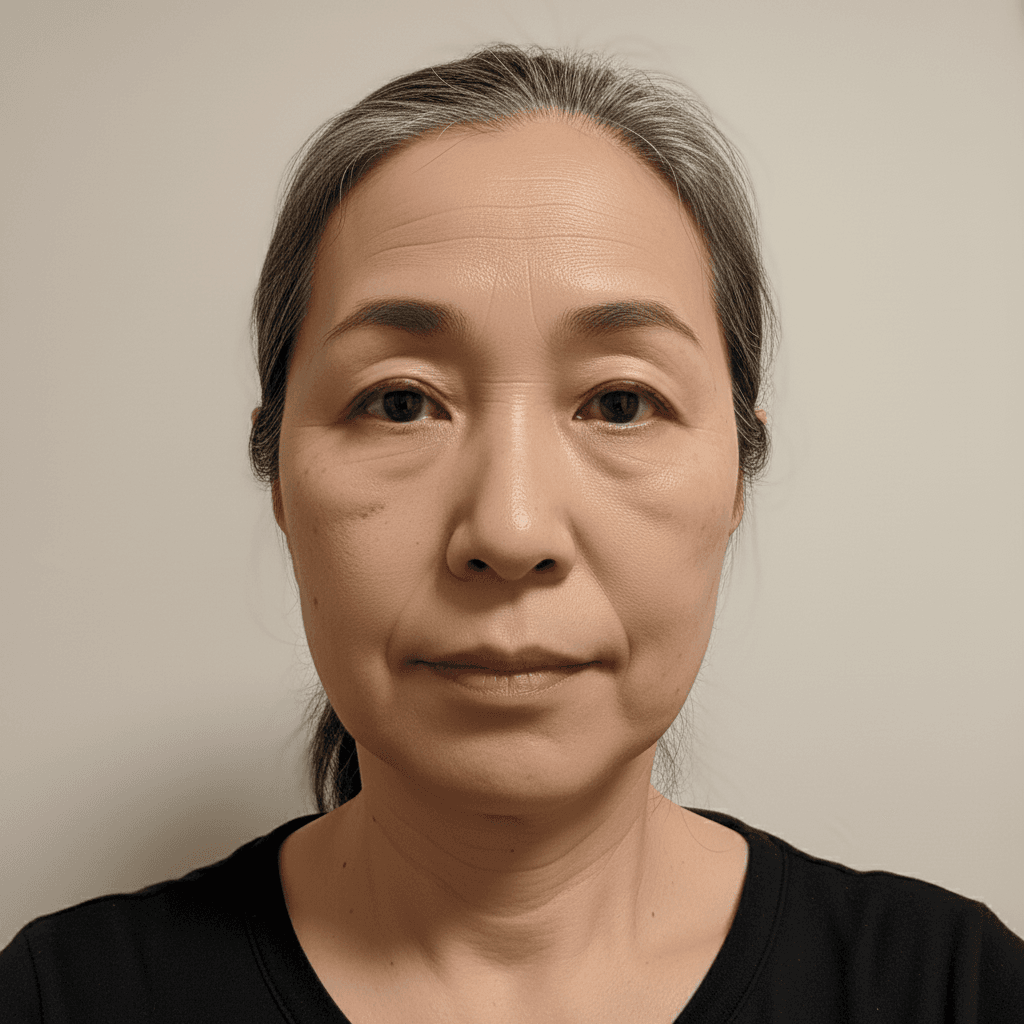
自然な美肌レタッチ - Gemini写真加工
肌トラブルを自然に軽減。肌質感を保ちながらシミやくすみを除去。顔の構造や目の形は変えないリタッチプロンプト。
Softly retouch the face of the person in this image: reduce visible blemishes and minor redness, even out skin tone, and gently smooth pores while keeping skin texture, freckles, moles, and fine lines intact. Do not change the facial structure, eye shape, or jawline. Do not add makeup, lipstick, eyeliner, or modify the eyebrow shape — keep the bare-face look. Maintain the original pose, hair, and clothing. Output at the original resolution, photorealistic, do not over-smooth the skin and no plastic-looking face.
 Gemini
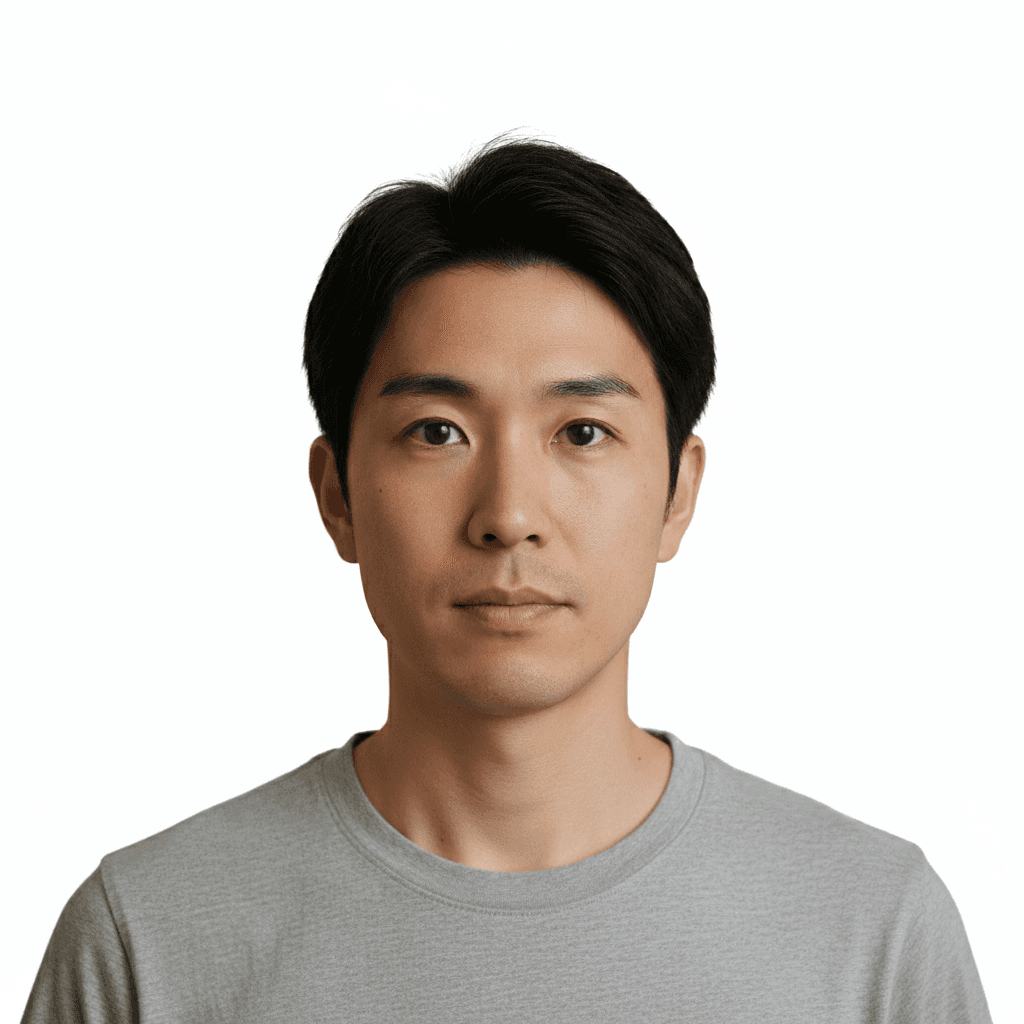
パスポート証明写真 ICAO規格 - AI写真加工
日本パスポート用ICAO規格に対応した証明写真の自動生成。背景白、正面顔、中立表情で規格通りにトリミングするプロンプト。
Transform the uploaded photo into a compliant Japanese passport ID photo following ICAO standards: plain white background (#FFFFFF), head centered and facing directly forward, neutral closed-mouth expression, both ears and full forehead visible, eyes open and looking at the camera, no shadows on the face or background. Preserve the person's natural skin texture, facial identity, and the original clothing (shoulders and collar must be visible — do not remove or alter the shirt) without beautification. Crop to 35×45mm with the head measuring 32–36mm from chin to crown. Output at 600 DPI. Do not generate bare skin or partial nudity.
Remove the background from the uploaded photo and isolate the person cleanly along the hair edges and shoulders. Preserve the original skin tones, clothing colors, and facial details exactly as they a
背景透過 PNG 出力 - 写真加工プロンプト
※ Gemini 2.5 Flash Image はアルファ出力に未対応。透過 PNG 出力には Photoroom / remove.bg / rembg などの専用ツール推奨。 アップロードした写真から背景を除去し、髪や肩のエッジを綺麗に分離。肌色や衣服の色を保持した透過PNG出力プロンプト。
Remove the background from the uploaded photo and isolate the person cleanly along the hair edges and shoulders. Preserve the original skin tones, clothing colors, and facial details exactly as they are. Keep the cutout sharp focus and natural-looking around the hair edges. Output as a transparent PNG at the original resolution with anti-aliased edges and no white halo around the subject.
「写真加工」プロンプトとは?
写真加工プロンプトは、ユーザーがアップロードした既存の写真を AI に編集させるための「指示文」です。Stable Diffusion のタグ袋プロンプト(`1girl, long hair, dress`)とは仕組みが異なり、Gemini 2.5 Flash Image(通称 Nano Banana)・ChatGPT の画像編集機能・DALL-E 3 inpainting といったマルチモーダル系モデルに、自然な英語または日本語の祈使文で「この写真を○○して」と伝えます。 上手な写真加工プロンプトには共通する 5 つの要素があります:(1) 対象を明示(`the uploaded photo` / `this person`)、(2) 保持する要素を宣言(`keep the face unchanged` / `preserve the original pose`)、(3) 出力フォーマットを指定(`as a transparent PNG` / `35×45mm passport size`)、(4) 質感ワードで品質を底上げ(`natural-looking` / `professional studio lighting`)、(5) ネガ指示で AI の典型ミスを予防(`do not over-smooth the skin`)。 よく使うサブテーマ:背景処理(透過 / 削除 / 置換)、証明・プロフ写真(パスポート規格 / LinkedIn 風)、美顔・顔加工(毛穴除去 / 表情変更)、髪型・服装(着せ替え / 髪型変更)、修復・カラー化、切り抜き・除去。本タグでは、これら全領域をカバーするプロンプトサンプルを収集しています。