# 写真修復
「写真修復」タグが付いたプロンプト 3件
 Gemini
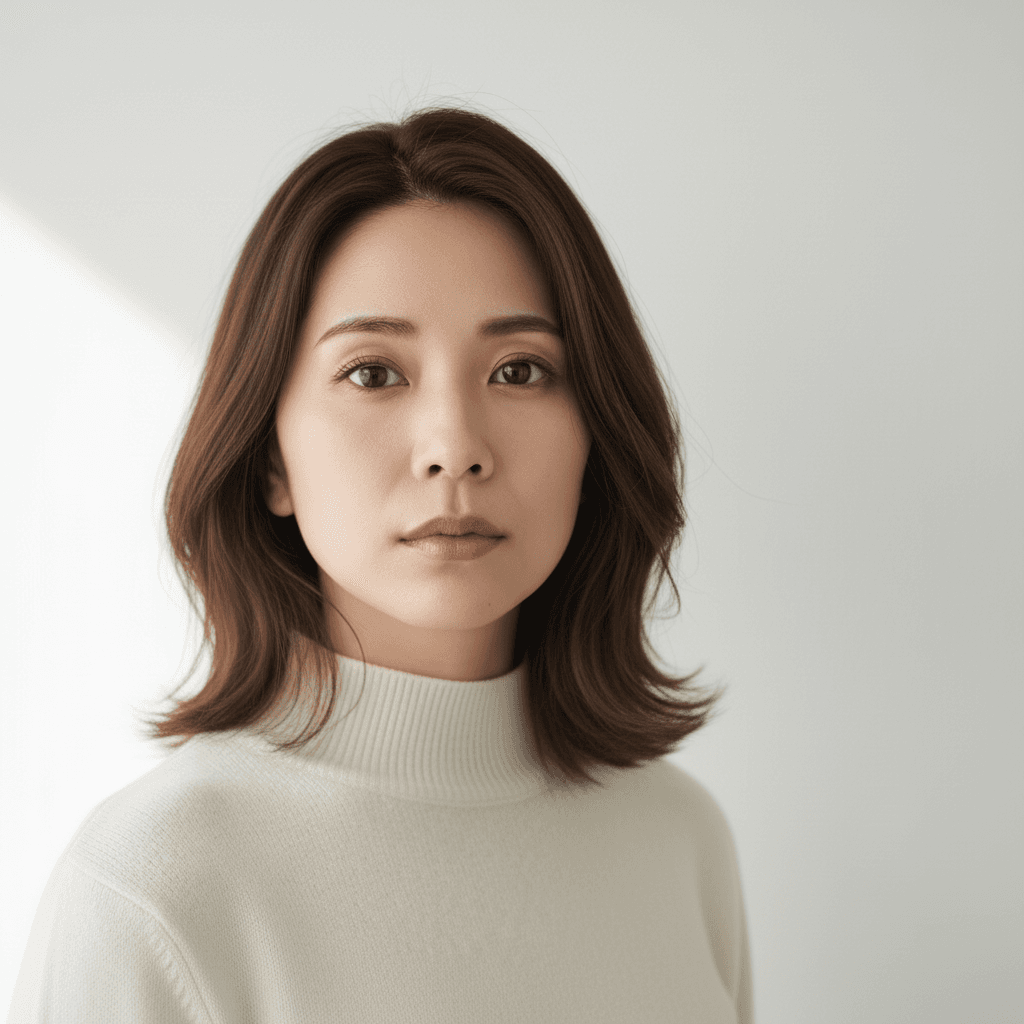
AI 画像外部拡張・修復 - アウトペイントプロンプト
透過部分や欠損エリアを AI で自然に補完。クロップしすぎた写真を元のフレームに復元。Gemini 2.5 Flash Image 用プロンプト。
Fill in the transparent (checkerboard) regions of the uploaded photo to restore it into a complete, coherent image. Continue the existing scene naturally — match the lighting direction, color palette, perspective, depth-of-field, and texture grain of the visible portion. Preserve every existing pixel of the visible subject's identity, pose, clothing, hair, and background details exactly as the source. Output at the original resolution, photorealistic and natural-looking. Do not regenerate the photo from scratch — only operate on the existing pixels in the visible area and fill the missing transparent areas. Avoid inventing details that conflict with the existing scene, and no seams or color cast at the boundary of the filled region.
 Gemini
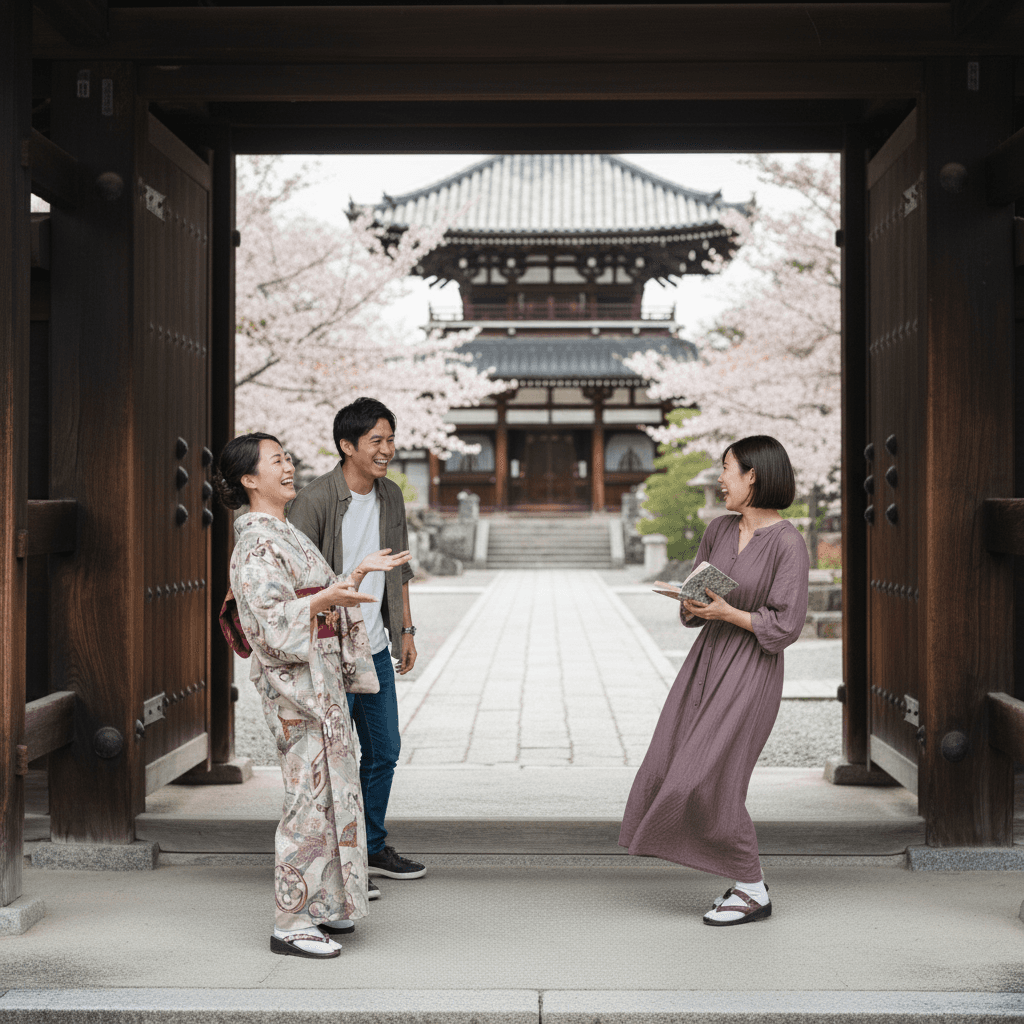
不要物除去 通行人削除 - 京都神社背景
背景の通行人を除去、京都寺院の石畳と木造建築を自然に復元。照明と影を保持した写真修復プロンプト。
Remove the unrelated bystanders walking in the background of the uploaded photo while keeping the main subject in the foreground completely untouched. Reconstruct the background — a Kyoto temple courtyard with stone paving and wooden architecture — so the cleanup looks seamless and continuous. Preserve the original lighting, shadows on the ground, and the subject's pose and expression. Output at the original resolution, photorealistic, do not invent details that conflict with the existing scene. Do not regenerate the photo from scratch — only operate on the existing pixels and preserve every face, pose, and the temple architecture exactly as the source.
 Gemini
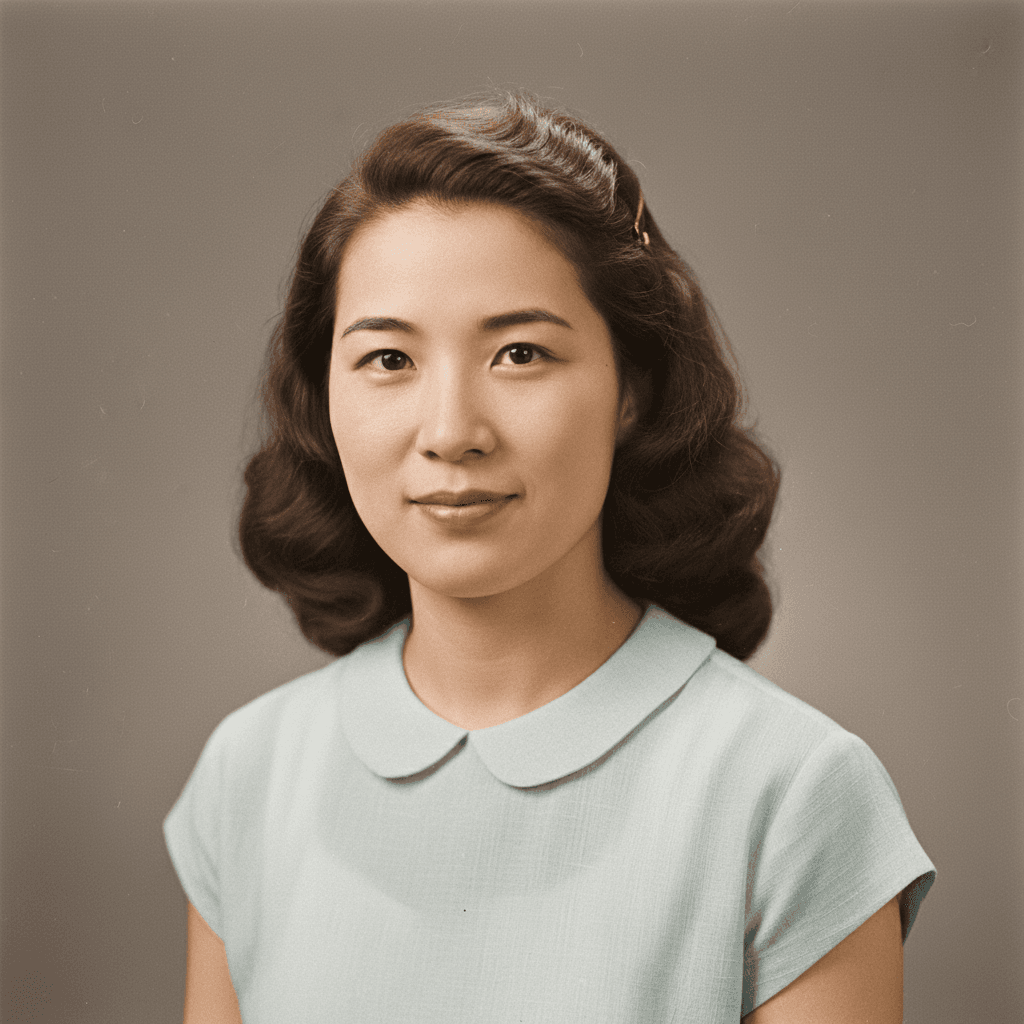
白黒写真カラー化 1950年代風 - 写真修復
白黒の古い写真をカラー化。時代に合った肌色と衣服色、背景を復元。粒子感と細部を保持した修復プロンプト。
Colorize the uploaded vintage black-and-white photo with historically plausible tones for the 1950s era: warm sepia-leaning skin tones, muted clothing colors appropriate to the period, and a softly desaturated background. Preserve the original composition, grain, and facial details exactly. Do not sharpen aggressively or invent details that are not visible in the source. Output at the original resolution, natural-looking and photorealistic. Do not regenerate the photo from scratch — only operate on the existing pixels and preserve every face, pose, and grain exactly as the source.
「写真修復」プロンプトとは?
写真修復プロンプトは、古い写真や破損した写真を AI で補修する画像編集指示です。家族のアルバム整理、亡くなった家族の遺品整理、歴史的資料のデジタル化、結婚式や成人式など重要な思い出の写真の保全など、感情的価値の高い場面で需要があります。 白黒写真のカラー化:`Colorize the uploaded black-and-white photo with historically and contextually accurate colors. Use natural skin tones, period-appropriate clothing colors, and authentic environmental colors. Preserve all original details, textures, and the photo's atmosphere. Do not invent new details.` 破損部分の補修:`Restore the damaged areas in the uploaded old photo: repair scratches, tears, fading, and missing portions. Reconstruct the missing parts based on the surrounding context. Keep the original facial features, expressions, and composition exactly as visible.` 解像度向上:`Enhance the resolution and clarity of the uploaded low-resolution photo while preserving the original character and avoiding over-sharpening artifacts. Improve fine details naturally without making the image look artificial or AI-upscaled.` 重要な制約:`do not invent or change facial features that are visible in the original` / `preserve the historical authenticity` / `do not modernize the clothing, hairstyles, or backgrounds`。歴史的・家族写真の修復は、忠実性が品質指標です。Gemini 2.5 Flash Image または ChatGPT 画像編集が推奨。