ステッカー化 AI プロンプト - ダイカット風人物変換
アップロードした人物写真を、白縁付きのダイカットステッカー風イラストに変換するプロンプト。フラットセルシェーディング + 透過/単色背景。
62 閲覧26 コピー
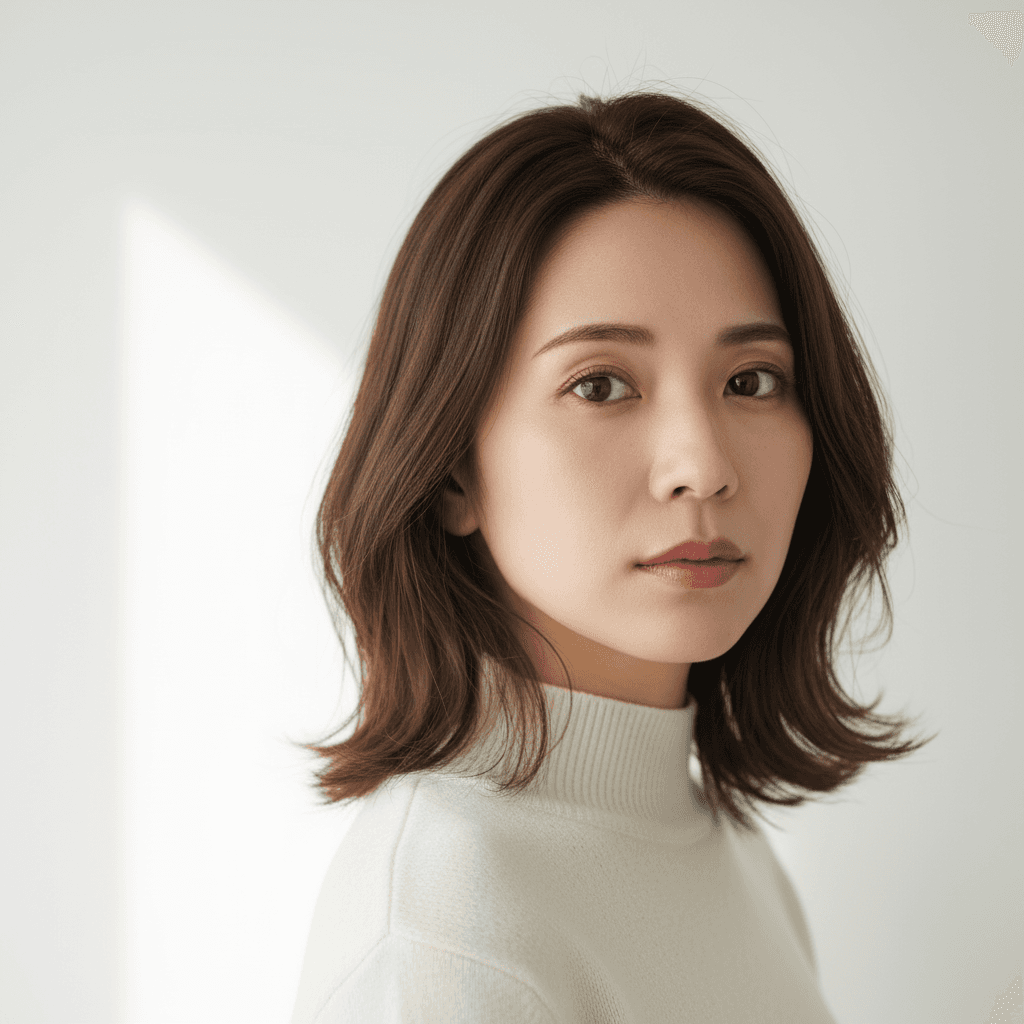

プロンプト
I uploaded a photo. Please convert the person into a die-cut vinyl sticker version — a clean illustrated portrait of the person with a thick white outline (about 8-12 pixels) around the silhouette and a solid pastel background. Use flat cel-shading with 2-3 color tones per region (highlight, base, shadow), no gradients. Preserve the person's identity, face proportions, hair color, hair shape, and outfit color so the sticker is clearly recognizable. Output at the original resolution as a square 1024x1024 image. Modern flat illustration style suitable for sticker printing. Do not add backgrounds or scenery beyond the solid pastel fill, do not add text or logos, and no realistic photographic detail in the face.
「ChatGPTで試す」ボタンを押すと、入力欄にプロンプトが自動入力された状態でChatGPTが開きます。
「Geminiで試す」ボタンを押すとプロンプトがコピーされ、Gemini が新しいタブで開きます。編集したい写真をアップロードしてプロンプトを貼り付けてください。
🚀 ここで試す
このプロンプトをサイト内で実行できます。
📸 編集元の写真をアップロード
※ 実行にはサインインが必要です(Google または メールリンク、初回 15 ポイント無料プレゼント)
使い方
- 1「ChatGPTで試す」ボタンを押すと、ChatGPTが自動で開き入力欄にプロンプトが貼り付けられます。
- 2または「プロンプトをコピー」ボタンで内容をコピーし、お好みのAIツールに貼り付けてください。
- 3必要に応じて、{ }で囲まれた部分を自分の内容に置き換えてください。
- 4送信して結果を確認します。
タグ
関連ガイド
📖📖📖
プロンプトは「コード」ではない — ヴィトゲンシュタインに学ぶAI対話の本質
なぜあなたのプロンプトは機能しないのか?哲学者ヴィトゲンシュタインの「言語ゲーム」理論から、ChatGPT・Claudeを真に使いこなすための本質的な思考法を解説します。
プロンプトの書き方完全ガイド|効果的なAIプロンプト作成の7つのコツとテンプレート集
ChatGPT・Claude・Gemini・Stable Diffusion対応のプロンプト書き方完全ガイド。7つのコツ、コピペで使えるテンプレート、ツール別の違い、NG例と改善方法、業務活用例まで実践的に解説。
画像から動画AIプロンプト作り方|無料で試せる動画生成AIコピペ例・料理動画テンプレ
画像から動画AIプロンプトの作り方を解説。画像から動画 ai 無料で試す手順、AI料理動画プロンプト、動画生成AIプロンプトのコピペ例を、Kling・Runway・Pika・Gemini向けに紹介。