OOTD フラットレイ AI プロンプト - 服装ノーリング配置
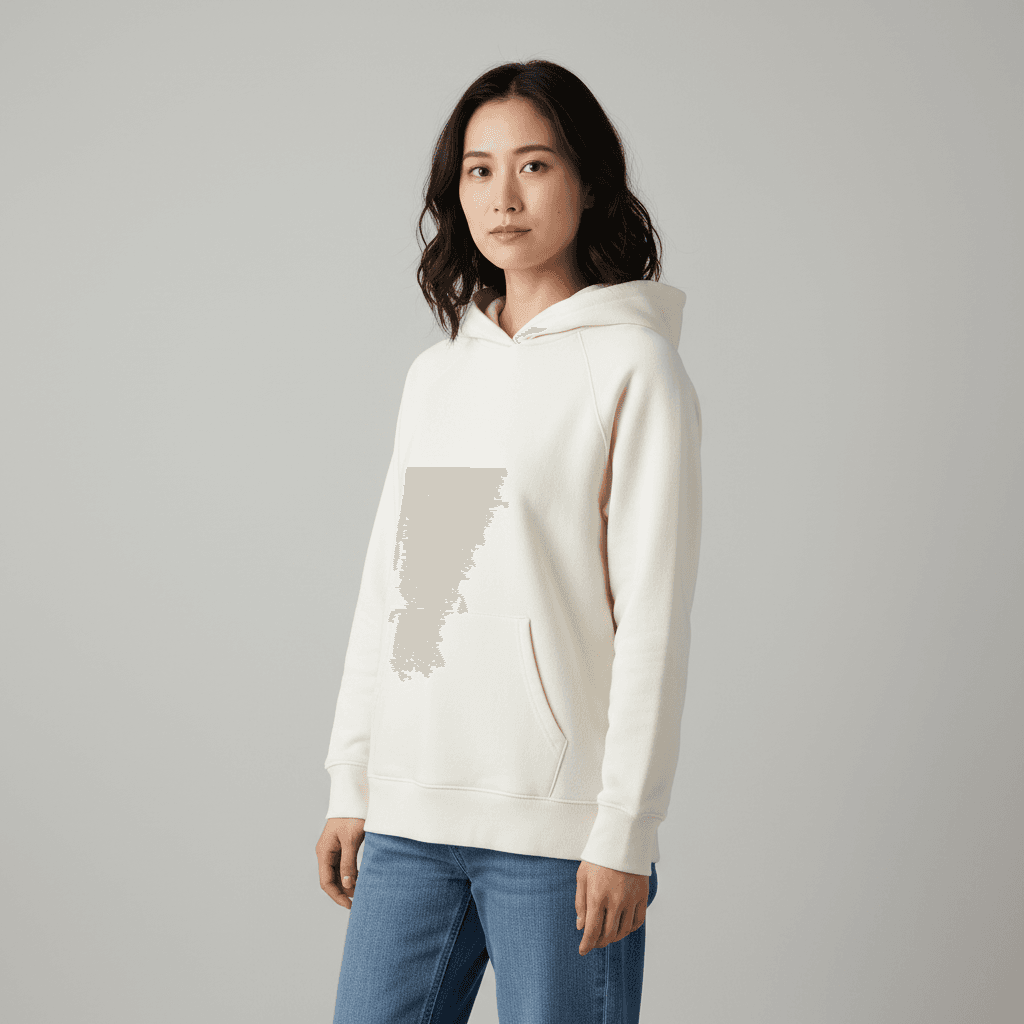
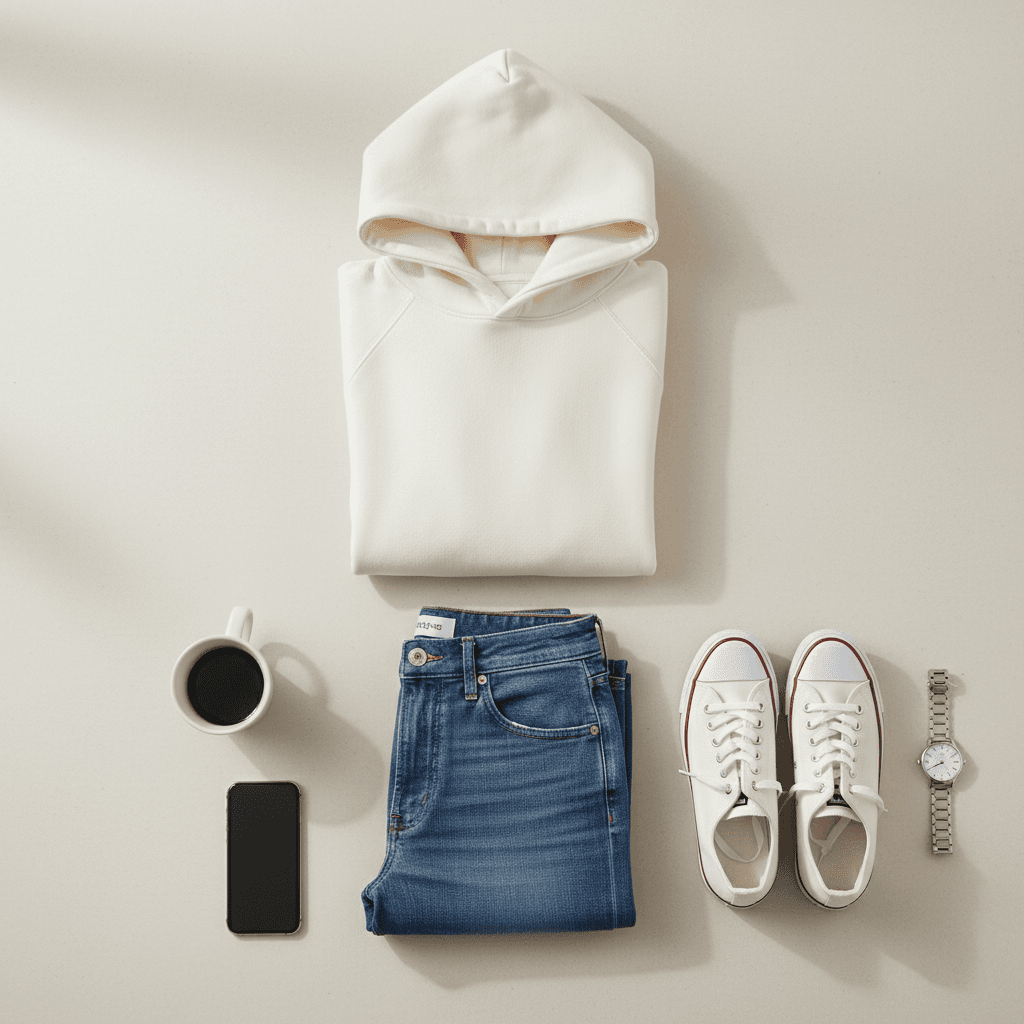
アップロードした人物の着衣写真から、服一式を上からノーリング配置で並べた OOTD フラットレイ画像を生成。各アイテムの色・柄を完全保持。
15 閲覧6 コピー
プロンプト
I uploaded a photo of a person wearing an outfit. Please re-render the scene as an Outfit-of-the-Day flat lay: arrange all the clothing items from the outfit (top, bottom, shoes, and any visible accessories) neatly on a clean light-beige surface, laid out in knolling style with parallel right-angled alignment. Preserve each garment's exact color, pattern, fabric texture, and silhouette from the source photo. Add 2-3 small contextual props next to the clothes (a coffee cup, a watch, a smartphone). Top-down camera angle (90-degree overhead), soft natural daylight from the side. Aspect ratio 1:1. Photorealistic product flat-lay photography style. Do not change any clothing color or pattern, do not invent garments not visible in the source, and no human body in the image — clothes only.
「ChatGPTで試す」ボタンを押すと、入力欄にプロンプトが自動入力された状態でChatGPTが開きます。
「Geminiで試す」ボタンを押すとプロンプトがコピーされ、Gemini が新しいタブで開きます。編集したい写真をアップロードしてプロンプトを貼り付けてください。
🚀 ここで試す
このプロンプトをサイト内で実行できます。
📸 編集元の写真をアップロード
※ 実行にはサインインが必要です(Google または メールリンク、初回 15 ポイント無料プレゼント)
使い方
- 1「ChatGPTで試す」ボタンを押すと、ChatGPTが自動で開き入力欄にプロンプトが貼り付けられます。
- 2または「プロンプトをコピー」ボタンで内容をコピーし、お好みのAIツールに貼り付けてください。
- 3必要に応じて、{ }で囲まれた部分を自分の内容に置き換えてください。
- 4送信して結果を確認します。
タグ
関連ガイド
📖📖📖
プロンプトは「コード」ではない — ヴィトゲンシュタインに学ぶAI対話の本質
なぜあなたのプロンプトは機能しないのか?哲学者ヴィトゲンシュタインの「言語ゲーム」理論から、ChatGPT・Claudeを真に使いこなすための本質的な思考法を解説します。
プロンプトの書き方完全ガイド|効果的なAIプロンプト作成の7つのコツとテンプレート集
ChatGPT・Claude・Gemini・Stable Diffusion対応のプロンプト書き方完全ガイド。7つのコツ、コピペで使えるテンプレート、ツール別の違い、NG例と改善方法、業務活用例まで実践的に解説。
画像から動画AIプロンプト作り方|無料で試せる動画生成AIコピペ例・料理動画テンプレ
画像から動画AIプロンプトの作り方を解説。画像から動画 ai 無料で試す手順、AI料理動画プロンプト、動画生成AIプロンプトのコピペ例を、Kling・Runway・Pika・Gemini向けに紹介。