アニメからリアルコスプレ変換テクニック
アニメや漫画のキャラクターを超リアルなコスプレ写真に変換するプロンプト技法。ポーズや衣装を完全再現。
42 閲覧0 コピー
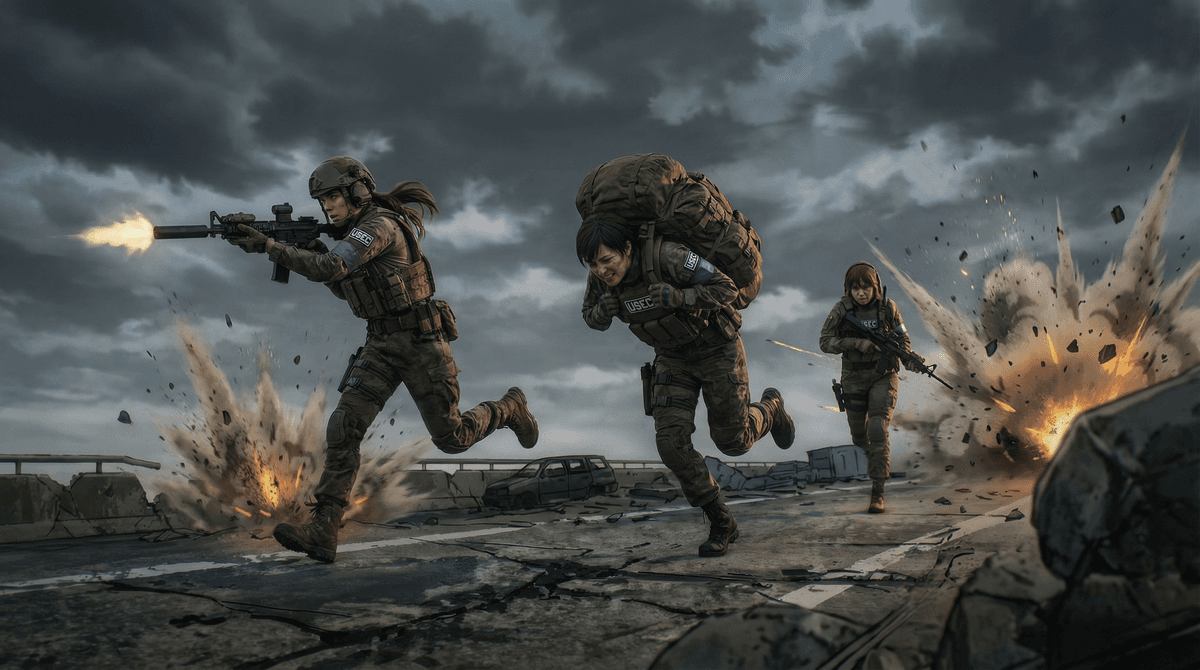
プロンプト
Transform the uploaded anime/cartoon/drawing into an ultra-photorealistic, lifelike photograph of a real adult human being in real life. The person is cosplaying the exact character with 100% identical pose, posture, hand gestures, facial expression, eye direction, hairstyle, hair color, outfit, accessories, props, and background elements. Preserve every single detail of the composition and camera angle as in the original image but instead realistic. The entire setting should be transformed to photorealism with cinematic camera techniques such as depth of field and focus, all objects should have detailed realistic texture. Adjust all exaggerated anime/cartoon proportions to natural, attractive real-human anatomy subtle bone structure. Add photorealistic skin texture with pores and subtle imperfections, lifelike eyes with catchlights and depth, detailed hair strands, realistic fabric folds and material textures, natural shadows, cinematic studio lighting or matching the original scene lighting perfectly. Ultra-high detail, sharp focus, 8K resolution, professional photography quality, no cartoon/illustration/anime artifacts remaining,
🚀 ここで試す
このプロンプトをサイト内で実行できます。
実行ツールを選択
※ 実行にはサインインが必要です(Google または メールリンク、初回 15 ポイント無料プレゼント)
使い方
- 1上のプロンプトをコピーボタンでコピーします。
- 2Stable Diffusionを開き、プロンプト入力欄に貼り付けます。
- 3必要に応じて、{ }で囲まれた部分を自分の内容に置き換えてください。
- 4生成を実行して結果を確認します。
タグ
関連ガイド
📖📖📖
プロンプトとは?意味・書き方・コツを徹底解説【AI初心者向け完全ガイド】
プロンプトの意味から書き方の5つのコツ、よくある失敗例、業務活用事例まで網羅した完全ガイド。ChatGPT・Claude・Gemini・Stable Diffusion・Midjourney・DALL-E対応の具体例つきでAIプロンプトを基礎から実践まで学べます。
Stable Diffusion プロンプト 書き方ガイド【呪文・コピペOK】|品質タグ・構図・ネガティブ実例
Stable Diffusion で美しい画像を生成するプロンプト書き方の完全ガイド。品質タグ、構図、スタイル指定、ネガティブプロンプト、BREAK・LoRA 連携まで、コピペで使える呪文と実例を画像付きで徹底解説。初心者の基礎から応用テクニックまで。
ネガティブプロンプト完全ガイド
AI画像生成におけるネガティブプロンプトの使い方と効果。品質向上のための必須テクニック。